
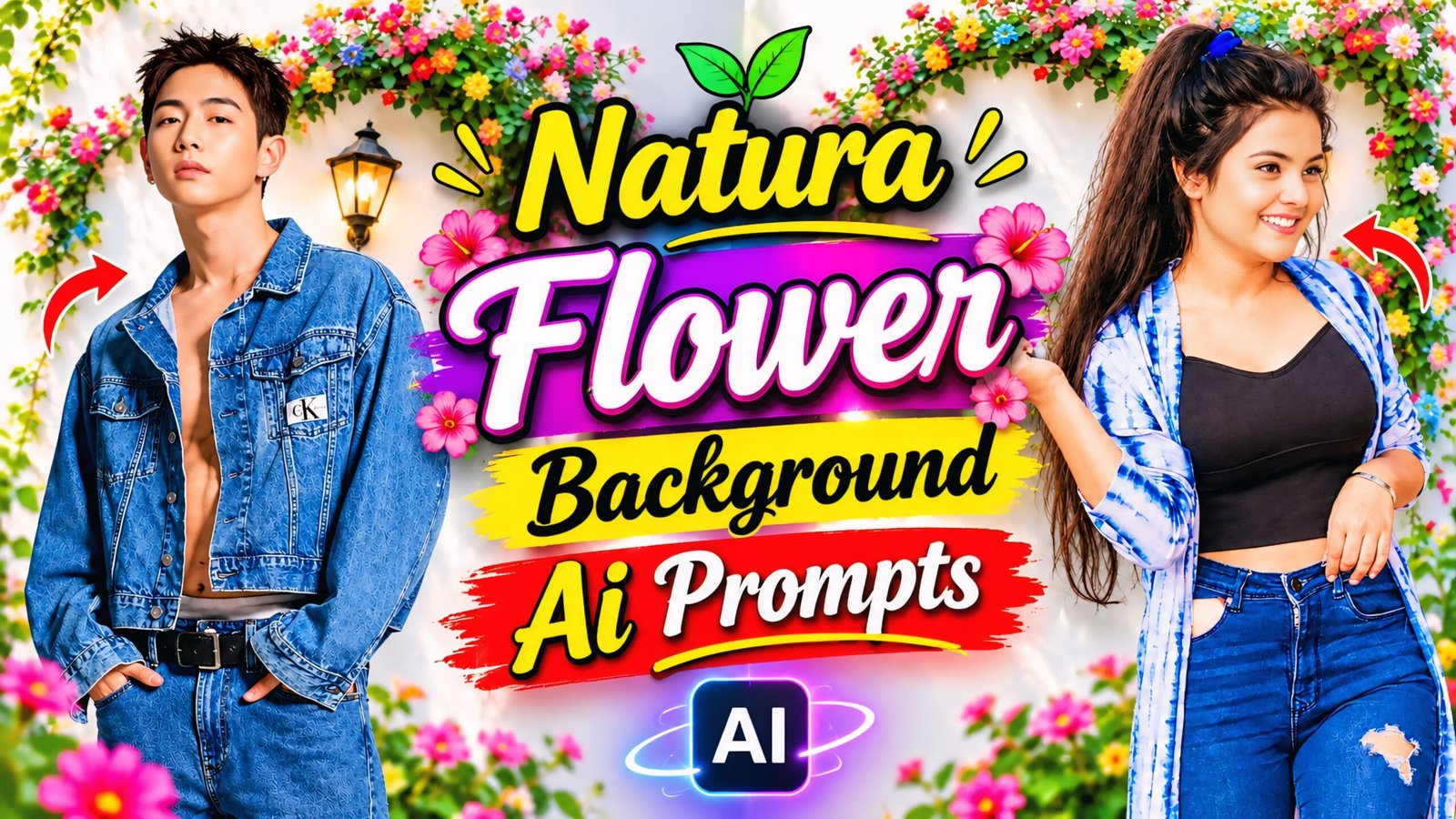
Natura Flower Background Ai Photo Editing Prompts, AI photo editing prompts for “natural flower background” images are currently going viral on Instagram, and everyone is creating them. You can easily create one too—just visit my website, where you’ll find all the trending prompts. Simply choose the one you like, copy it, open ChatGPT on your phone, upload your photo, and paste the prompt you copied from my website alongside your image. In just a short while, your edited photo will be ready. You can then download it and share it on social media platforms like Instagram or Facebook. Anyone—girls, boys, couples (girlfriends/boyfriends), or spouses (husbands/wives)—can create these!
As you are likely aware, AI is currently trending significantly; everyone is using it to create images and, just as easily, videos. In the near future, AI will be used by everyone. People are already using it to learn all sorts of things—whether it’s creating images or videos, seeking information, or even reading and writing—you can accomplish it all through AI. If you have questions, you can simply ask, and AI will teach you or provide the answers you need. I strongly suggest that the sooner you understand AI, the better it will be for you, because, in the time to come, AI is going to be the primary tool used for everything.
Note – Sometimes, even when both your photo and your prompt are correct, the resulting image might turn out slightly different. Don’t worry if this happens; simply open a new chat in ChatGPT and repeat the process—add your photo, paste the prompt, and submit it. You will get the desired result.
Information about AI Photo Editing Prompts with Natural Flower Backgrounds
For this photo, I have provided a background along with a corresponding prompt. Simply download the background and copy the prompt I’ve shared. Next, download the AI photo editing app (such as the one used for this process) onto your phone, open it, and log in. Upload your photo, replace the existing background with the one you downloaded, and paste the prompt. Your final image will then be generated—featuring a natural flower background that looks stunning and unique, giving your photo a modern, polished appearance. You can also customize the prompt to suit your preferences; for instance, you can adjust the dimensions (size) of the photo if you wish.
Natura Flower Background Ai Photo Editing Prompts
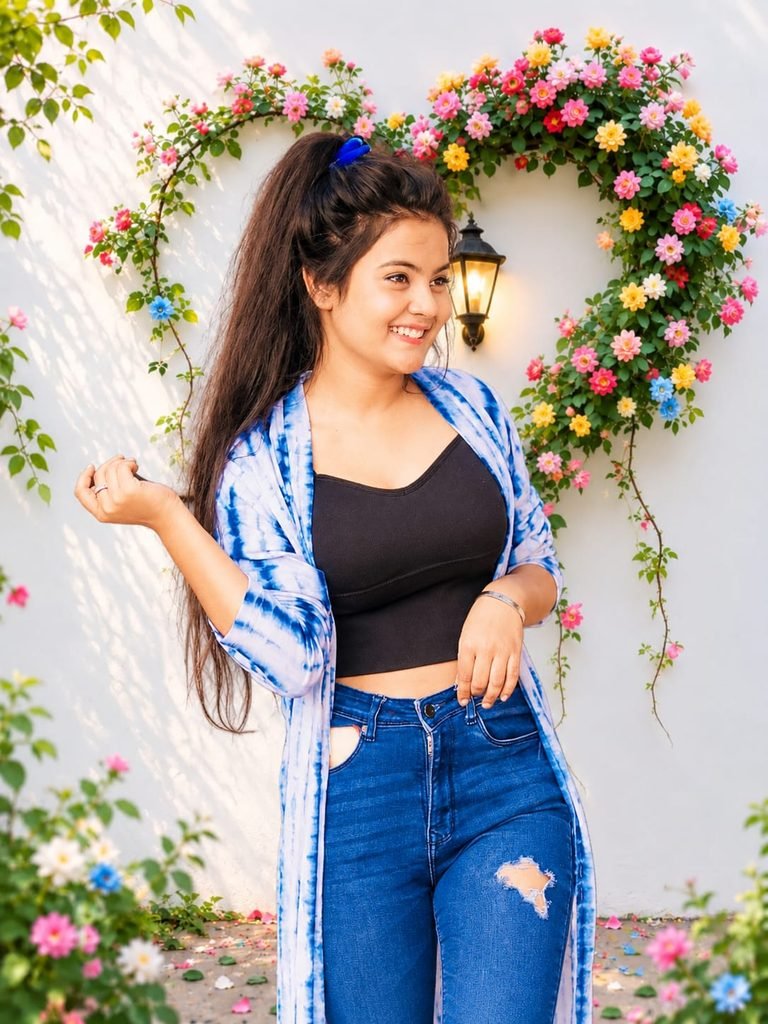

Upload real photo and use backgroud. Place this person in the second photo in a realistic manner and adjust them to match the second photo; do not change anything else. Keep the background exactly as it is do not alter it at all-and do not change the face or Enhance the image to 4K quality and set the aspect ratio to 3:4.
How to Use AI Photo Editing Prompts for ‘Nature Flower Background’
To create photos with a ‘Nature Flower Background,’ you will need an app called ChatGPT. You can download it using the link provided below. Once downloaded, log in using any of your Gmail accounts. At the bottom, you will see a ‘+’ icon; click on it to upload the photo you wish to edit. Next, copy the prompt corresponding to the style you like, paste it alongside your photo, and send it. Wait a few moments, and your edited photo will be ready. You can then download it by clicking the download option provided below.
Conclusion: Nature Flower Background
As you know, the prompts I provide are always distinct and unique. This particular AI prompt for “Nature Flower Background” photo editing is truly fantastic. I have shared all the necessary details—simply follow the steps to create your own images. If you encounter any issues while creating them, please let me know in the comments. Additionally, if you need any other types of prompts, feel free to leave a comment!