
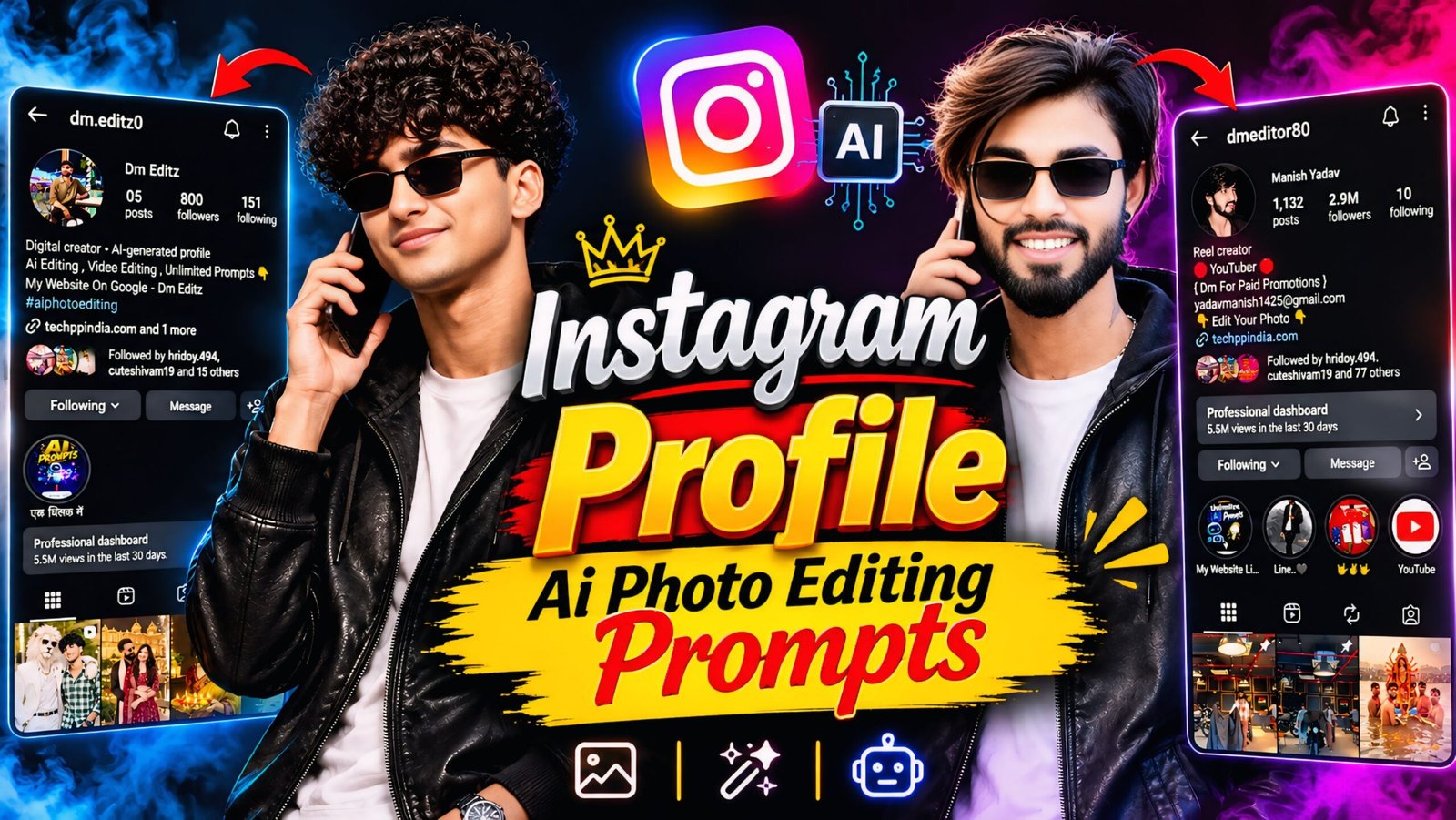
Trending Instagram Profile Ai Photo Editing Prompt: In today’s article, I’m sharing some fantastic, stylish AI prompts that you can use to create stunning images right from your phone—with just a single click! These are currently going viral across Instagram and other social media platforms, with everyone—guys and girls alike—jumping on the trend. You can take a screenshot of your own Instagram profile, use these prompts to transform it into a striking profile image, and post it to your feed for a chance to go viral. You’ll find the AI prompts below, and you can even customize the background colors to your liking. I’ll walk you through every single step!
As you are likely aware, we are currently living in the era of AI. AI is being updated constantly—becoming increasingly advanced—to ensure that people can access high-quality information in less time. You can use AI to ask questions or learn about virtually anything; in a sense, it functions much like Google. Currently, many people are using it to create images and videos. With the help of tools like Google Gemini or ChatGPT, anyone can easily generate images—and you can do it too! It only takes a single click: simply copy the prompts we’ve provided, open ChatGPT on your phone, upload your image (if applicable), and paste the prompt—your image will be generated instantly.
About Trending Instagram Profile Ai Photo Editing Prompts
We have provided a template that you can use to generate multiple—even countless—images. It is suitable for everyone, regardless of gender. If you wish to make any adjustments, you can simply edit the text fields—such as the background color, smoke effects, your name, or the follower count. Take a screenshot of your Instagram profile to check your exact follower count, number of posts, and your display name, then enter these details into the template. Finally, upload your photo along with the Instagram profile screenshot, and your image will be ready.
Trending Instagram Profile Ai Photo Editing Prompts
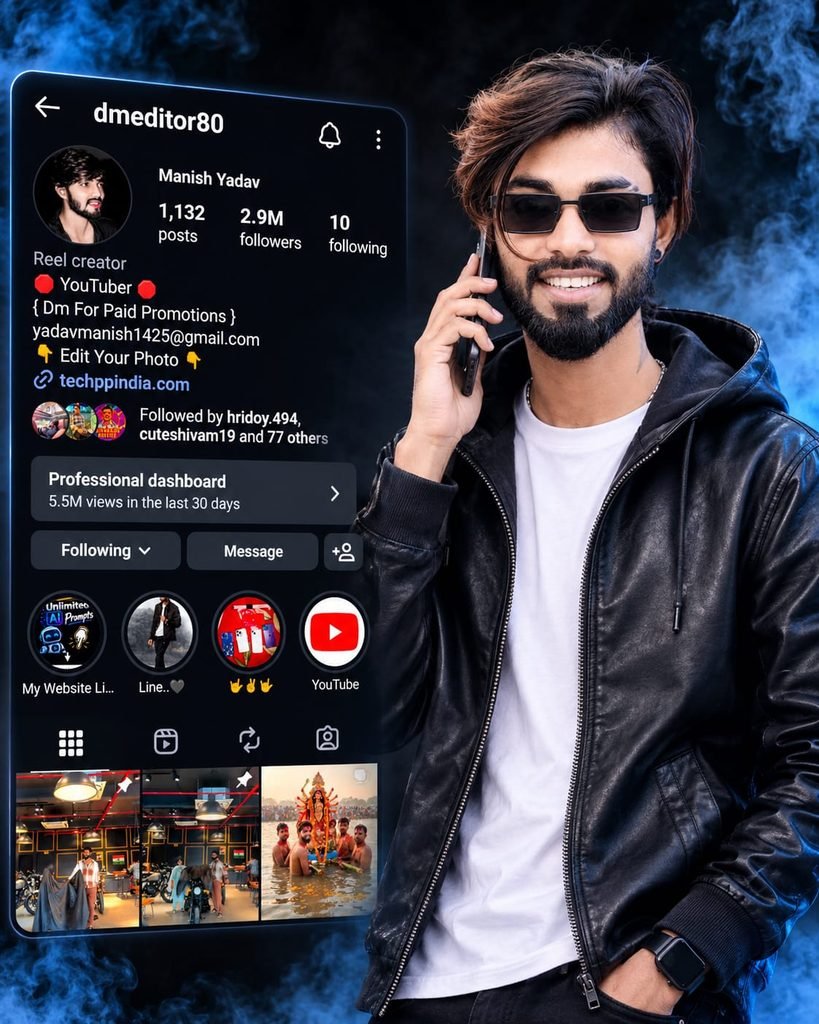
Create an ultra-realistic 8K cinematic Instagram profile poster using my uploaded photo as the exact identity reference.

LEFT SIDE: Display a realistic Instagram profile screenshot with username "nilesh_patil_0108", 25K followers, 729 posts, 841 following, profile picture, bio, highlights, music bar and professional dashboard showing 5.5M views in the last 30 days. Keep the Instagram UI clean and realistic.

RIGHT SIDE: Show me in a stylish black hooded leather jacket over a white shirt, wearing black stylish sunglasses, holding a smartphone near my ear, with a confident attitude.

ABSOLUTE FACE LOCK: Preserve my exact original face,

hairstyle, moustache, beard, skin tone and facial identity. No face changes, no beautification.

BACKGROUND: Dark black cinematic smoky atmosphere with dramatic red smoke effects around the corners, realistic lighting, premium Instagram creator aesthetic.

Professional DSLR photography, ultra-detailed, photorealistic, sharp focus, cinematic contrast, vertical 4:5 ratio. No watermark.
How To Use Trending Instagram Profile Ai Photo Editing Prompts
To create a ‘Sheru Bhai’ style photo, you will need an app called ChatGPT. You can download it using the link provided below. Once downloaded, log in using any of your Gmail accounts. At the bottom, you will see a ‘+’ icon; click on it to upload the photo you want to transform. Next, choose the style you like, copy the corresponding prompt, paste it alongside your uploaded photo, and send it. Wait for a few moments, and your photo will be ready. You can then download it by clicking the download option provided below.
Conclusion Of Trending Instagram Profile
As you know, the prompts I provide are always unique and stand out from the rest. This particular AI prompt—designed for the trending Instagram profile AI photo editing style—is truly fantastic. I have shared all the necessary details; simply follow the instructions to create your own photo. If you encounter any issues while creating it, please let me know in the comments. Also, feel free to comment if you are looking for any other types of prompts!