
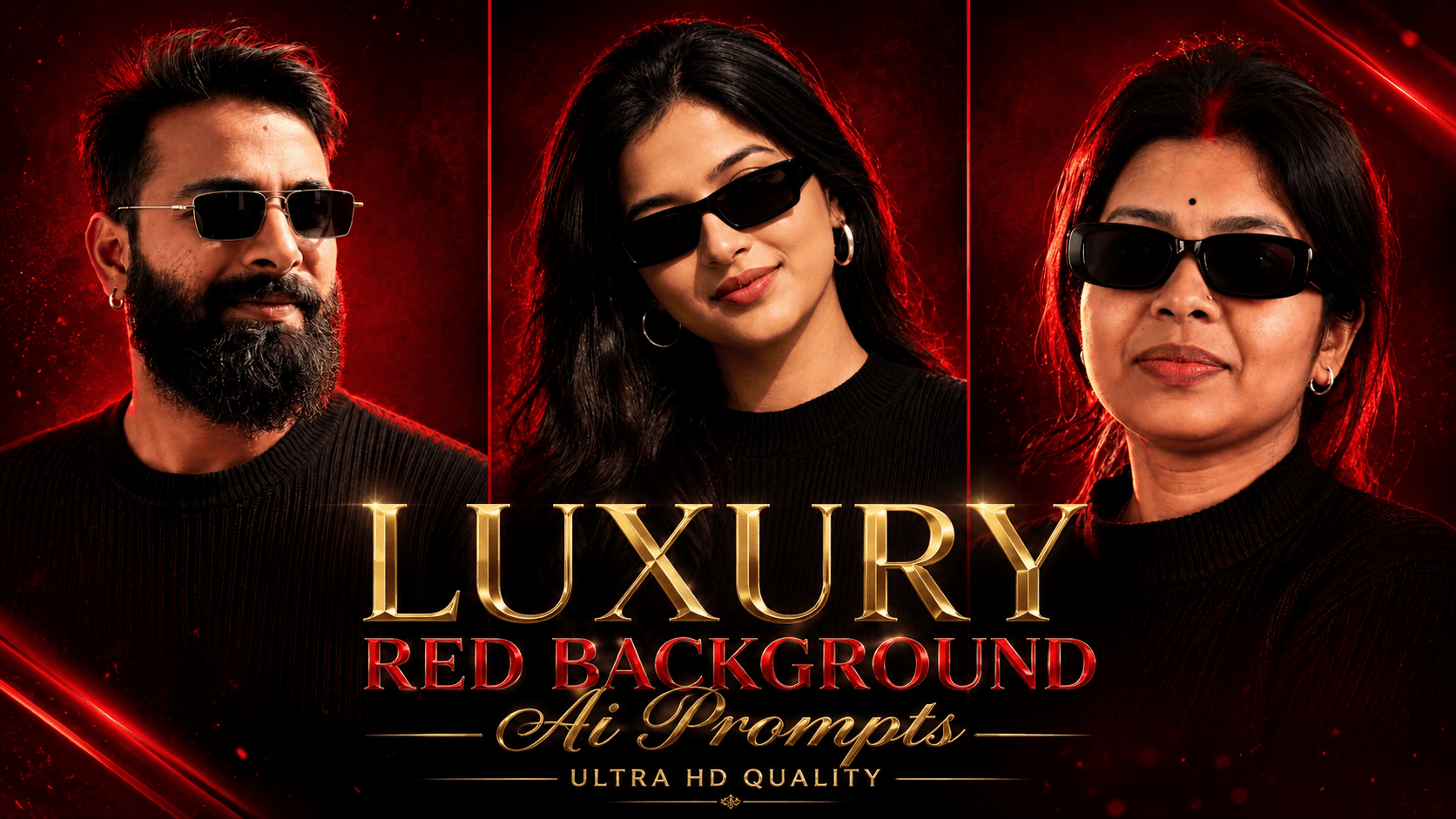
Luxury Red Background AI Photo Editing Prompts: In this article, I am sharing the AI photo editing style currently trending on Instagram, which allows you to transform your photos with just a single click. Everyone is creating these red-themed portrait AI images, so you should try it too; simply paste this specific code along with your photo, and your image will be ready. Many people are currently using these AI prompts to create the perfect profile picture (DP) instantly—one that looks incredibly cool and can be used across all social media platforms like WhatsApp, Facebook, and Instagram.
Nowadays, everyone is easily creating photos and videos using AI, and the technology is becoming increasingly advanced. You can create any kind of image you desire right from your phone, from the comfort of your home. Whether it is for birthdays, engagements, weddings, or even wedding invitations—for your wife, girlfriend, or children—you can generate exactly what you want using AI. Google Gemini and ChatGPT are currently the most widely used apps for this purpose. We have provided a variety of AI prompts for you; all you need to do is copy and paste them to get started.

About Luxury Red Background AI Photo Editing Prompts:
We have provided top AI prompts featuring a design that combines red and black background elements. The style includes a red circular effect surrounding the subject—appearing both behind the body and as a ring around the figure—along with a subtle red glow on the hair. These prompts are specifically designed for creating unique profile pictures (DPs). You can view the sample images provided here, copy the prompt you like, and click the link below to go directly to the app; simply add your photo, paste the prompt, and your image will be ready. Anyone can create this red-effect AI portrait—whether men, women, couples, husbands, wives, boyfriends, girlfriends, or even small children.
Luxury Red Background Ai Photo Editing Prompts
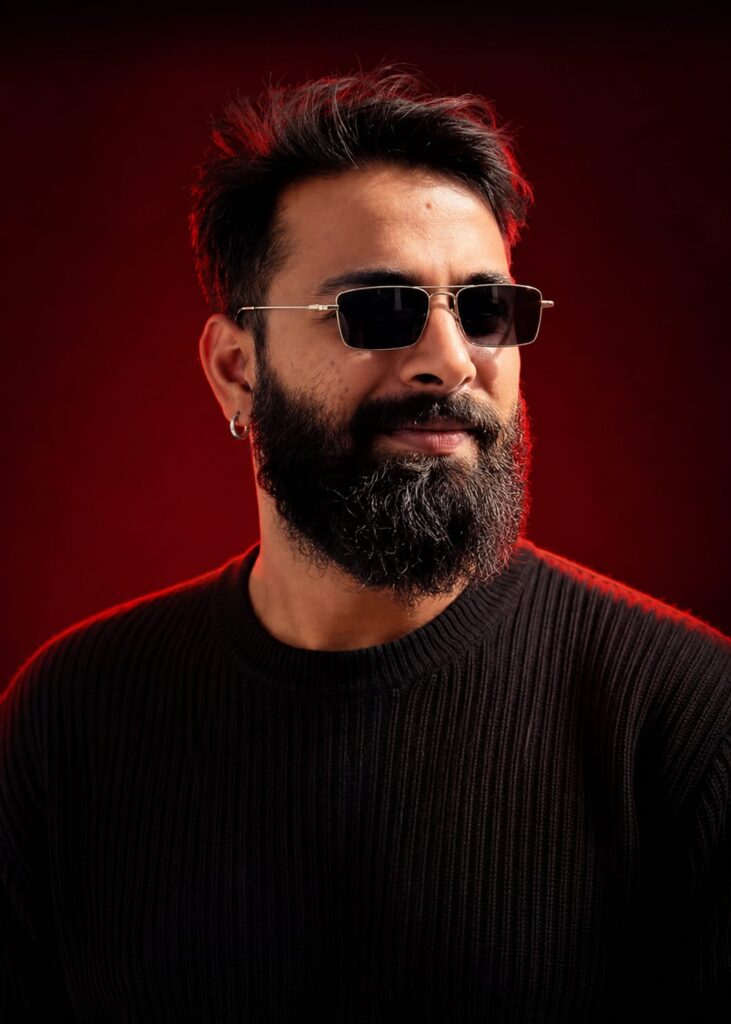
Use the uploaded reference Image as the exact Identity of the person.
STRICT IDENTITY LOCK:
Preserve 100% facial structure, skin tone, hairstyle, facial features, age, and identity. Do not alter the face, hair, skin texture, or any natural characteristics. Maintain complete likeness to the reference image.
OUTFIT:

Premium black ribbed knit sweater, sleek black rectangular sunglasses, small silver hoop earring. luxury men's fashion styling, clean and sophisticated look.
POSE
Head slightly lowered, face turned subtly to the side, confident expression, subtle smile, looking slightly past the camera, relaxed yet powerful posture.
SCENE
Luxury studio portrait, deep crimson-red gradient background, rich dark-red cinematic backdrop, minimal composition, premium editorial atmosphere.
LIGHTING:
Soft beauty lighting on the face, dramatic red rim light outlining the hair and shoulders, cinematic shadows, high contrast, luxury fashion-magazine lighting.
CAMERA:
Chest-up portrait, 85mm lens. Don't change face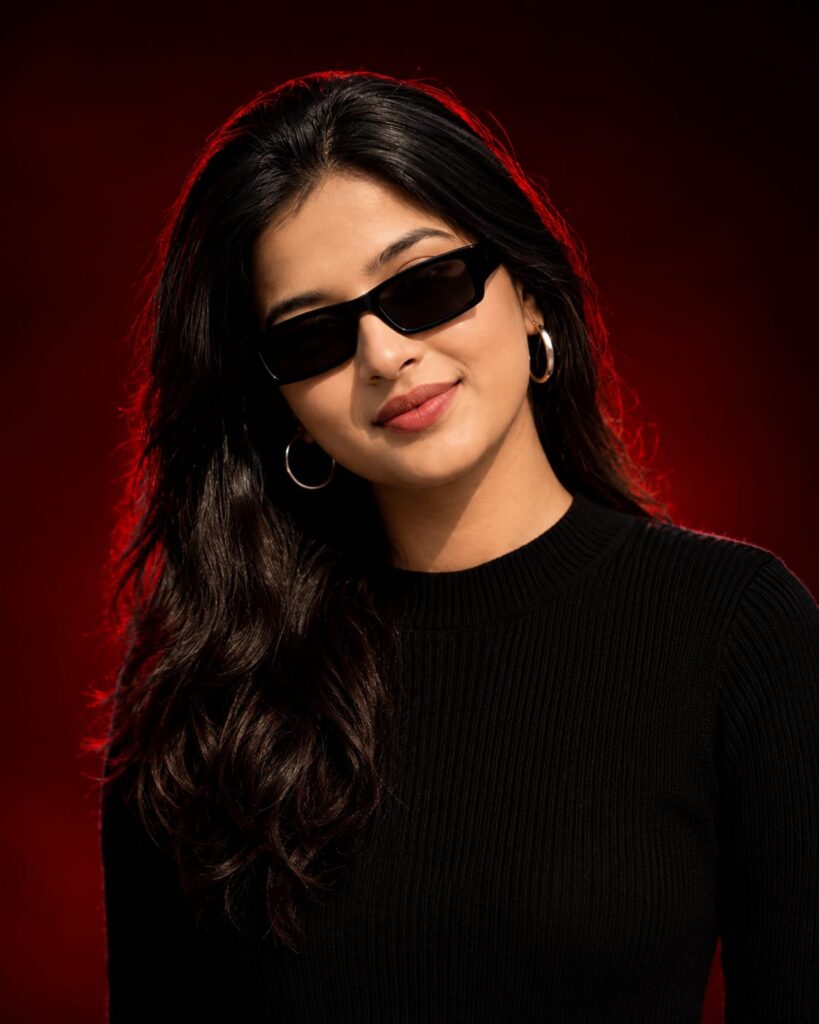
Use the uploaded reference image as the exact identity of the person. STRICT IDENTITY LOCK Preserve 100% facial structure, skin tone, hairstyle, beard, facial features, age and identity. Do not alter face, hair, beard appearance.
OUTFIT Premium black ribbed knit sweater, sleek black rectangular sunglasses, small silver hoop earring.
POSE
Head slightly lowered, face turned slightly sideways, confident expression, subtle smile, looking past camera.
SCENE
Luxury studio portrait, deep crimson-red gradient background, dark red cinematic backdrop, clean minimal composition.
LIGHTING
Soft beauty light, dramatic red rim light around hair and shoulders, editorial lighting, cinematic shadows, high contrast.
CAMERA
Chest-up portrait, 85mm lens, shallow depth of field, sharp facial details.
STYLE
Luxury men's fashion editorial, viral Instagram portrait, ultra realistic, DSLR quality, premium color grading, magazine cover aesthetic.
Aspect Ratio 4:5 Don't change face
How to Create AI Photos with a Luxury Red Background
To create these images, you need to use the ChatGPT app on your phone; I have outlined all the steps below. You will need the ChatGPT app, which you can download via the link provided below. After downloading, log in using any Gmail account. Look for the ‘+’ icon at the bottom of the screen, click it, and upload the photo you wish to transform. Then, simply copy the prompt corresponding to the style you like, paste it alongside your photo, and hit send. Wait a few moments for your image to be generated, then download it using the provided download option. The process is identical for both Google Gemini and ChatGPT.
Conclusion: Luxury Red Background
As you know, the prompts I share are always unique and highly effective. This particular AI prompt for creating “Luxury Red Background” images is fantastic. I have provided all the necessary details; all you need to do is follow the steps to create your photo. If you encounter any issues during the process, please let me know in the comments. You can also comment if you are looking for any other types of prompts.