
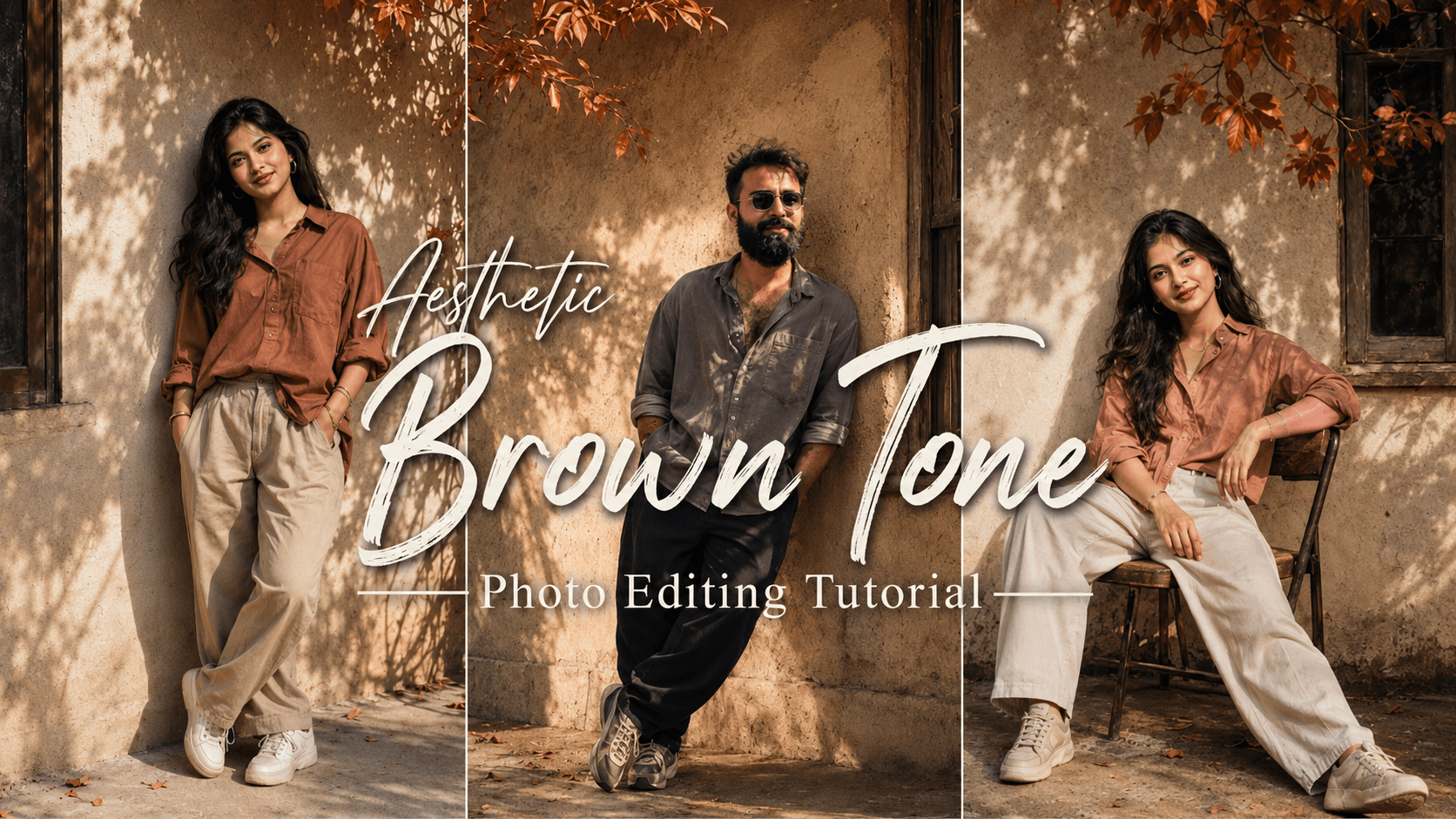
Aesthetic Brown Tone Photo Editing Tutorial: Nowadays, AI usage has become widespread, allowing everyone to easily create photos and videos. In this article, I will explain AI and how to generate photos using it; simply read this post to the end to understand the process. I have provided a fantastic and unique AI prompt that you can use to give your photos a stylish look—specifically, an aesthetic brown tone—which is currently trending. You, too, can create this viral-style photo.
This photo style offers a professional look that truly stands out—the kind of color grading that only a skilled editor would fully appreciate. It utilizes a brown tone that evokes a 90s vibe. These AI prompts are designed for both boys and girls; simply copy the provided prompt and use it with any of your photos in ChatGPT, and your image will be ready in moments.

About the Aesthetic Brown Tone Photo Editing Tutorial:
This style features cinematic lighting and a background reminiscent of the 90s—an old wall with a window and hanging flowers, alongside a boy sitting on a chair with a “funky” look. The overall composition appears stunning and unique. While professional editors typically create such images, these AI prompts make it accessible for anyone—across Asia and the globe—to generate this distinctive style. You can even customize the clothing, colors, and poses to your liking for a result that looks fantastic. You should definitely give this Aesthetic Brown style a try.
Aesthetic Brown Tone Photo Editing Tutorial
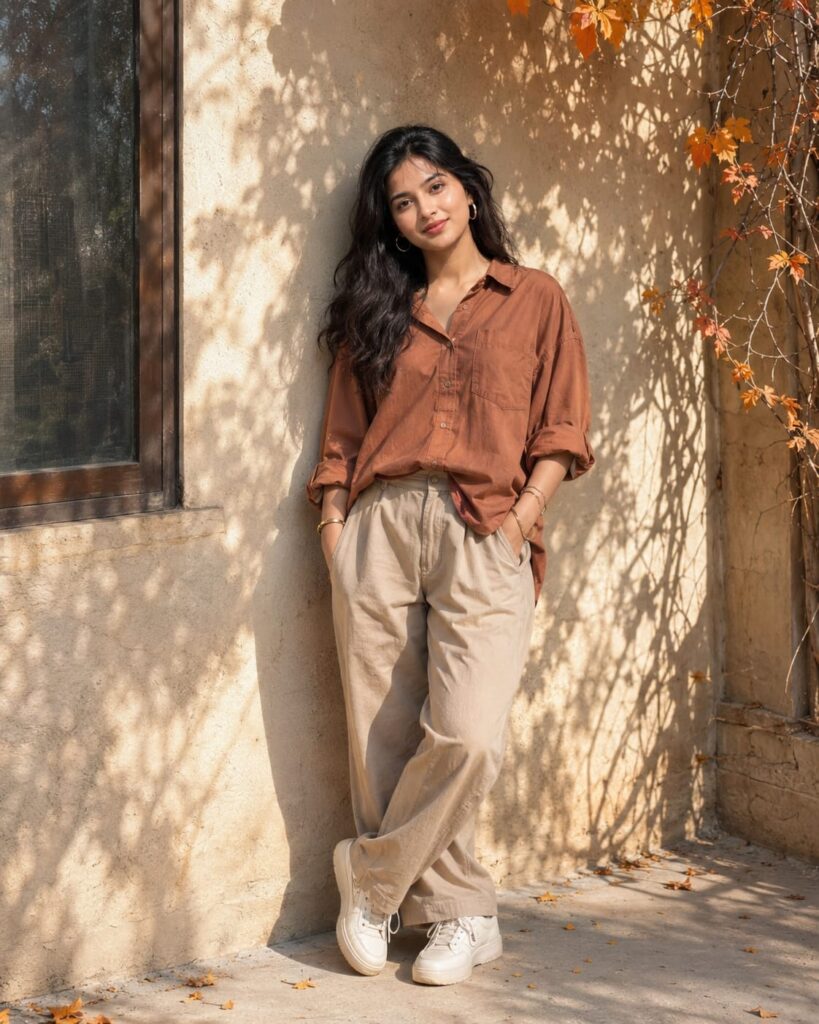
Generate a realistic portrait of a young woman standing and leaning his back with the biege simple old wall, a window at the side of wall, a stem of orange leaves fall over him, bright sunlight passing from the tree, look towards the camera, front angle shot, shot from a wide distance, messy and trousled hairs fall on his forehead, light and effect according to the background, he wear beige baggy trouser with terracotta oversized shirt rolled sleeve and sports shoes, Frem size 4:5 don't change face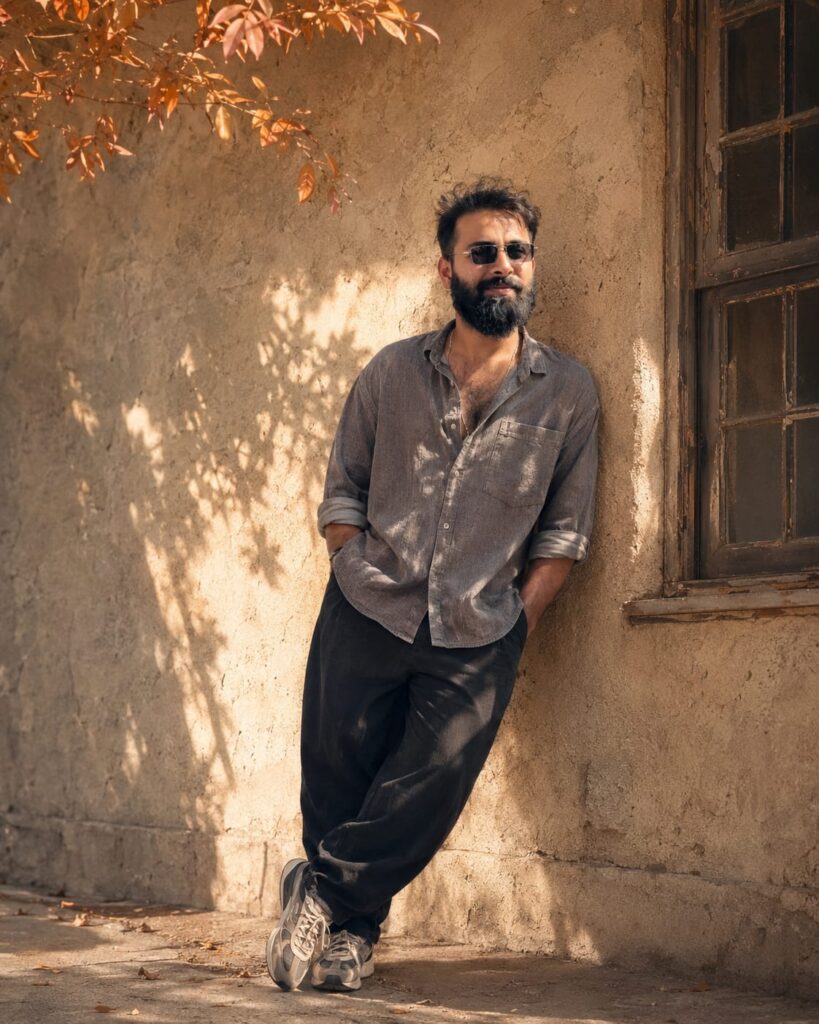
Generate a realistic portrait of a young man standing and leaning his back with the biege simple old wall, a window at the side of wall, a stem of orange leaves fall over him, bright sunlight passing from the tree, look towards the camera, front angle shot, shot from a wide distance, messy and trousled hairs fall on his forehead, light and effect according to the background, he wear beige baggy black trouser with terracotta oversized gray shirt rolled sleeve and sports shoes, Frem size 4:5 don't change face
How To Make Aesthetic Brown Tone Photo Editing Tutorial
To use this, click the link below or download the app ChatGPT from the Play Store. Log in using your Gmail account, tap the ‘+’ icon to add your photo, and then copy the prompt associated with the image style you like. Apply that prompt to a photo of your face to generate the new image; once it is ready, simply download it. If you wish to enhance or retouch the image, you can use apps like PicsArt, Remini, or various others.
Conclusion Of Aesthetic Brown Tone
As you know, the prompts I share are always unique and highly effective—delivering 100% working results. This particular AI prompt is fantastic; it’s designed for an “Aesthetic Brown Tone” photo editing style. I have provided all the necessary details—simply follow the steps to create your own version. If you encounter any issues while doing so, feel free to let me know in the comments. You can also comment if you need any other types of prompts.