
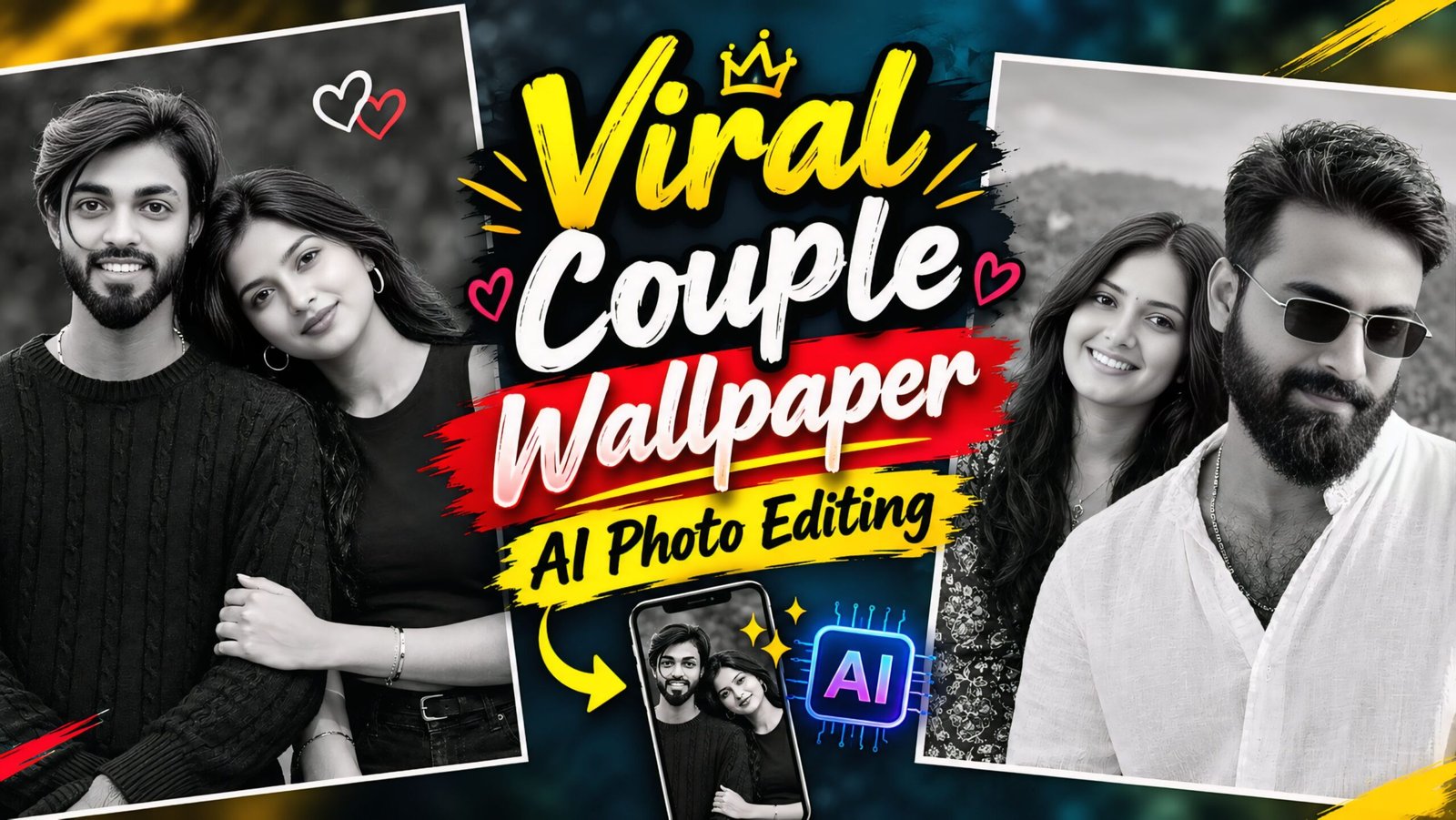
AI-generated “Viral Couple Wallpaper AI Photo Editing Prompts’ are currently trending, and while many people are showcasing them, they often fail to share the prompts used to create them. To address this, we have provided these prompts on our website, allowing you to create custom couple-themed wallpapers to display on your mobile screen. These viral-style couple images are gaining immense popularity, and you can generate one with just a single click. You can also share these prompts with your friends, family, or partner so that they, too, can create their own versions.
This couple-themed wallpaper image is quite unique and stylish—it looks fantastic! You can create it easily using just a prompt. If you don’t use AI for this, you would have to hire a professional editor, which would cost both time and money. Instead, you can simply add a photo of yourself and your partner, paste the prompt, and—with just one click—your image will be ready. Your faces will match 100% perfectly; it won’t even look like it was created using AI! So, go ahead and create yours, then upload it to Instagram or Facebook.
How the AI photo editing prompts for the viral couple wallpaper were created
To create this prompt, we instructed ChatGPT to incorporate all the necessary elements into a single paragraph. The resulting image features a boy and a girl, presented in a style that resembles a smartphone home screen—complete with details like the mobile network status and battery charge level. The image is rendered in black and white, giving it a unique aesthetic, and it also includes a time display at the top, which looks truly impressive. I highly recommend giving this prompt a try; in fact, everyone who has used this AI prompt so far has seen their posts go 100% viral!
Viral Couple Wallpaper AI Photo Editing Prompts
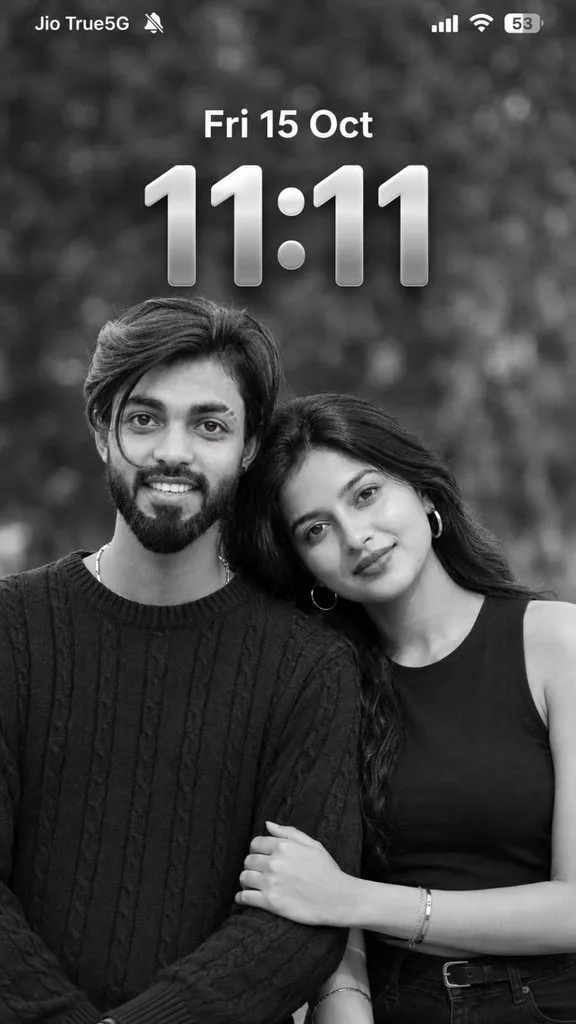
Status bar:

- Top-left carrier text: "Jio True5G"
- Small silent-mode bell icon beside the carrier
- Top-right cellular signal bars
- Wi-Fi icon
- Battery icon displaying "53"

Date text centered below the status bar:
"Fri 15 Oct"

Display the date in clean, bold, white iOS-style
typography.

Below the date, display the exact time:
"11:11"

The time must be extremely large, centered horizontally,
with elegant iOS-style rounded numerals, a metallic silver
gradient, subtle dimensional depth, and realistic shadows.

The time must read EXACTLY "11:11", not 11:10,
11:12, or any other time.

Position the couple's heads below and partially in front
of the lower portion of the clock, exactly like the
reference composition. Keep the date and time clearly
visible and readable.

Make the clock and date look naturally integrated into
the lock screen wallpaper.

🎬 FINAL QUALITY:
Ultra-photorealistic, cinematic monochrome portrait,
8K-quality details, realistic facial anatomy, natural
skin pores, detailed hair strands, professional lighting,
sharp focus on both faces, authentic romantic atmosphere.

Vertical 9:16 composition, 1080 × 1920 pixels.
Full-screen smartphone wallpaper.
No borders, no extra text, no watermark.

ABSOLUTE PRIORITY:
Both original faces must remain unchanged.
Match the reference image's composition, romantic pose,
black-and-white aesthetic, lock screen layout, date,
and exact time "11:11" as closely as possible.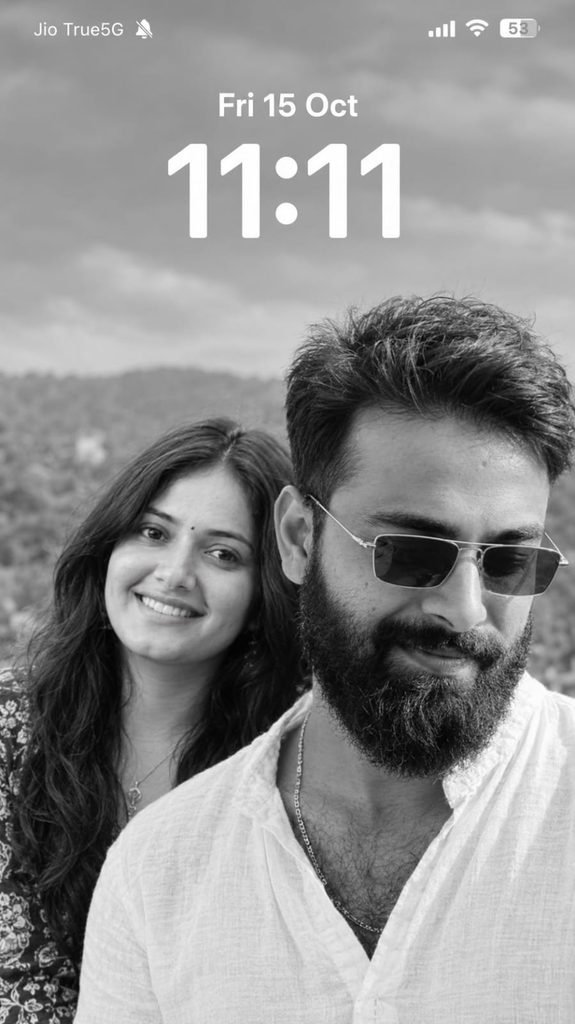
Ultra-Realistic Black & White Couple iPhone Lock Screen (STRICT 9:16) REFERENCE IMAGE INSTRUCTIONS Use the uploaded iPhone lock-screen screenshot as the STRICT COMPOSITION AND UI REFERENCE. Use the uploaded boy's and girl's photographs as STRICT FACIAL IDENTITY REFERENCES.

Create an ultra-realistic black-and-white couple portrait displayed as a complete iPhone-style lock-screen screenshot in an EXACT 9:16 VERTICAL ASPECT RATIO.

1. STRICT FACIAL IDENTITY PRESERVATION

Preserve both individuals' recognizable facial identities, natural facial structures, eyes, eyebrows, noses, lips, jawlines, skin textures, ages, and natural asymmetry.

Do not merge faces, swap identities, reshape facial features, or apply excessive beauty filters.

2. EXACT COUPLE COMPOSITION

- Man prominently positioned in the foreground on the right.

- Woman positioned slightly behind him on the left.

- Man looking downward with a subtle natural smile.

- Woman looking toward the camera with express. Don't change face
Note – Once the photo is generated, you can retouch it or perform further edits if you wish. This editing process is quite unique; you can create your photo in a single click using these AI prompts. If the photo doesn’t generate correctly on the first attempt, simply open a new page in ChatGPT, re-upload the reference image, and paste the prompt again.

How To Use Viral Couple Wallpaper AI Photo Editing Prompts
To create the viral ‘couple wallpaper’ style images, you will need an app called ChatGPT. You can download it using the link provided below. Once downloaded, log in using any of your Gmail accounts. At the bottom, you will see a ‘+’ icon; click on it to upload the photo you want to transform. Next, choose the style you like, copy the corresponding prompt, paste it alongside your uploaded photo, and hit send. Wait a few moments, and your image will be ready. You can then download it by clicking the download option provided below.
Conclusion Of Couple Wallpaper
As you know, the prompts I provide are always unique and stand out from the rest. This particular AI prompt— designed for creating “viral couple wallpaper” style images—is truly fantastic. I have shared all the necessary details; simply follow the instructions to create your own photos. If you encounter any issues while creating them, please let me know in the comments. Also, feel free to comment if you need any other types of prompts!