
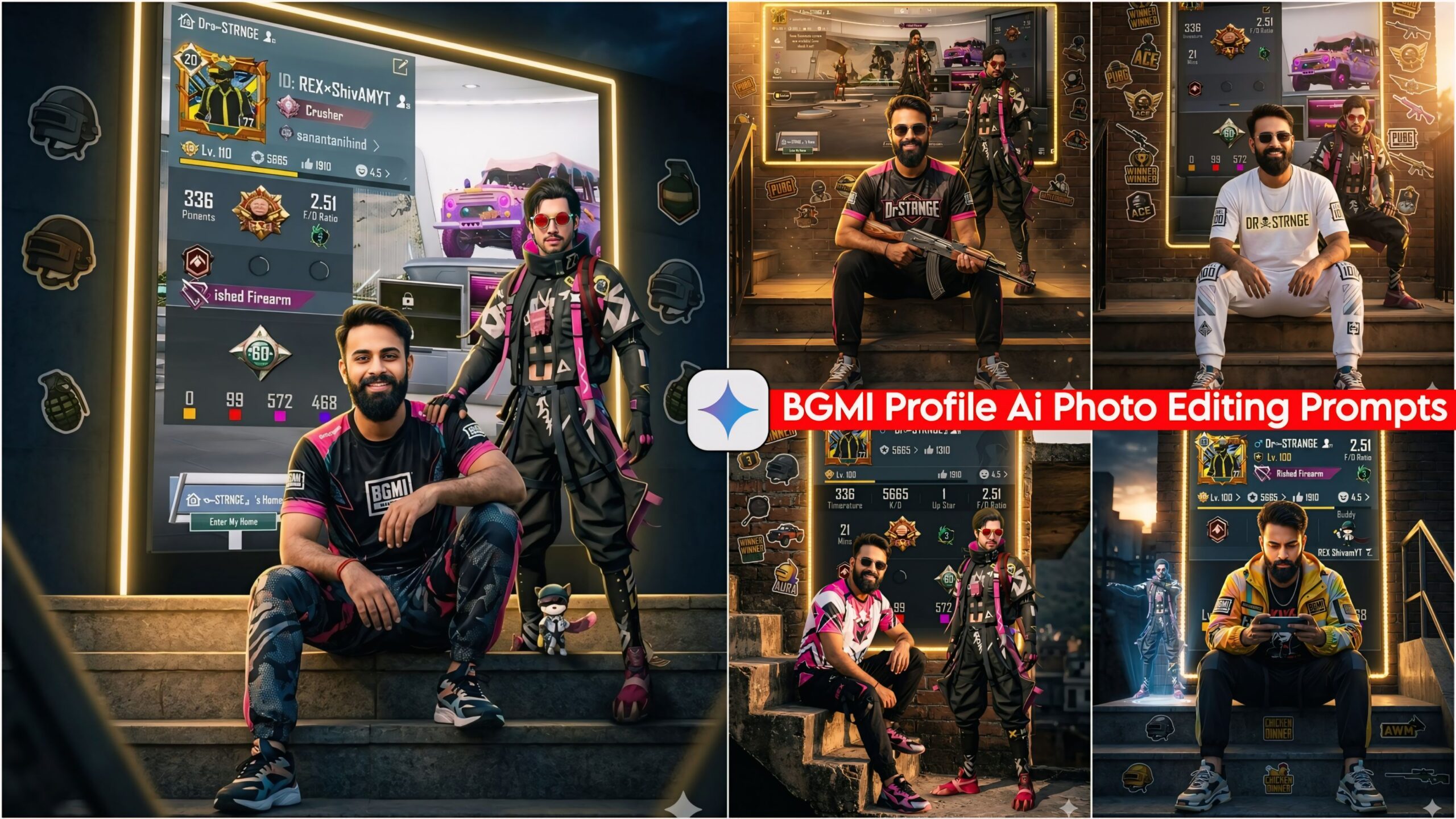
Google Gemini BGMI Profile Ai Photo Editing Prompts: As you are well aware, I have provided you with a truly fantastic and unique set of AI prompts designed specifically for gamers. This is because BGMI has a massive fan base here in India, and people in various countries continue to play the game under the name PUBG. Gamers can utilize these prompts to give their photos a stylish and impressive look. To do this, simply take a screenshot of your PUBG Mobile or BGMI profile—along with your personal photo—and input them into Google Gemini. Within just a few moments, your customized photo will be ready for you to download.
Details Regarding BGMI and PUBG
As you are well aware, until a few years ago, PUBG Mobile was the dominant title; however, for certain reasons, PUBG Mobile was banned in India. Consequently, BGMI was introduced to take its place. Given the massive player base for PUBG in India, the game was rebranded and launched specifically for the Indian market—whereas in other countries, people continue to access and play it under the original name, PUBG. With this in mind, we have created an AI prompt that anyone can use. All you need to do is take a screenshot of your PUBG Mobile or BGMI profile and apply this prompt alongside your photo.
Trending Ai Photo Editing Prompts
About Google Gemini BGMI Profile AI Photo Editing Prompts
In this collection, we have provided you with a total of 10 AI prompts suitable for both BGMI and PUBG players. To use them, simply open your BGMI game, take a screenshot of your profile, and then paste one of these AI prompts—along with your own photo—into Google Gemini. The AI will then generate your customized profile picture. We have incorporated various lighting styles—including cinematic lighting, dark/night-like effects, and daylight—to create visuals that look truly stunning. Furthermore, we have utilized a variety of outfit colors—featuring different combinations of trousers, T-shirts, and shoes—to create an outdoor aesthetic that ensures a 100% accurate match with your facial features.
Google Gemini BGMI Profile Ai Photo Editing Prompts
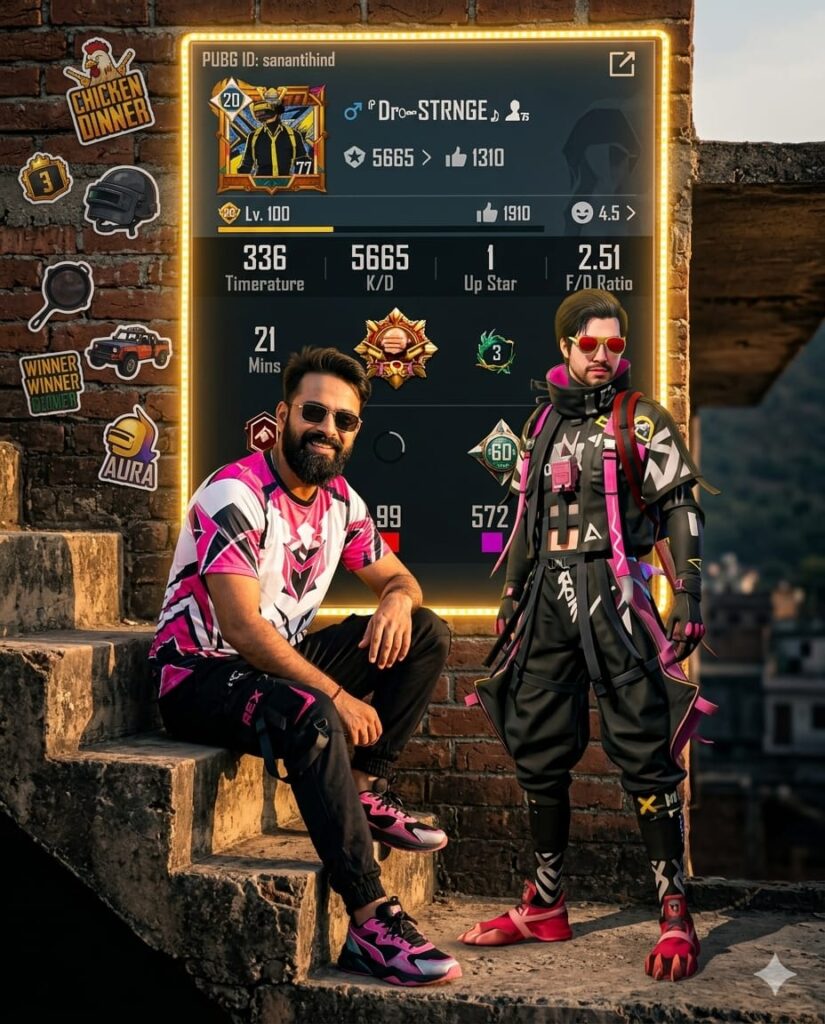
A hyper-realistic full-body shot of a confident young man sitting on outdoor stairs. He is wearing a vibrant, bright BGMI/PUBG themed outfit including a graphic t-shirt, athletic joggers, and stylish sneakers. Behind him, the entire wall is covered by a massive, high-detail poster of a PUBG ID profile. The poster is framed by glowing golden LED light strips. Various PUBG game stickers are scattered artistically around the wall. Standing right next to the man is his exact in-game character, matching the uploaded reference image perfectly. The scene is set during the golden hour with cinematic lighting, creating a high-contrast look with a dark, moody background and intense glowing highlights. Ultra-HD, 8k resolution, clean facial features, HDR, 4:5 aspect ratio. Don't change face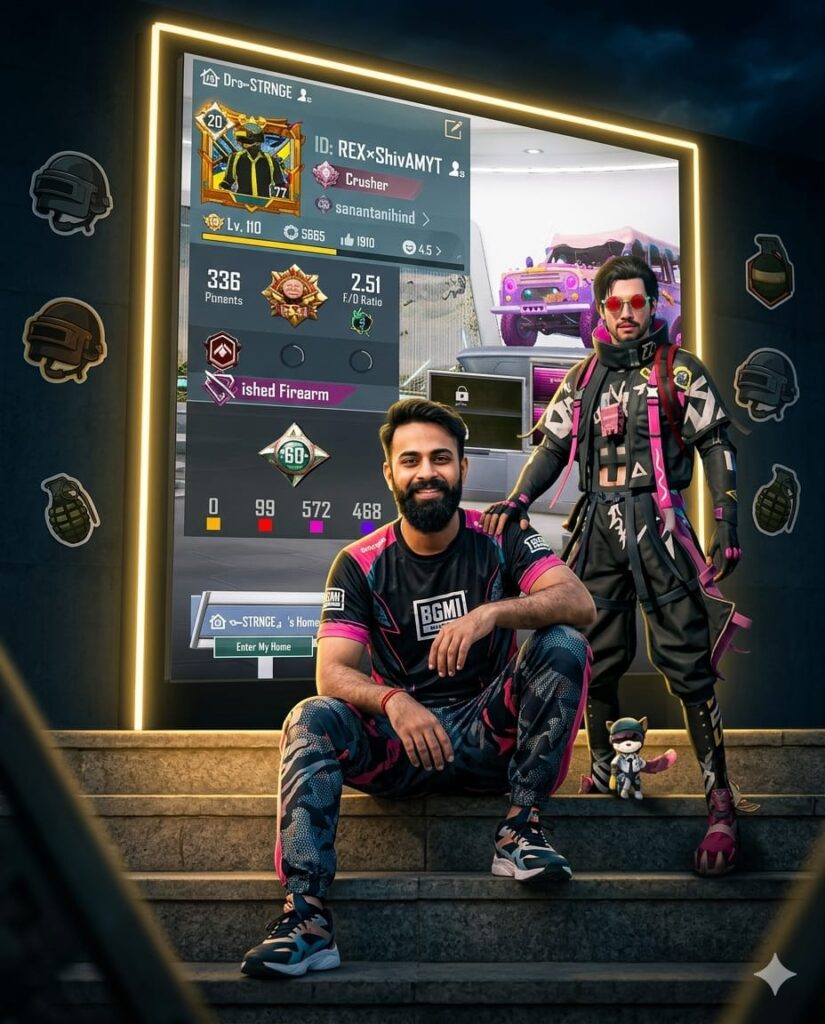
A realistic Ultra-HD portrait of a confident young man with a highly detailed, natural face sitting on outdoor stairs. He is wearing a vibrant, high-contrast BGMI/PUBG tactical outfit, including a bright branded T-shirt, joggers, and athletic shoes. Behind him, the entire wall is covered by a massive, glowing PUBG ID profile poster framed with sleek golden LED light strips. The surrounding wall is decorated with various PUBG-themed stickers. Standing right next to him, his in-game character has a hand placed firmly on his shoulder, mirroring the pose of the uploaded reference. The scene is set during the golden hour with cinematic lighting, creating a dark, moody background contrasted by intense golden glows and sharp highlights. High-resolution, clean facial features, 4:5 aspect ratio, 8k render, HDR quality. Don't change face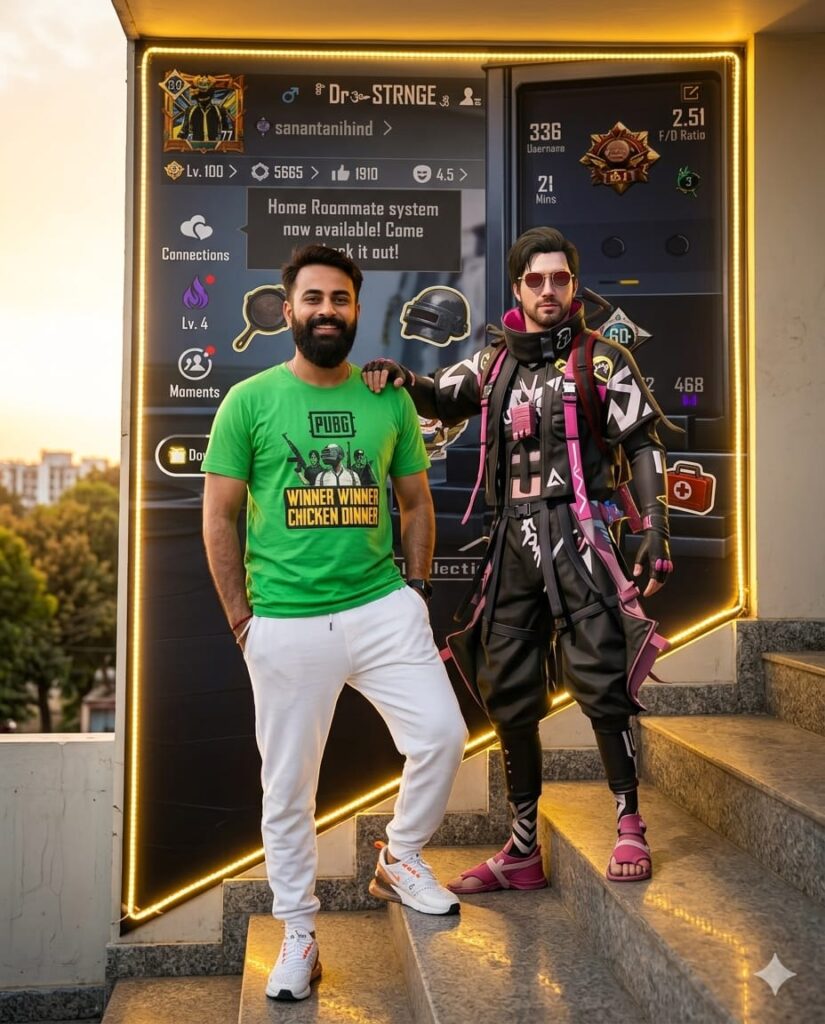
Ultra-realistic cinematic portrait of a confident young man standing on outdoor stairs during golden hour. He is wearing a bright green PUBG-style t-shirt, white joggers, and stylish white sneakers. Behind him, the entire wall is covered by a massive, glowing poster of his PUBG ID interface. The poster is framed with vibrant golden LED light strips and surrounded by various PUBG-themed stickers. Standing right next to him is his 3D game character, with its hand placed confidently on the man's shoulder, mirroring the exact look of the uploaded reference. The lighting is a dramatic mix of a dark, moody background and intense golden hour glows. Ultra HD, 8k resolution, highly detailed skin textures, clean face, 4:5 aspect ratio. Don't change face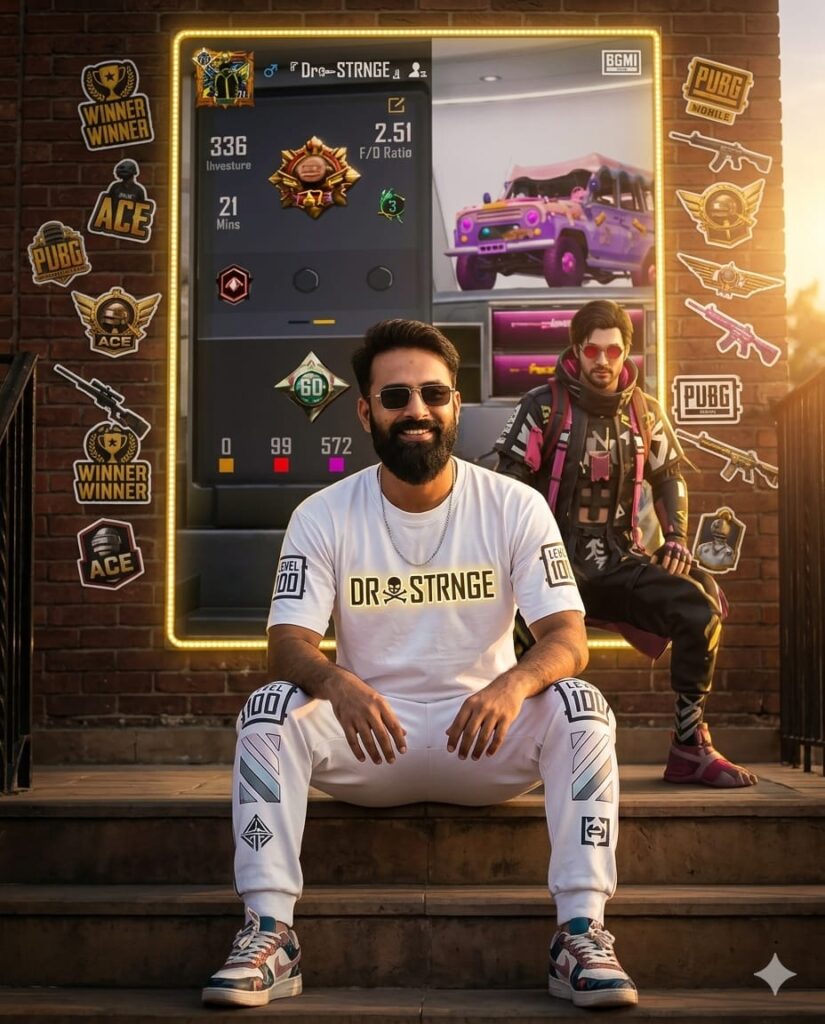
Realistic cinematic portrait of a confident young man sitting on outdoor stairs. He is wearing a bright, high-quality BGMI/PUBG themed outfit, including a stylized gaming T-shirt, matching joggers, and premium sneakers. Behind him, the entire wall is covered by a massive, high-detail poster of his PUBG ID profile. The poster is framed with glowing golden LED light strips and surrounded by various PUBG-themed stickers and decals. Standing behind him in the background is his actual PUBG game character, mirroring the pose of the uploaded reference photo. The scene is set during golden hour with dramatic cinematic lighting, deep shadows, and a vibrant golden glow. Ultra-high definition, clean facial features, 8k resolution, photorealistic texture. Aspect Ratio 4:5. Don't change face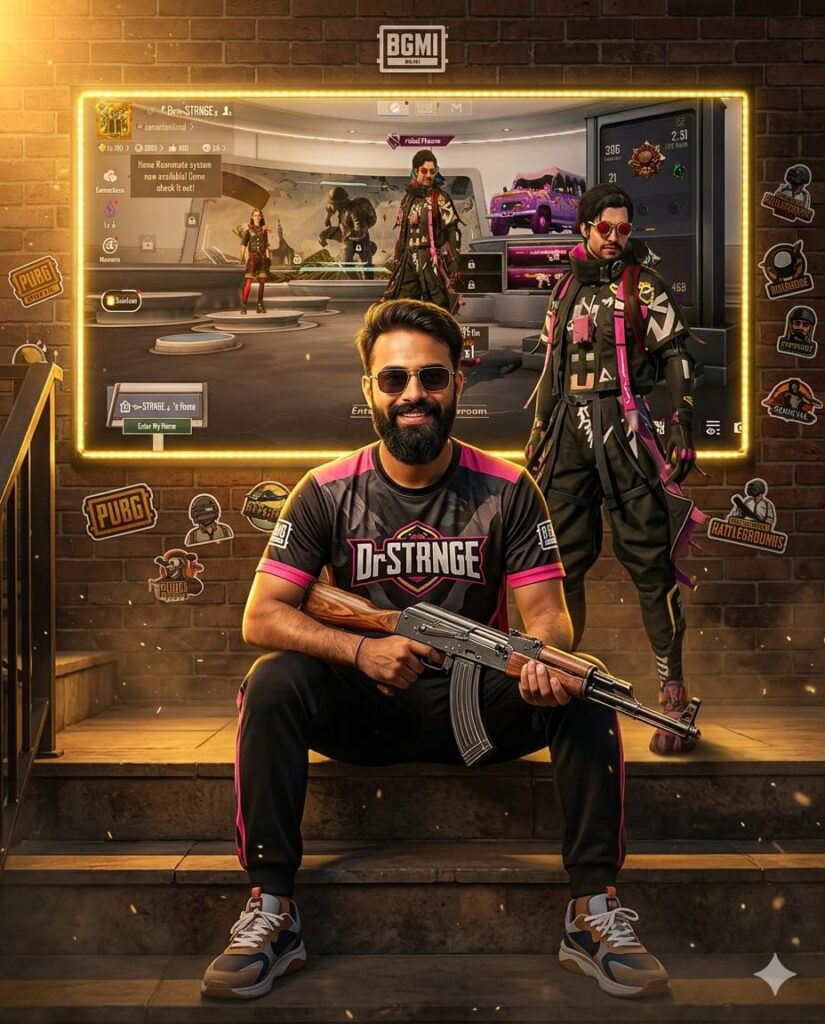
A high-end, ultra-realistic cinematic portrait of a confident young man sitting on outdoor stairs. He is wearing a vibrant, bright BGMI/PUBG-themed outfit, including a custom graphic T-shirt, joggers, and stylish sneakers. He is holding a detailed AKM rifle with a steady grip. Behind him, the entire wall is covered by a massive, high-definition PUBG ID poster. The poster is framed by glowing golden LED strips that illuminate the edges. The wall is also decorated with various PUBG-themed stickers. Standing right behind the man is his in-game character, matching the pose and look perfectly. The atmosphere is dark and cinematic with intense golden hour lighting, creating a sharp glow against the shadows. Ultra-HD, 8k resolution, clean facial features, 4:5 aspect ratio. Don't change face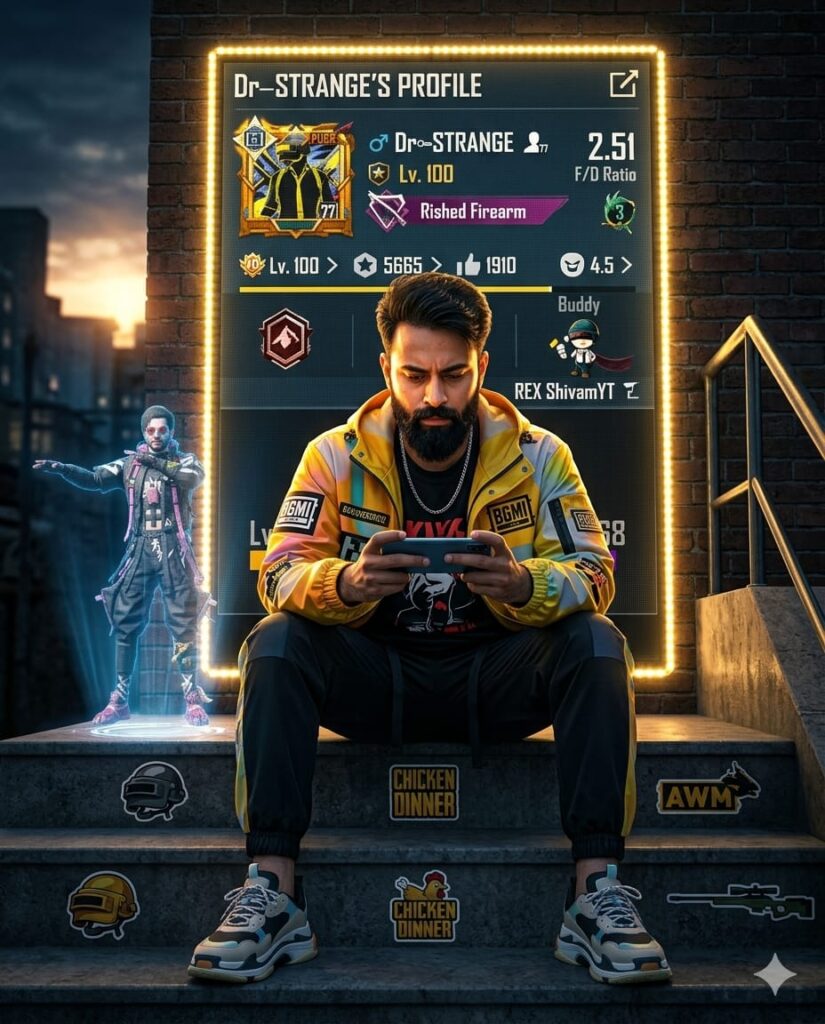
A realistic, ultra-high-definition cinematic portrait of a young man with a highly detailed, natural face sitting confidently on outdoor stairs. He is wearing a bright, stylized BGMI/PUBG tactical outfit, including a branded t-shirt, joggers, and athletic shoes. He is captured mid-action, intensely playing PUBG on his phone. Directly behind him, the entire wall is covered by a massive, glowing PUBG ID profile poster, framed by vibrant golden LED strip lights. The surrounding stairs are decorated with various PUBG-themed stickers. Behind the man, a digital hologram of his game character is seen performing an iconic dance emote. The scene is set during the golden hour with a dark, moody background, creating a dramatic contrast with the intense golden glows and sharp highlights. 4:5 aspect ratio, 8k resolution, HDR, hyper-realistic textures, and clean facial features. Don't change face
How to Use Google Gemini Prompts for BGMI Profile AI Photo Editing
To generate these PUBG MOBILE or BGMI-themed AI photos, you will need an application called Google Gemini. We have provided a download link below, which you can use to obtain the app. Once downloaded, you will need to log in using your Gmail account—any Gmail address will work. Next, look for the ‘+’ icon located at the very bottom of the screen; click on it to add the specific photo you wish to edit. Then, simply copy the AI prompt corresponding to the style you prefer from this page, paste it alongside your selected photo within the app, and hit send. After waiting just a few moments, your edited photo will be ready!
Conclusion: PUBG and BGMI Profile Creation
In this guide, I have covered everything you need to know regarding Google Gemini AI prompts for editing PUBG and BGMI profile photos. I have explained the specific AI prompts—distinguishing between those for Google Gemini and ChatGPT—and provided a detailed, step-by-step breakdown of exactly how to use them. If you have any further questions or wish to learn anything else related to this topic, please feel free to ask in the comments section; I will be more than happy to assist you. Additionally, if you require any other types of AI prompts, please let us know.