
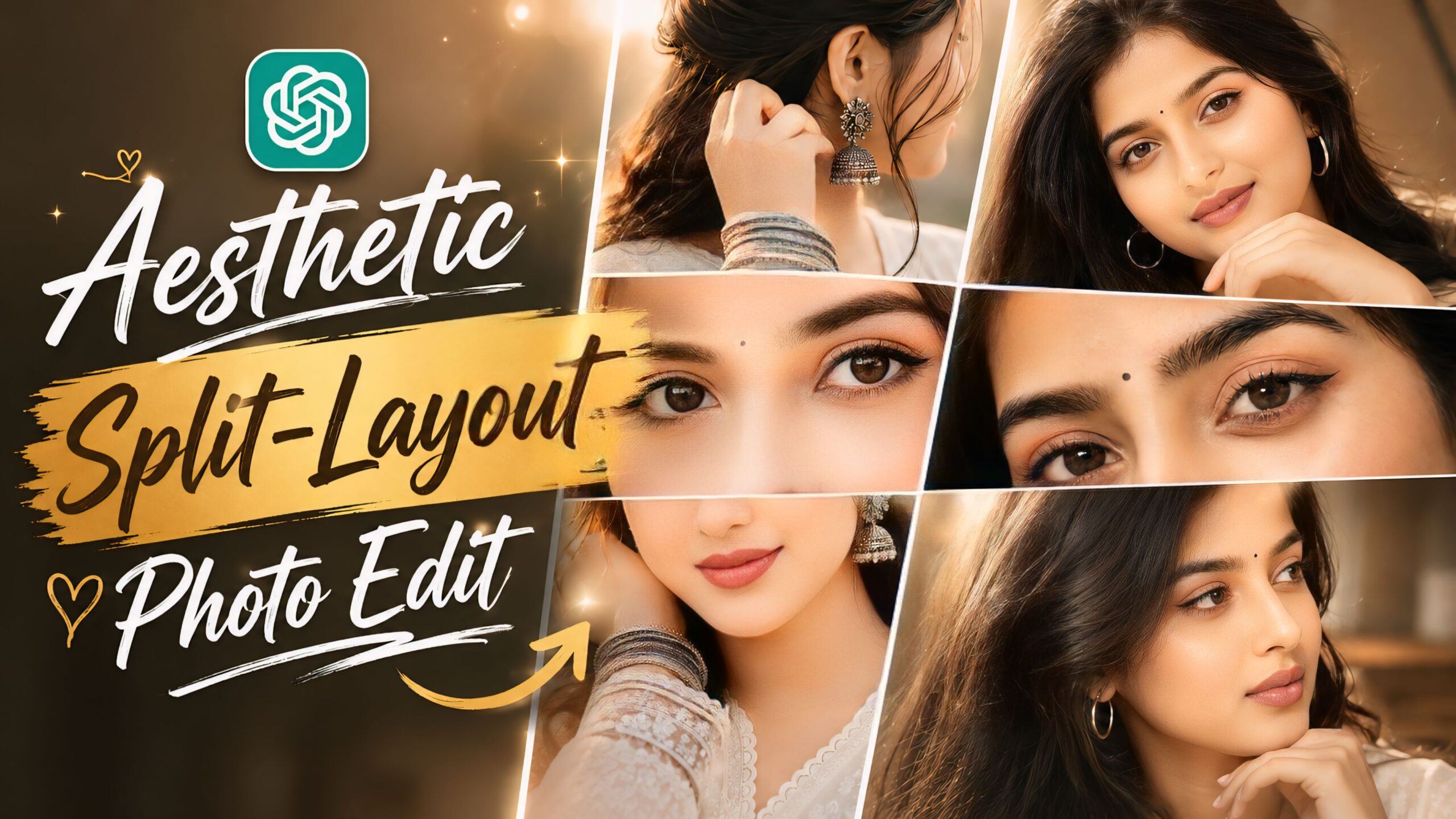
Aesthetic Split-Layout Photo Edit Using ChatGPT: Have you seen those beautiful ‘aesthetic split-layout’ photo edits on Instagram, Pinterest, and other social media platforms? These designs feature a three-layer photo effect. The best part is that you can achieve this premium look in just a few minutes using ChatGPT—without needing any specialized photo editing skills. Since this trend is currently going viral, you can create it right from your phone with just a single click. We have outlined all the steps here; simply read the article to the end, and you will understand exactly how to do it.
As you know, AI has become quite advanced and is being used for all kinds of online tasks; you, too, can use it to give your photos a fantastic look—something we have tried ourselves. Professionals everywhere are using it these days, so why shouldn’t you? Beyond just photos, AI allows you to create impressive videos as well. With just a single click and the help of prompts, people are transforming their photos in ways that would be nearly impossible to achieve through manual editing.
About Aesthetic Split-Layout Photo Editing Using ChatGPT
Here are the top 5 AI prompts for a unique, trending 3-layer photo edit. The design features your cropped face at the top, a narrow strip showing your eyes in the middle, and your mouth and nose at the bottom. This aesthetic style is currently viral, so give it a try—it combines high-definition quality with cinematic lighting and even includes sunglasses.
Aesthetic Split-Layout Photo Edit Using ChatGPT
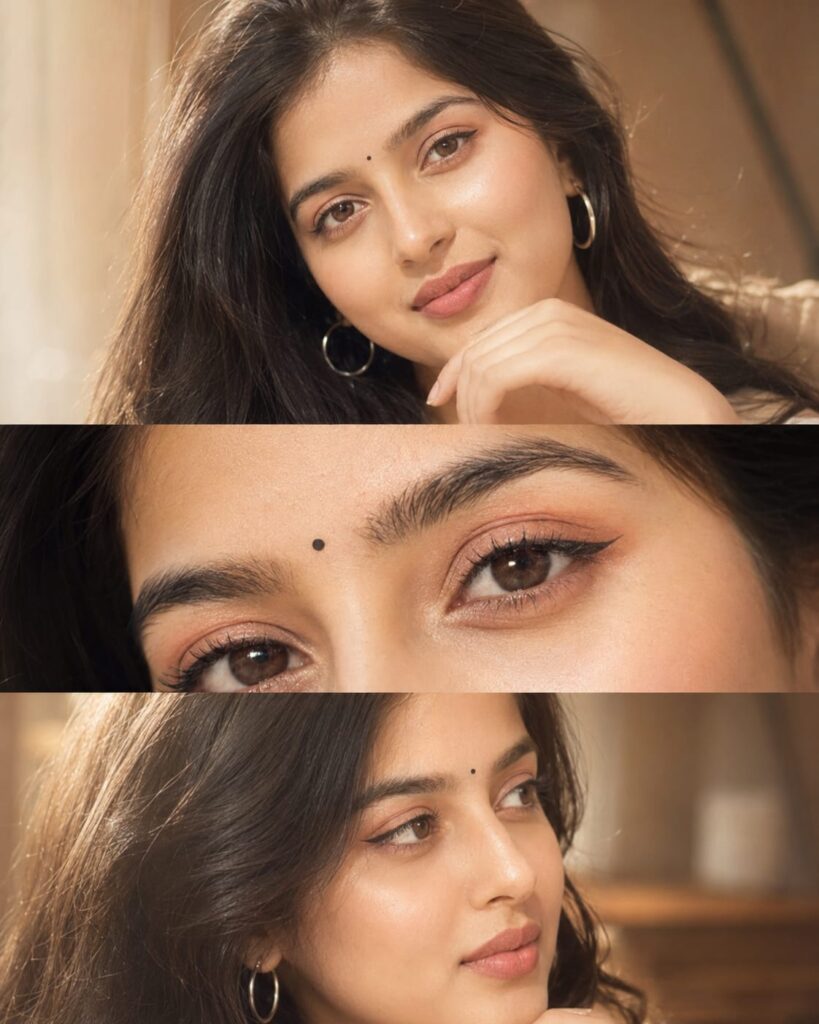
A soft dreamy close-up portrait collage of a beautiful young South Asian woman with long wavy black hair, glowing fair skin, and expressive brown eyes. She is wearing subtle peach-pink eyeshadow, winged eyeliner, nude matte lipstick, and a tiny black bindi on her forehead. Elegant candid pose with hand resting near chin, looking sideways naturally. Warm creamy aesthetic with high exposure, soft flash lighting, smooth skin texture, low contrast, pastel tones, and gentle glow effect.

Three-frame vertical collage layout featuring:

a front portrait, an extreme close-up of the eyes and makeup details, a side-looking candid portrait.

Soft blurred background, cozy indoor lighting, aesthetic feminine mood, glossy eyes, detailed eyelashes, natural eyebrows, ultra smooth finish, Instagram beauty filter style, dreamy cinematic retouch, subtle grain, high-key lighting, ratio, ultra realistic, HD quality Ratio 4:5 Golden glow effect add. Don't change face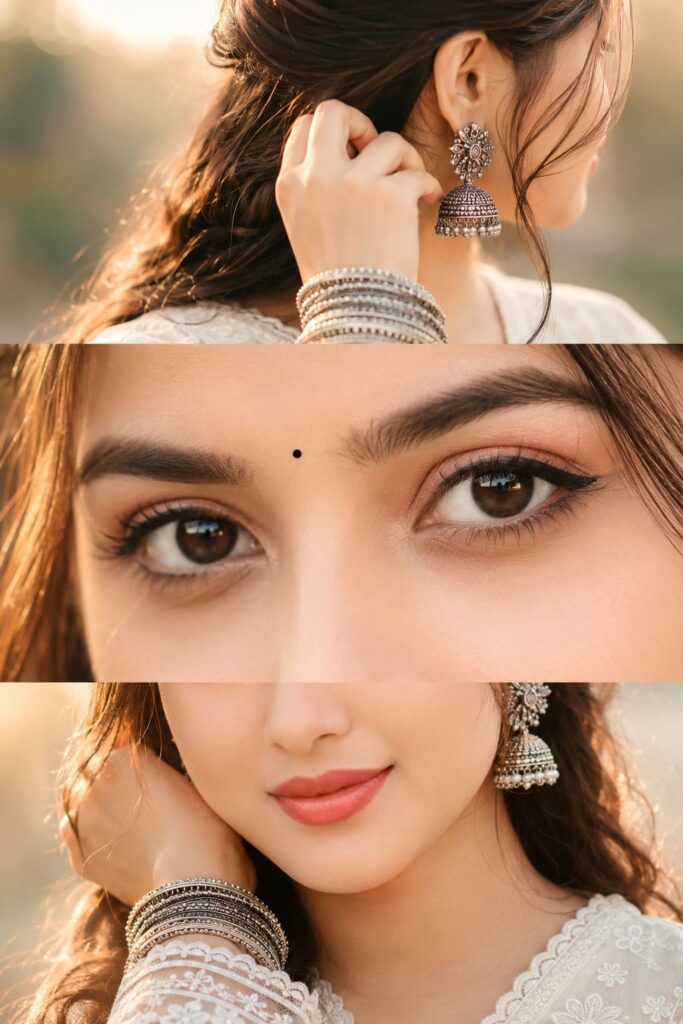
Use the uploaded reference image as the identity reference. Preserve the face, eye shape, skin tone, hairstyle, and facial features 100% exactly.

Create a premium vertical 3-panel collage.

Top panel: Close-up from behind/right side with the face mostly hidden (only a tiny cheek or jawline visible), focus on a large oxidized silver jhumka, hand gently touching the ear, stacked oxidized silver bangles, soft black kajal barely visible, loose hair strands, warm golden sunlight, creamy bokeh, shallow depth of field.

Middle panel (main focus): Ultra-realistic extreme macro close-up of both eyes with bold black kajal, subtle winged eyeliner, long natural eyelashes, thick eyebrows, glossy deep brown eyes, crystal-clear catchlights, tiny black bindi, flawless skin texture, DSLR macro photography.

Bottom panel: Lower half of the face with a soft smile, white embroidered cotton kurta, wrist resting near the face displaying oxidized silver bangles, loose hair strands, warm golden-hour lighting. Don't change face
How To Use Aesthetic Split-Layout Photo Edit Using ChatGPT
To use it, first of all you will need a ChatGPT, which will reach you by clicking on the link given below, after that you have to login with your Gmail, then click on the + icon given and add your clean faced photo, after that you have to copy the Ai Prompts that you like, then paste it with your photo and send it. In just some time, your photo will be ready, you can download it by clicking on the download option given above. And if you want, you can change some colors etc. as per your choice. You must have understood that if you don’t come then you can ask.
Final Thoughts
In this article, we have explained step-by-step how to use AI prompts and how anyone—whether a boy or a girl—can easily create these images. You simply need to read the article, and you won’t face any issues; however, if you do encounter any problems, feel free to leave a comment, and we will provide full assistance. You are also welcome to ask any questions related to editing.