
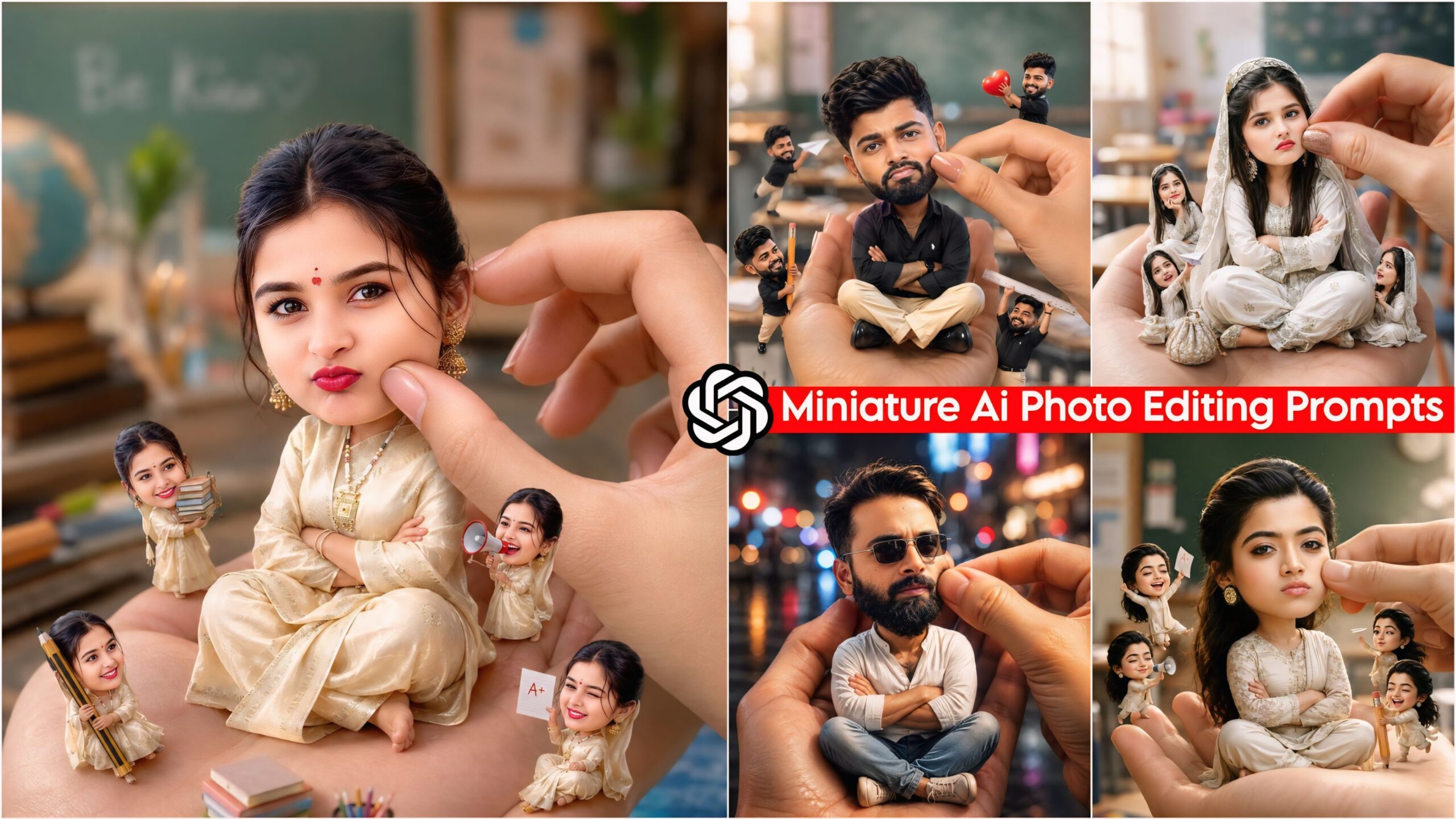
ChatGPT Viral Miniature AI Photo Editing Prompts: Friends, we have curated these prompts specifically to ensure that you face absolutely no difficulties. These prompts are 100% functional. Furthermore, on our website, you will find images that look so incredibly realistic and natural that you wouldn’t even suspect they were generated by AI. Best of all, you can utilize them with just a single click. As many of you already know, my name is Manish; I am a YouTuber, and on my channel, I cover everything related to photo editing—including various tips and tricks—to help ensure that my audience never has to struggle.
Today everyone is creating their photos using AI, so you can also create your photos with a stylish look. To help you, we first put on our website any AI prompts or trading editing. So, here you will find two apps very useful, which we will tell you about.
Trending Ai Photo Editing Prompts
1 Google Gemini: With this tool, you can enhance your photos to give them a polished look or customize them exactly to your liking. You can also ask it anything related to AI; much like Google, it provides comprehensive, topic-specific information on every subject. Therefore, you can certainly make use of this tool.
2 ChatGPT: With this tool, not only can you generate images, but you can also create them in stunning Ultra HD quality. The key difference here is that you have the ability to produce your photos in high-definition quality. Furthermore, you can ask ChatGPT anything at all; for instance, if you need to generate a script on any given topic, you can easily do that as well.
About ChatGPT Viral Miniature AI Photo Editing Prompts
In this collection, we have provided you with Miniature AI Prompts that are currently going viral on Instagram. To use them, simply paste these prompts—along with your own photo—into ChatGPT, and your customized image will be ready instantly. The resulting image features a miniature version of yourself sitting on your own hand; your head appears larger while your body remains small, creating a look that is incredibly unique and spectacular. These prompts have been designed to work with various poses and settings; for instance, you might see small Shin-chan characters performing different actions all around you, adding a delightful and distinctive touch to the final image.
Chatgpt Viral Miniature Ai Photo Editing Prompts – Trending ChatGPT Ai Prompts 2026
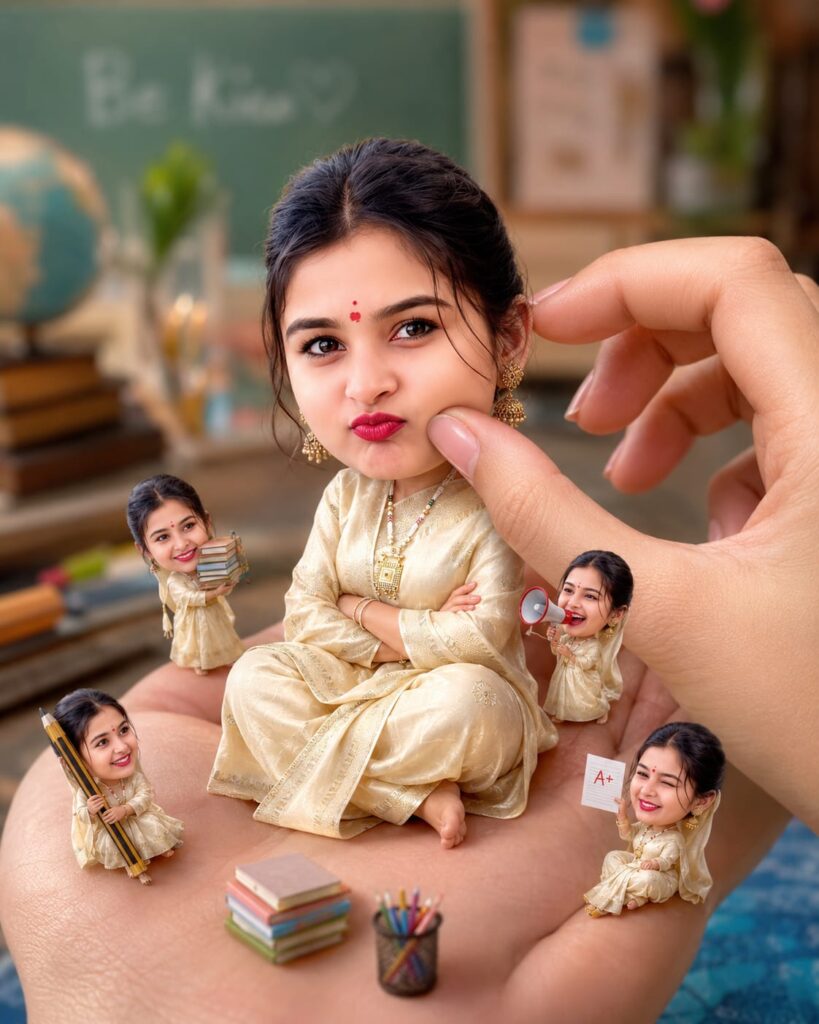
Create a stylized big-head miniature portrait of her. She appears as a tiny character with a slightly enlarged head and small body, sitting inside a large women hand. Pose: seated cross-legged, hands crossed, slightly pouty, angry but very cute expression. looking at the camera.

Environment: blurred school classroom background with bokeh.

Add a second hand gently pinching/ adjusting the person's cheek for a playful effect. Also add some 3d mini chibi characters of her around, doing funny stuffs. Outfit: same as her 32 reference image. Lighting: soft cinematic light, shallow depth of fieldr high detail, ultra-realistic, clean focus. Don't change reference image face. 4:5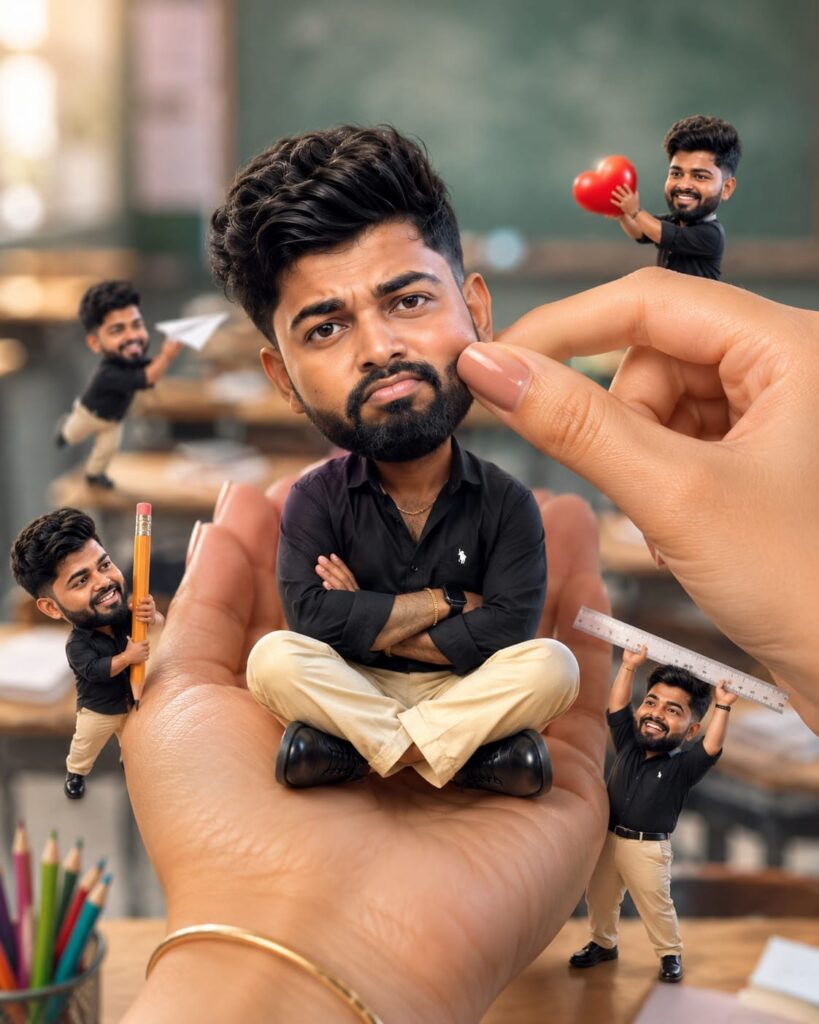
Create a stylized big-head miniature portrait of her. She appears as a tiny character with a slightly enlarged head and small body, sitting inside a large women hand. Pose: seated cross-legged, hands crossed, slightly pouty, angry but very cute expression. looking at the camera.

Environment: blurred school classroom background with bokeh.

Add a second hand gently pinching/ adjusting the person's cheek for a playful effect. Also add some 3d mini chibi characters of her around, doing funny stuffs. Outfit: same as her 32 reference image. Lighting: soft cinematic light, shallow depth of fieldr high detail, ultra-realistic, clean focus. Don't change reference image face. 4:5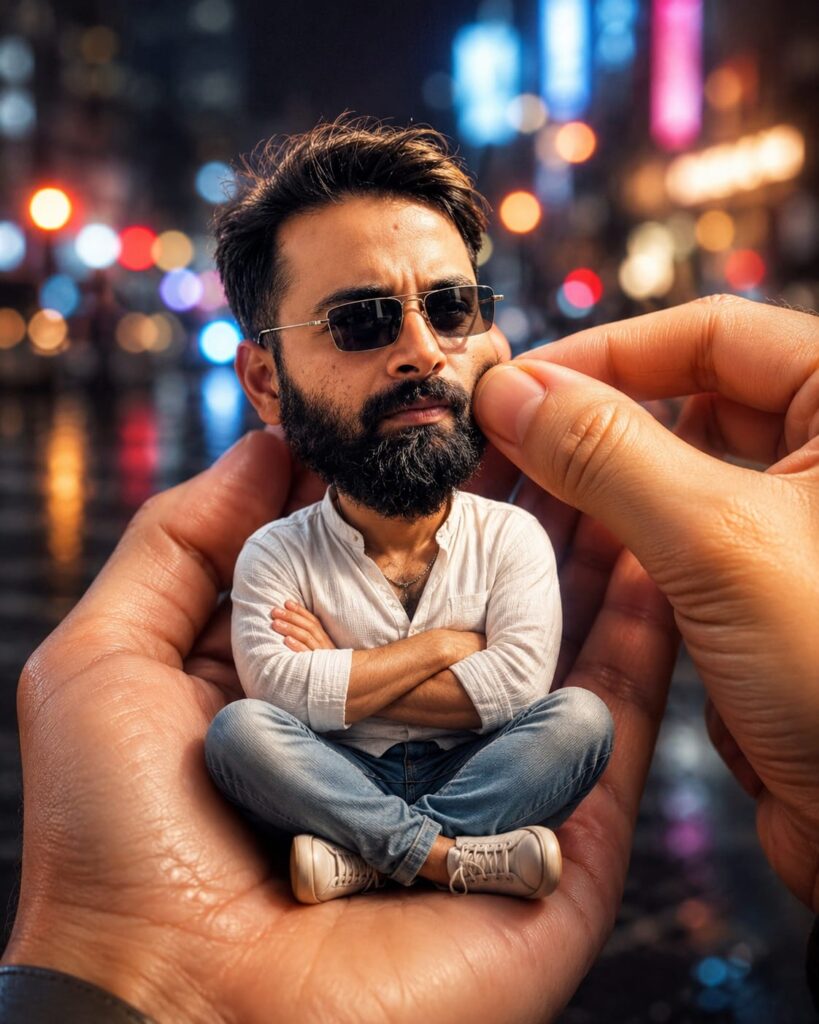
Create a stylized big-head miniature portrait in a 4:5 aspect ratio. Person appears as a tiny character with a slightly enlarged head and small body, sitting inside a large human hand. Pose: seated cross-legged, hands crossed, slightly pouty, angry but very cute expression, looking at the camera.
Environment:blurred city night background with bokeh lights.
Add a second hand gently pinching/adjusting the person's cheek for a playful effect. Don't change face
How to Create Viral Miniature AI Photo Editing Prompts using ChatGPT
Let me explain how to use this tool. First, you will need an AI application called ChatGPT. These prompts have been specifically designed for use with ChatGPT; you can download the app from the Play Store or, if you prefer, access it directly via the Chrome browser. Once downloaded, log in using your Gmail account. Next, click on the ‘+’ icon to upload a photo of yourself (specifically one showing your face). Then, simply copy the prompt you like best from the selection provided and paste it into ChatGPT. In just a few moments, your image will be ready!
Conclusion on Miniature AI Prompts
In this article, I have covered everything you need to know regarding the viral ChatGPT miniature AI photo editing prompts. I have explained the nature of these AI prompts in detail, highlighting the distinctions between those used for Google Gemini and ChatGPT. Furthermore, I have provided a comprehensive, step-by-step guide on how to utilize them effectively. If you have any further questions or require additional information beyond what has been covered here, please feel free to ask in the comments section; I will be more than happy to assist you. Additionally, if you are looking for any other specific types of AI prompts, please let us know.