
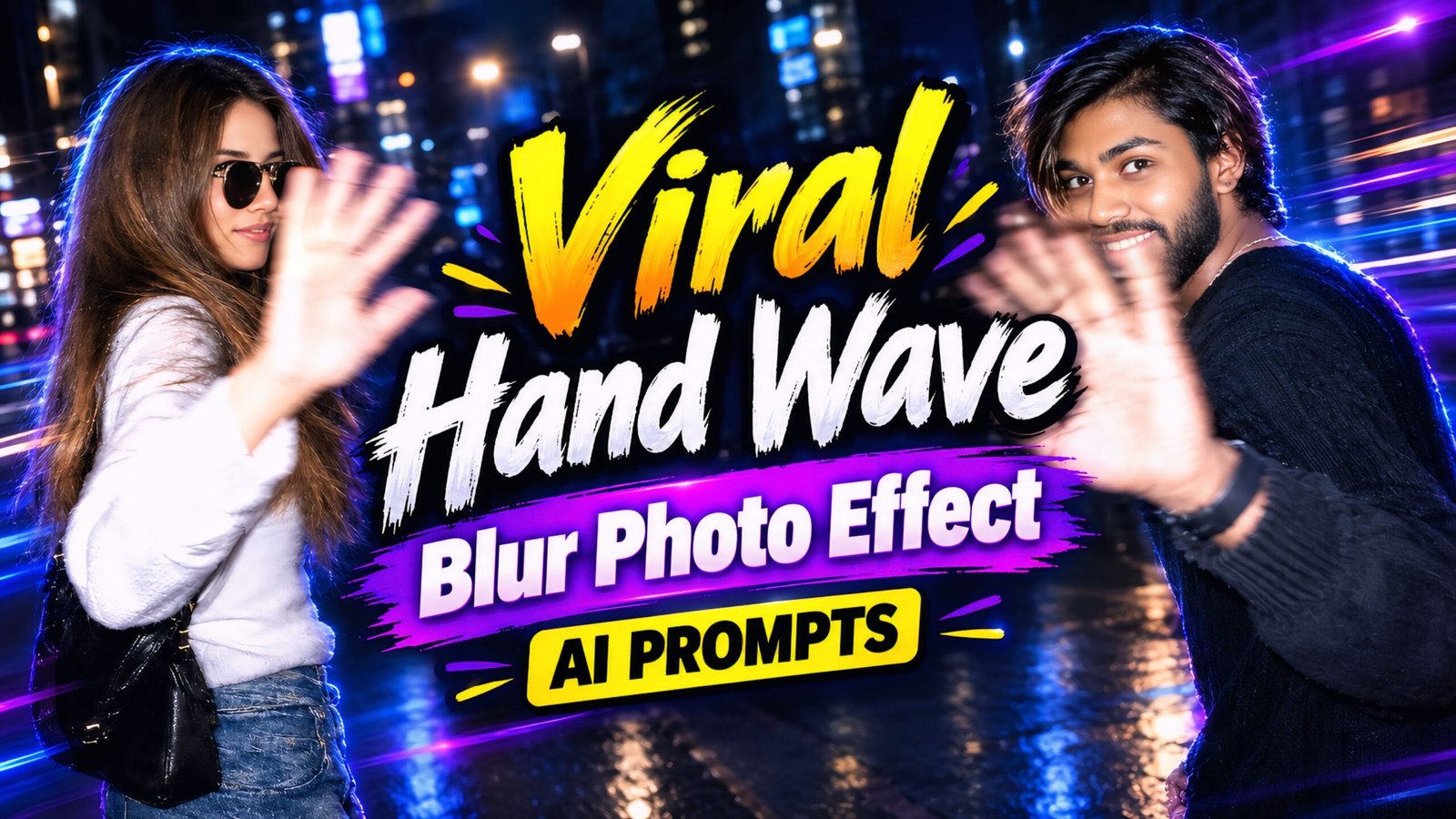
Viral ‘Hand Wave Blur’ Photo Effect AI Prompts: In this article, I am sharing some fantastic and unique AI prompts that you can use to give your photos a professional look. This type of photo editing is typically done by professionals—especially celebrities, actors, and actresses—resulting in a look that is both unique and stylish. Currently, this trend is going viral on Instagram, with everyone jumping on board; you should try it too! It’s perfect for anyone—guys and girls alike—and you can even share these prompts with your friends so they can create their own versions as well.
We are currently living in the era of AI, and this trend is set to continue, so I highly recommend learning about AI as soon as possible. Right now, people are using AI to create photos and videos, which they then share on platforms like Instagram and Facebook. You can use AI to generate content for your social media—including Instagram and Facebook—as well as thumbnails for YouTube. You can ask it anything, use it for your studies, and gain knowledge about virtually any topic relevant to your life. Tools like ChatGPT and Google Gemini are quite similar; however, while Google Gemini allows you to create both photos and videos, ChatGPT is limited to generating only photos.
How to create the viral ‘hand wave blur’ photo effect using AI prompts
Creating this requires careful thought and an understanding of what users might want, as everyone’s preferences differ. Keeping this in mind, we provide our users with a wide variety of photo-editing prompts, CapCut templates, and other mobile-related resources, ensuring a great experience. You can easily apply these effects to any of your photos—in just a few seconds, you can transform your images using these viral effects. You can find these prompts exclusively on our website.
Viral Hand Wave Blur Photo Effect AI Prompts
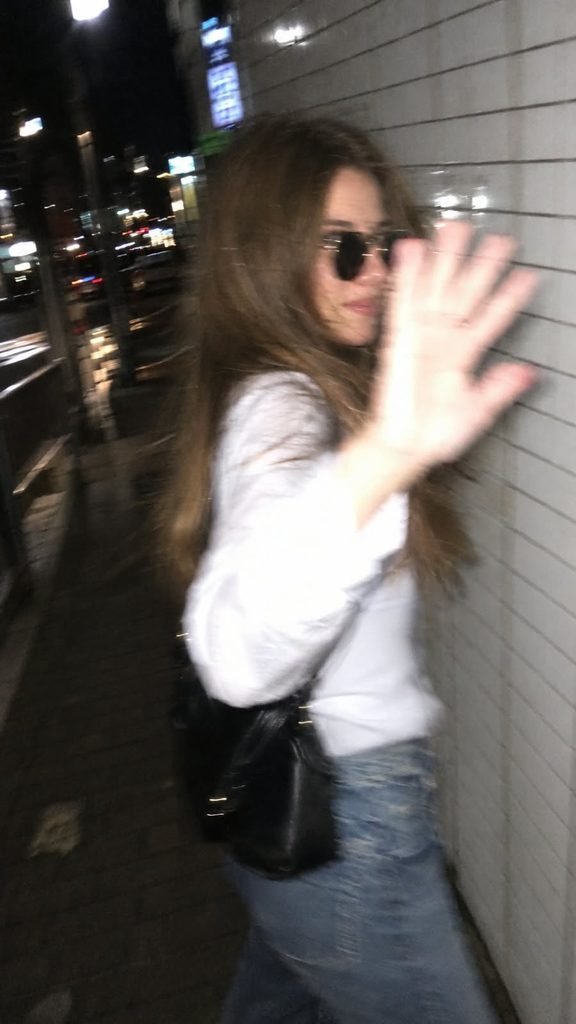
Ultra-realistic candid smartphone photo, 1080×1920 (9:16). Use the uploaded image only as inspiration for general facial proportions and vibe. Create a fully original, non-identifiable subject.

Night: Quiet Tokyo sidewalk beside a white ceramic tile wall. The subject walks past the camera, turns back in surprise, raises one hand to block the lens, shy smile, mid-step, half-profile, slightly out of frame.

Style: Handheld phone, harsh flash, strong camera shake, heavy motion blur, facial smearing, ghosting, noisy, imperfect framing, dark surroundings, raw accidental snapshot.

Negative: anime, illustration, CGI, studio lighting, sharp focus, cinematic, editorial, smooth skin, posed, identity match, face copy, real person replication. Don't change face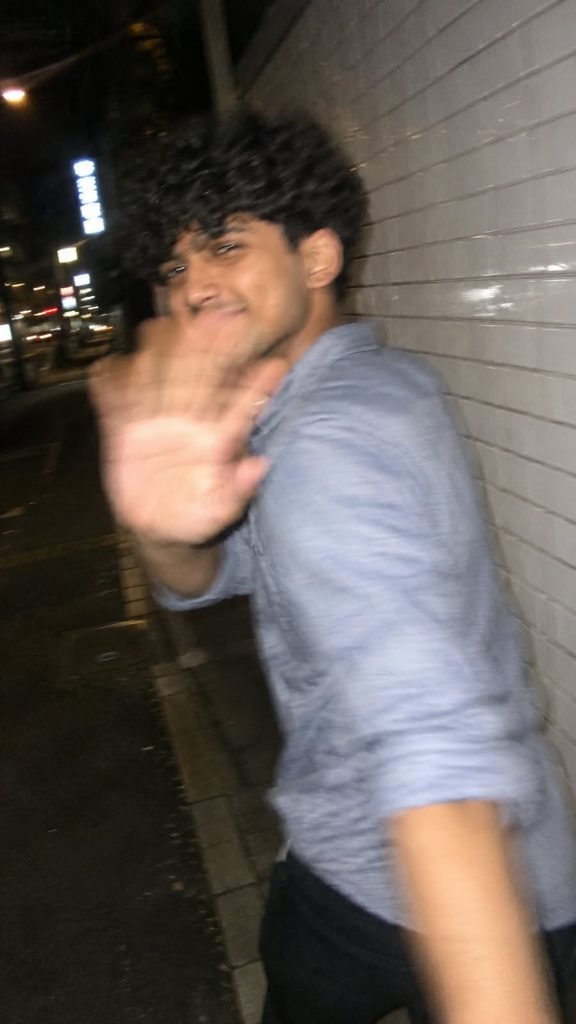
Ultra-realistic candid smartphone photo, 1080×1920 (9:16). Use the uploaded image only as inspiration for general facial proportions and vibe. Create a fully original, non-identifiable subject.

Night: Quiet Tokyo sidewalk beside a white ceramic tile wall. The subject walks past the camera, turns back in surprise, raises one hand to block the lens, shy smile, mid-step, half-profile, slightly out of frame.

Style: Handheld phone, harsh flash, strong camera shake, heavy motion blur, facial smearing, ghosting, noisy, imperfect framing, dark surroundings, raw accidental snapshot.

Negative: anime, illustration, CGI, studio lighting, sharp focus, cinematic, editorial, smooth skin, posed, identity match, face copy, real person replication. Don't change face
Note – Once the photo is generated, you can retouch it or perform further edits if you wish. This editing process is quite unique; you can create your photo in a single click using these AI prompts. If the photo doesn’t generate correctly on the first attempt, simply open a new page in ChatGPT, re-upload the reference image, and paste the prompt again.
How To Use Viral Hand Wave Blur Photo Effect AI Prompts
To create the viral “hand wave blur” photo effect, you will need an app called ChatGPT. You can download it using the link provided below. Once downloaded, log in using any Gmail account. Next, locate the ‘+’ icon at the bottom of the screen, click on it, and upload the photo you wish to edit. Then, simply copy the prompt corresponding to the style you like, paste it alongside your photo, and send it. Wait a few moments, and your edited photo will be ready. You can then download it by clicking the download option provided below.
Conclusion Of Viral Hand Wave Blur Effect
As you know, the prompts I provide are always distinct and unique. This particular AI prompt—for the viral “hand wave blur” photo effect—is truly fantastic. I have shared all the necessary details; you simply need to follow the instructions to create your own photo. If you encounter any issues during the process, please let me know in the comments. Additionally, if you are looking for any other types of prompts, feel free to leave a comment and let me know!