
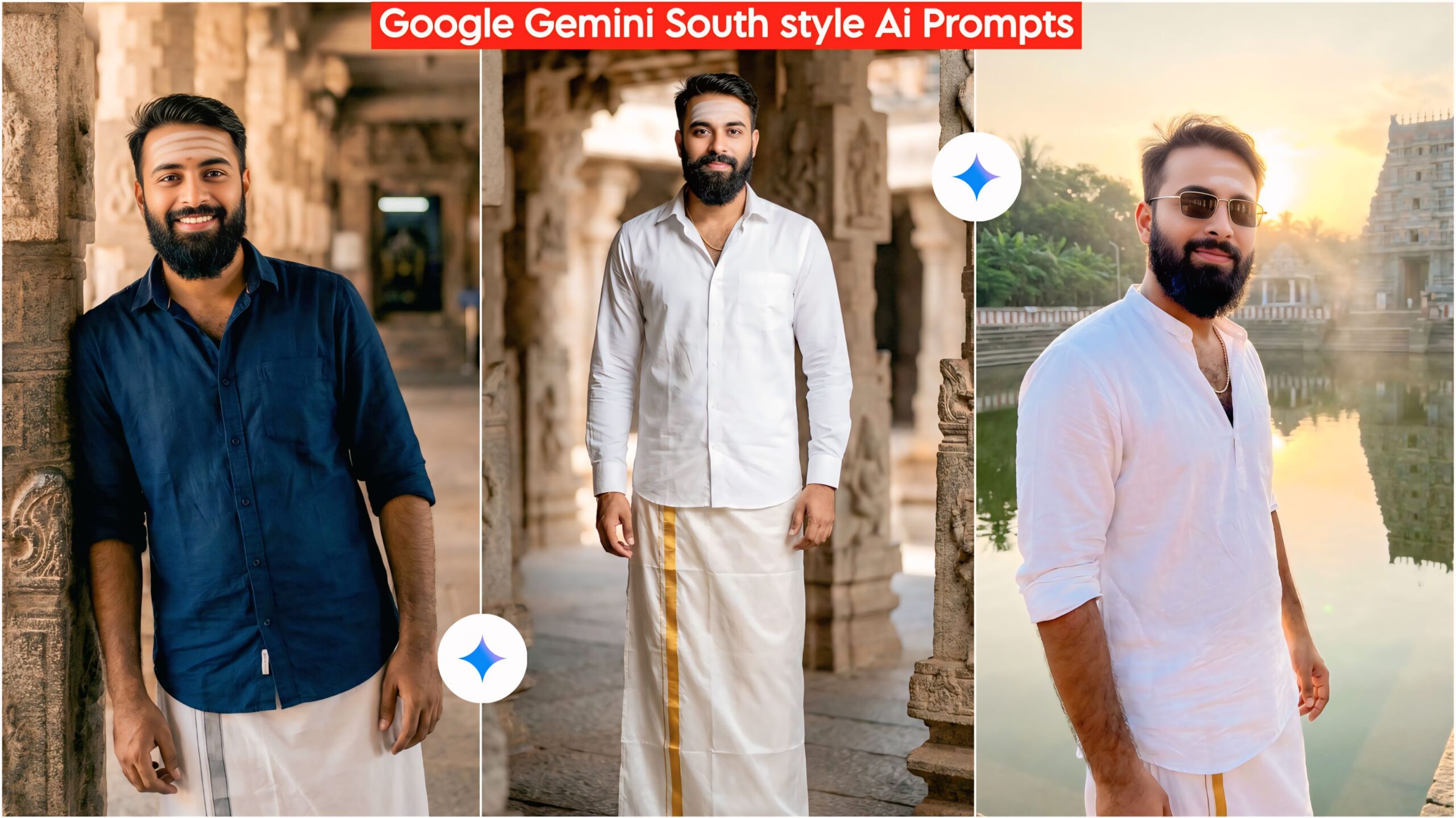
Google Gemini South Indian Temple AI Photo Editing Prompts: Friends, today I’ve brought you a very unique and amazing prompt that is quite good and easy to use. Everyone wants to visit South India, and many people really love the South. Keeping that in mind, we’ve created this prompt so you can also benefit from it and make your photos look like they were taken in South India.
Today, everyone is using mobile phones, and Google Gemini is also available on everyone’s phone. So, all you have to do is click a button and create your photo. Earlier, people couldn’t create their own photos, and those who were fond of photography even paid for editing services. But now, you won’t need to spend any money; your photo will be created with just one click. We’ll tell you how, friends.
Google Gemini South Indian Temples Ai Photo Editing Prompts
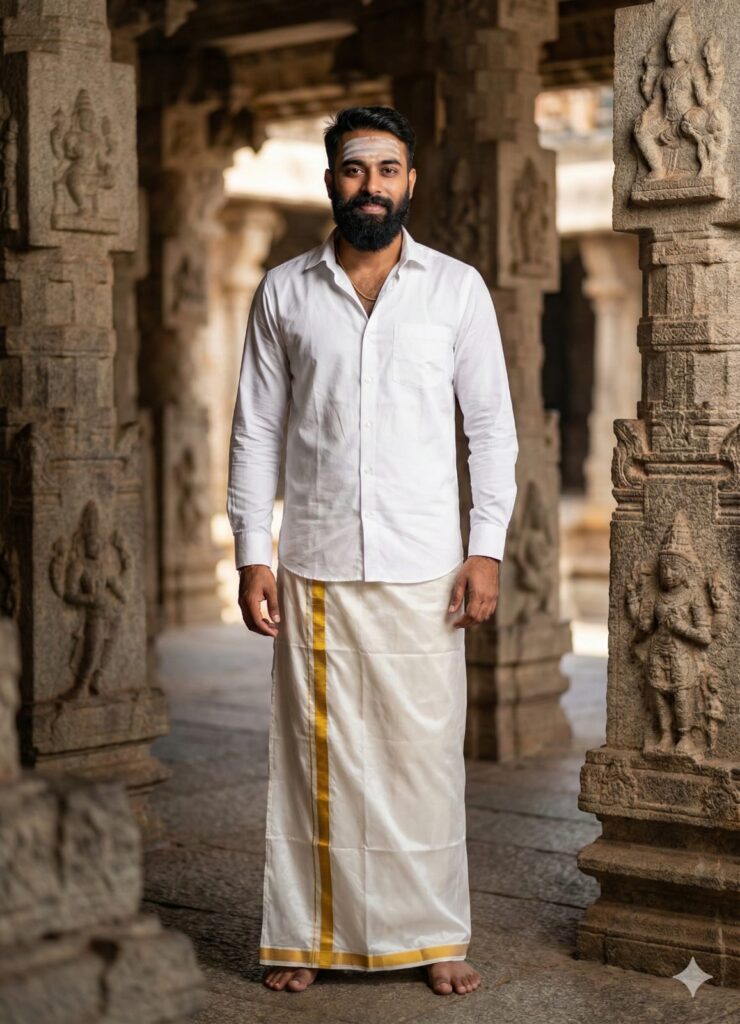
"A full body-realistic photo of a handsome young Indian man, looking directly at the camera with a gentle welcoming smile. He is wearing a crisp white shirt and a traditional white silk lungi (veshti) with a gold border. He has a white Vibhuti tilak on his forehead and is wearing a gold chain. Background is an ancient South Indian temple with stone pillars. Cinematic lighting, soft bokeh, 8k resolution, highly detailed skin texture, clean sharp face." Don't change faces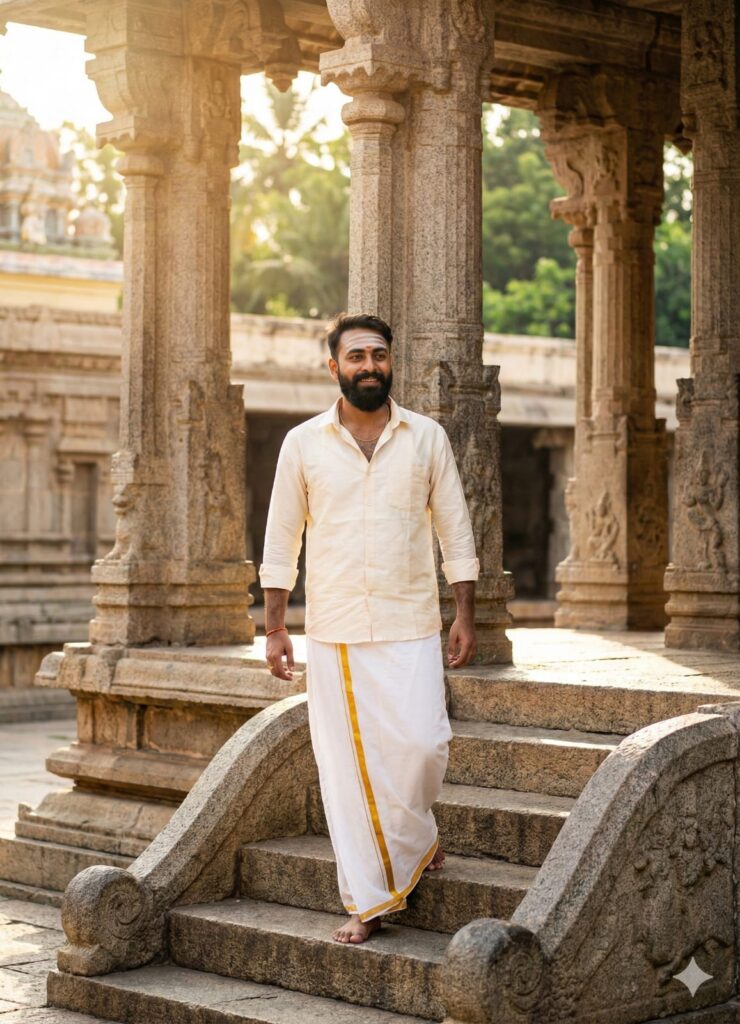
"Full body shot of a young South Indian man walking down the stone steps of a grand Dravidian temple. He is wearing a cream-colored shirt and a white dhoti. He has a holy ash tilak on his forehead and a gold chain. He is smiling slightly, looking forward. Sunlight filtering through temple pillars, creating a divine atmosphere. Photorealistic, ultra-clear face, HD quality." Don't change faces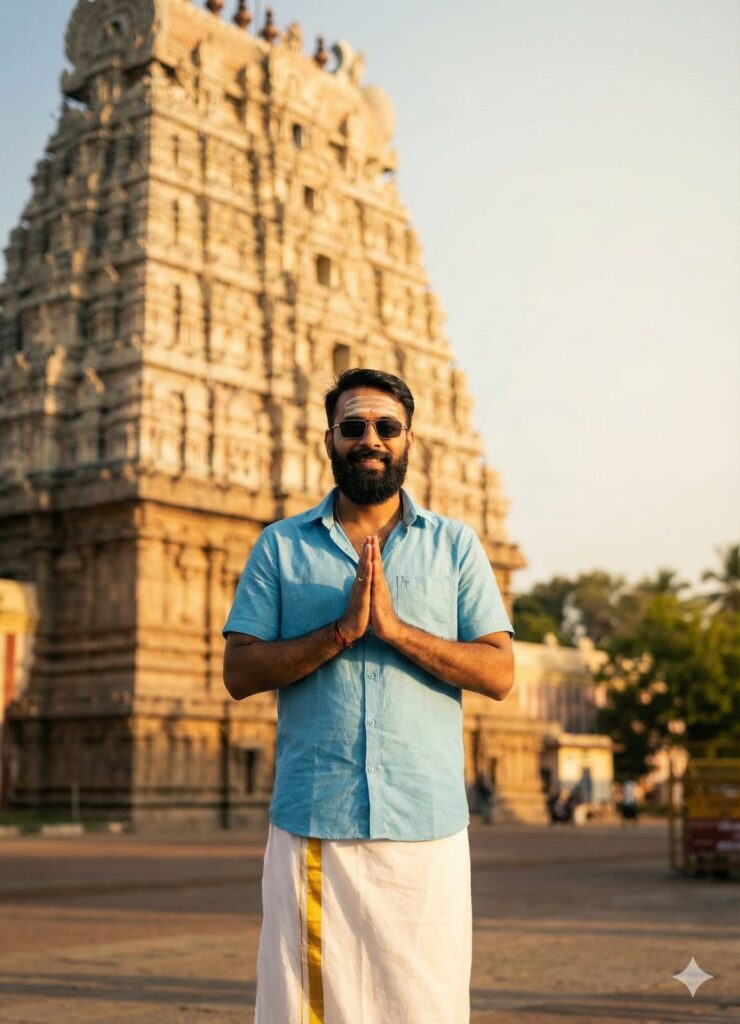
"full body a young man with a realistic face, standing in front of a massive temple Gopuram (tower). He is doing a Namaste (hands folded) gesture with a peaceful smile. Dressed in a half-sleeve light blue shirt and traditional white lungi. White sandal paste tilak on forehead, gold chain visible. Golden hour lighting, warm tones, cinematic depth of field, 8k." Don't change faces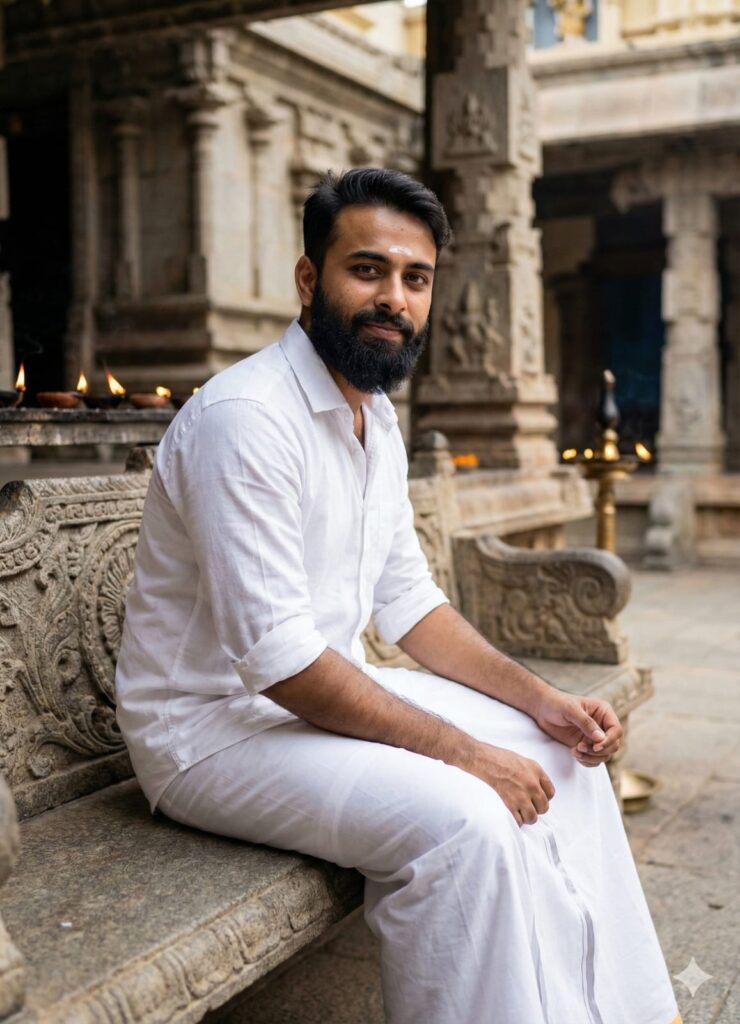
"A young man sitting casually on an intricately carved stone bench inside a South Indian temple courtyard. He is wearing a casual white shirt with sleeves rolled up and a lungi. He is looking at the camera with a confident, subtle smile. White tilak on forehead. Background shows oil lamps and stone architecture. Sharp focus on eyes and face, realistic skin pores, cinematic photography." Don't change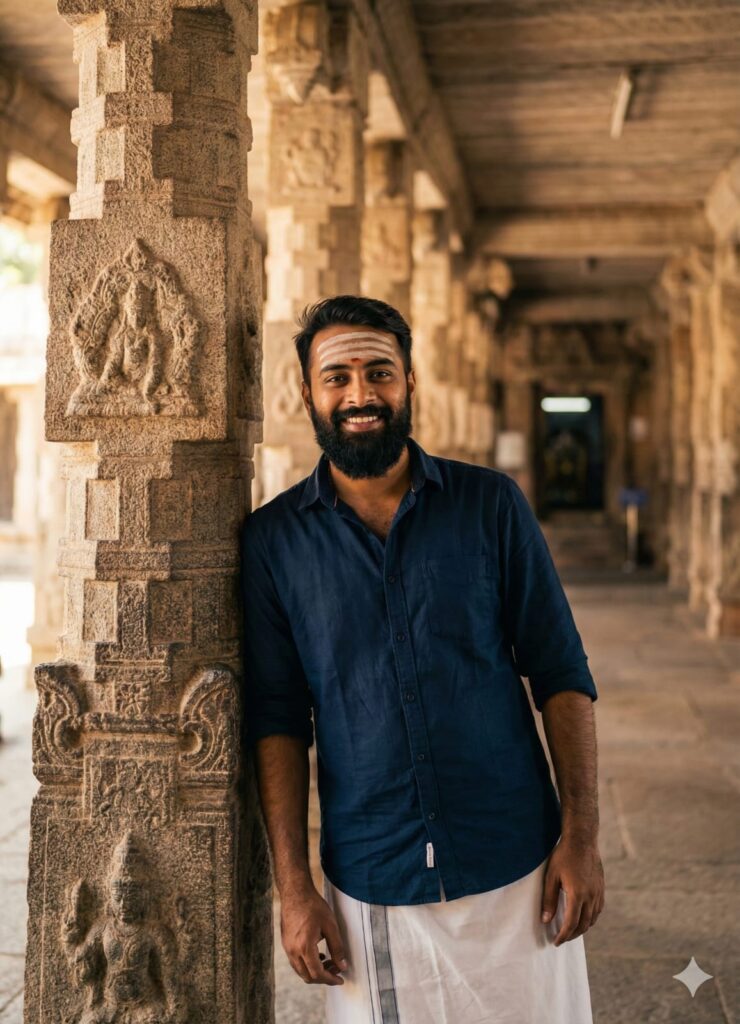
“A stylish shot of a young Indian man leaning against a massive ancient stone pillar of a South Indian temple. He is looking straight ahead with a charming smile. Wearing a dark blue shirt and white lungi. Holy ash on forehead. The background shows the depth of the temple hallway. Soft sunlight, cinematic composition, clear facial features.” Don’t change faces
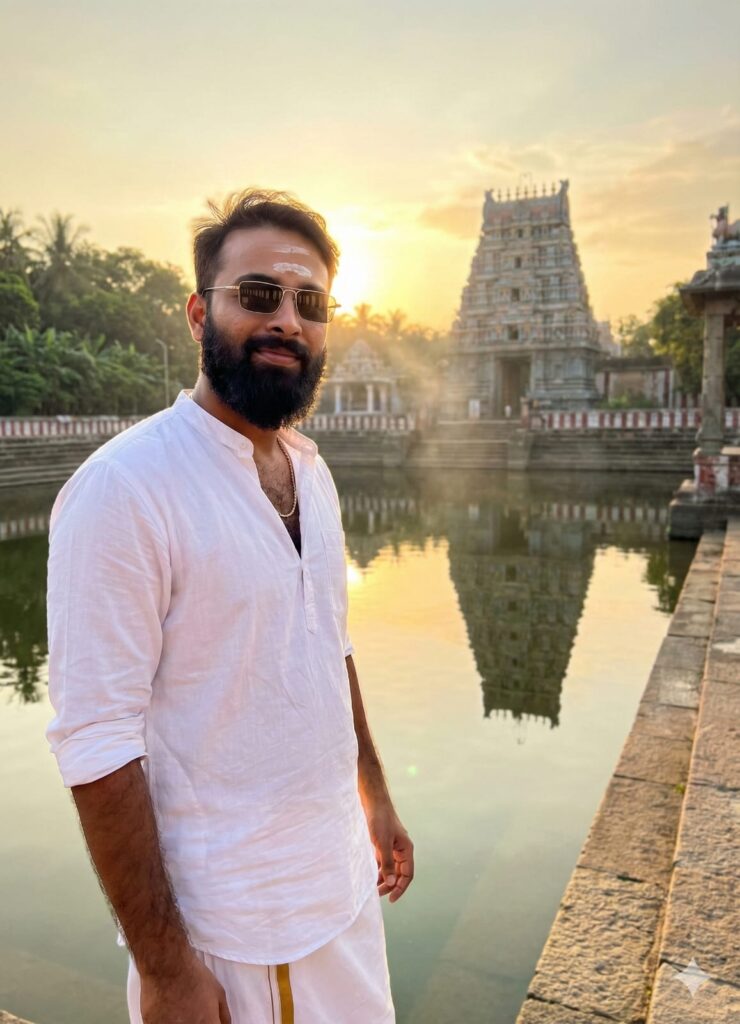
"A cinematic shot of a young man standing near the temple pond (Pushkarini) during sunset. The golden sun creates a rim light around him. He is wearing a white shirt and lungi, looking at the camera with a soft smile. Visible white tilak and gold chain. The temple reflection is visible in the water. Atmospheric lighting, majestic look." Don't change facesImportant:
Sometimes the prompts don’t work, but you don’t need to worry. Just open a new page, go to Google Gemini, and upload your photo again. It will create the image on the new page. If you have any other problems or questions, you can leave a comment.
How to Use Google Gemini South Indian Temples Ai Photo Editing Prompts,
I’ll explain how to use it so you don’t have any trouble. First, you need to download Google Gemini. Google Gemini is now available on almost everyone’s mobile phone. Then, you can look at any AI photo on my website, and below the one you like, you’ll find the best “Using Mobile With Headphones AI Photo Editing Prompts.”
You need to copy it, then paste what you copied into your Google Gemini South Indian Temples AI Photo Editing Prompts, and then post it. It’s very easy. Then you’ll have to wait 1 to 2 minutes. Your photo will be generated. If you want to make it even clearer, you can use Remini.
Conclusion
Friends, in this post, I have given you Google Gemini South Indian Temples AI Photo Editing Prompts, and I have also explained how to use them. So please use them, and if you liked it, you can leave a nice comment. I have explained every step, and if you didn’t understand anything, please let me know, and I will explain it to you.