
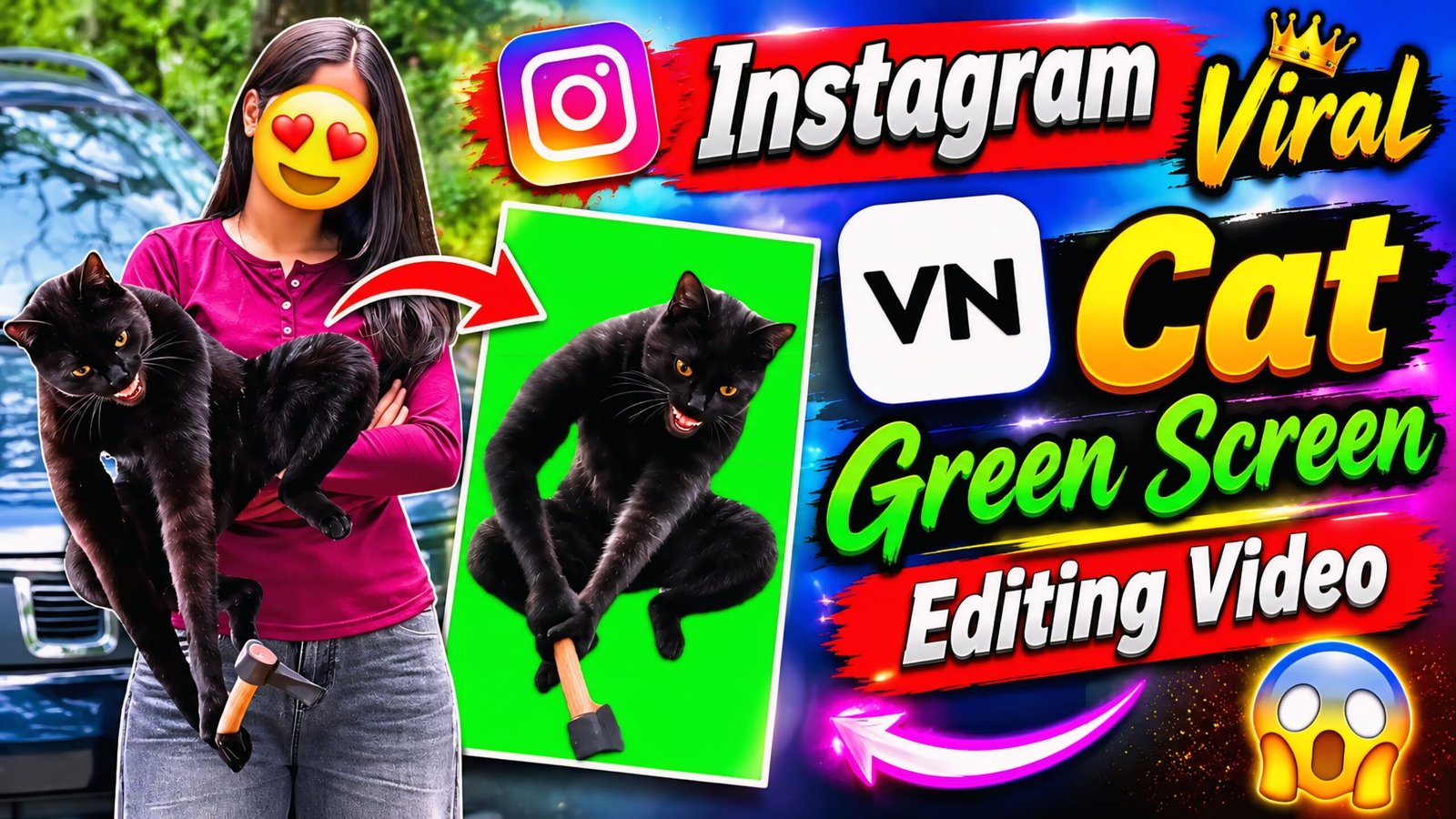
Instagram Viral ‘VN Cat’ Green Screen Editing Video: Nowadays, everyone is creating and uploading these ‘cat green screen’ videos to Instagram and Facebook, garnering millions of views and likes. You, too, can create one with just a single click! I will guide you through every step—from how to make it to where you can find the green screen footage. Just read this post until the end and share it with your friends! On my website, I share various tips, tricks, and techniques related to AI and video editing.
You can create this video using the ‘VN’ app. Simply take any regular photo of your own, open the VN app—if you don’t have it, you can easily download it from the Play Store—and add your photo along with the green screen clip. Then, use the ‘Chroma’ (key) feature to remove the green screen. Place the element exactly where you want it, and your video will be ready! You can then share it on platforms like Instagram, Facebook, or any other social media—it has the potential to reach billions of views and help you grow your follower count.
How To Download Instagram Viral VN Cat Green Screen Editing Video
I have provided a download link below. Simply click on it, and you will be taken directly to the green screen. Look for the three-dot icon at the top, click on it, and download the file. Once downloaded, save it to your gallery. You can then easily use it on any photo whenever you like. I will also guide you through the entire process—step by step—on how to use it, so please stay with me until the end.
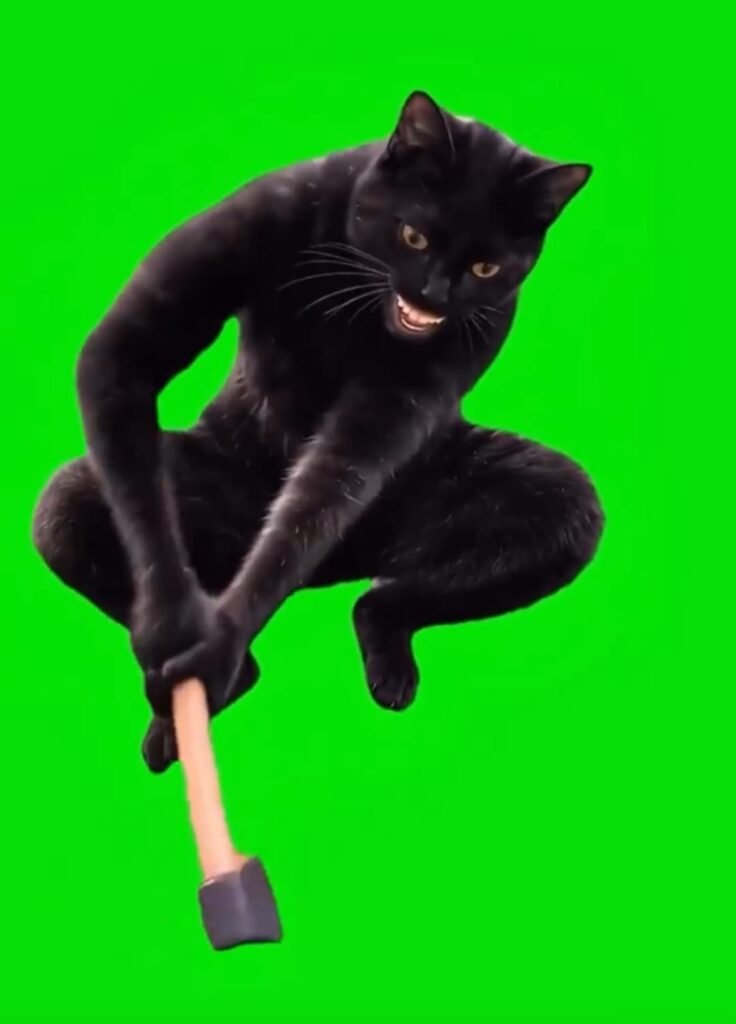

How To Use Instagram Viral VN Cat Green Screen Editing Video
To create this, you will need two things: a photo and an app. You should also download the green screen that we have provided; this will make the process of creating your photo or video much easier. Next, open the app, add your photo, and adjust the duration or frame settings as needed. Then, use the ‘green screen’ (chroma key) feature to remove the green background. Once that is done, simply save your creation, add a song—whether it’s a comedy track, a funny song, or anything else—and post it.
VIDEO DOWNLOAD CLICK
Use of AI
I have also provided all kinds of these prompts on my website; you can check them out by visiting the home page. AI is in high demand, and it can assist you with everything—whether it’s creating photos or videos, gathering information, working on college projects, or anything else. AI can explain and guide you through it all; you just need to know how to use it effectively. Start learning how to use AI today—the sooner, the better—because it is being integrated into every sector. From robotics and software development to website creation, coding, decoding, and beyond—AI is now driving it all. So, start using AI as soon as you can.
AI is being integrated into every sector—whether it involves robotics, software development, website creation, or even coding and decoding—it is now being used for almost everything. So, start using AI as soon as you can.
AI PHOTO EDITING PROMPTS
Conclusion Of Cat Green Screen Editing Video
On my website, TechppIndia, I share a wide range of prompts related to AI and editing, along with various tips for writing. If you are facing any difficulties—whether it’s related to editing or you need a specific prompt for a particular task—please let me know in the comments. I will create the necessary prompts for you and assist you with whatever you need.