
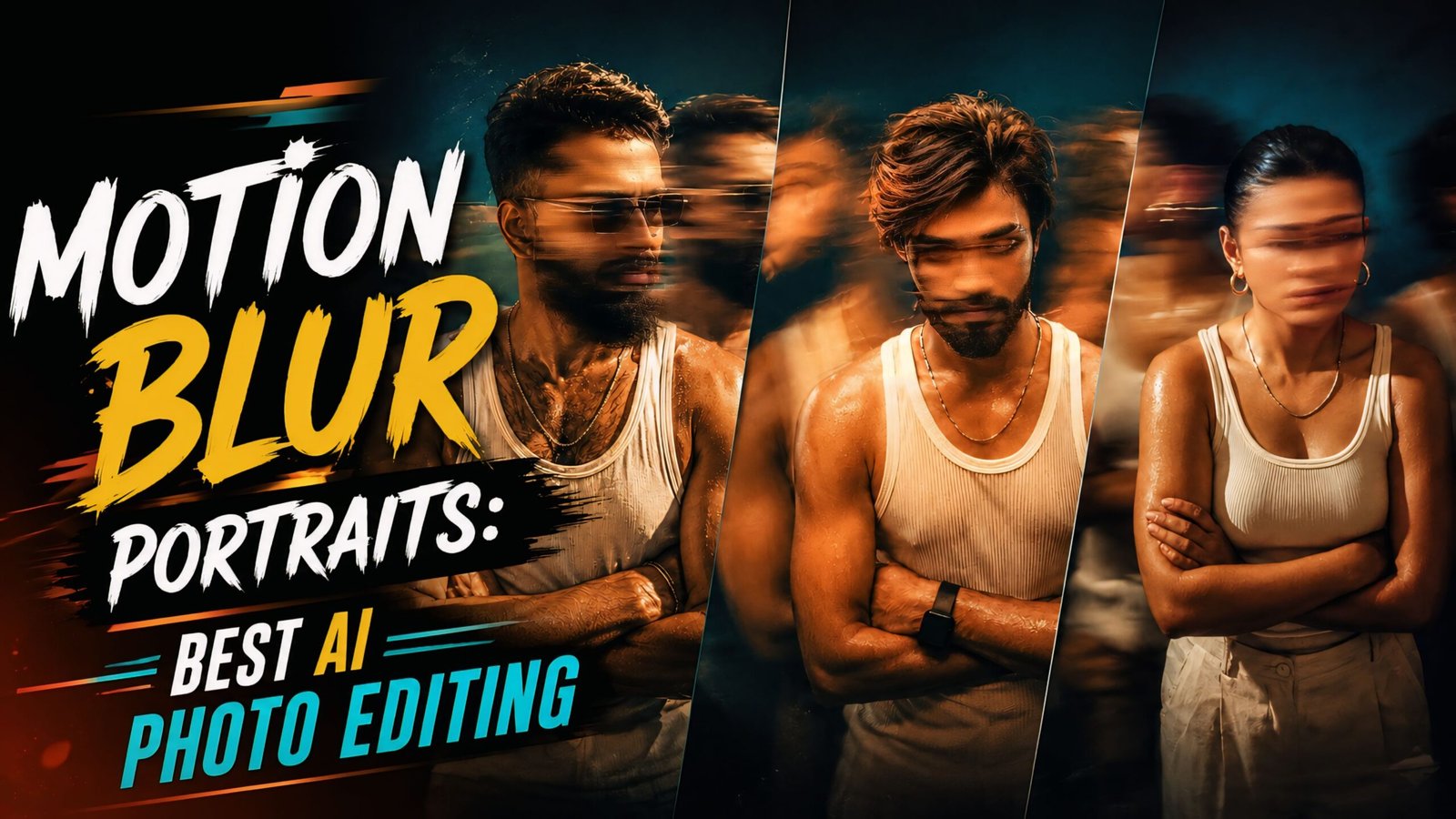
In today’s article, I am sharing some fantastic and unique AI prompts for “Motion Blur Portraits.” With just a single click, you can create the kind of photos that are currently going viral on Instagram and other social media platforms. Anyone—guys or girls—can create these motion-blur style images featuring various poses. While the motion blur effect means your face won’t be fully visible, the result is incredibly unique. You can create these using just one app on your phone and share them on any social media platform.
As you know, everyone is using AI these days, and the technology is becoming increasingly advanced by the day; it is essential to learn how to use it, as it will play a dominant role in the future. You should start using it now—not only can you create photos and videos with it, but you can also ask questions to learn about a wide variety of topics. Apps like Google Gemini and ChatGPT are proving to be incredibly helpful to people.
About Motion Blur Portraits: Best AI Photo Editing Prompts
We have provided five distinct AI prompts here that create a “motion blur” effect—a style currently trending. You should definitely try creating this type of image; it features cinematic lighting and a motion-blurred background, while your face remains partially obscured. The outfit consists of a white shirt and white trousers, captured from a side profile that creates a striking look—one that is currently very popular. Give it a try; the result looks like a candid shot taken spontaneously, featuring a background element of someone running, creating a dynamic “triple-image” or motion-trail effect.
Motion Blur Portraits: Best AI Photo Editing Prompts
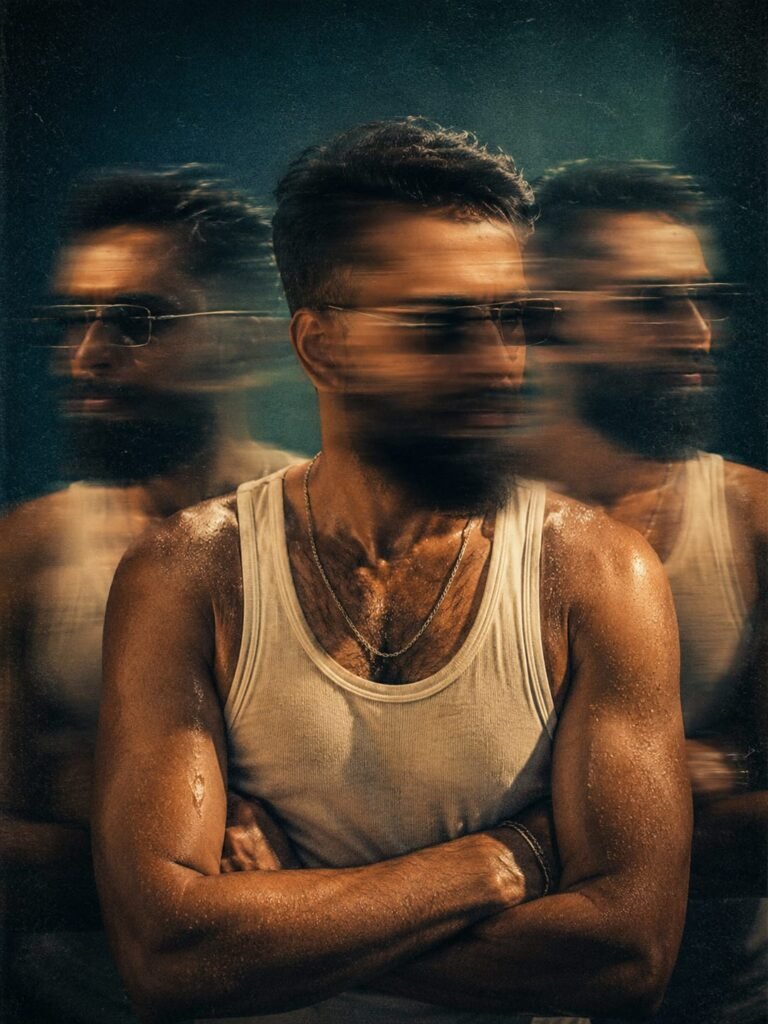
Cinematic analog film portrait, experimental multiple exposure art, 1990s lo-fi aesthetic. A person [subject: use my reference photo for face and body] standing in the center of the frame, arms tightly crossed over the chest, wearing a tight white ribbed cotton tank top and a thin silver chain necklace, skin glistening with sweat. The central subject's face is heavily obscured by intense horizontal motion blur, head tilted down and looking right, conveying deep anxiety and introspection. Flanking the central figure on the left and right are heavily motion-blurred, ghost-like multiple exposures of the exact same subject turning rapidly in different directions. Medium shot, slightly high camera angle, top-down overhead studio softbox lighting casting dramatic soft shadows. Intense orange and teal color grading, warm golden skin tones contrasting with a moody, dark cyan and teal studio background. Slow shutter speed effect, f/4 aperture, shot on CineStill 800T, incredibly heavy film grain , lifted milky blacks, faded vintage contrast, raw, messy, dizzying psychological atmosphere, masterpiece, ultra-detailed textures. make the aspect ratio 3:4. Don't change face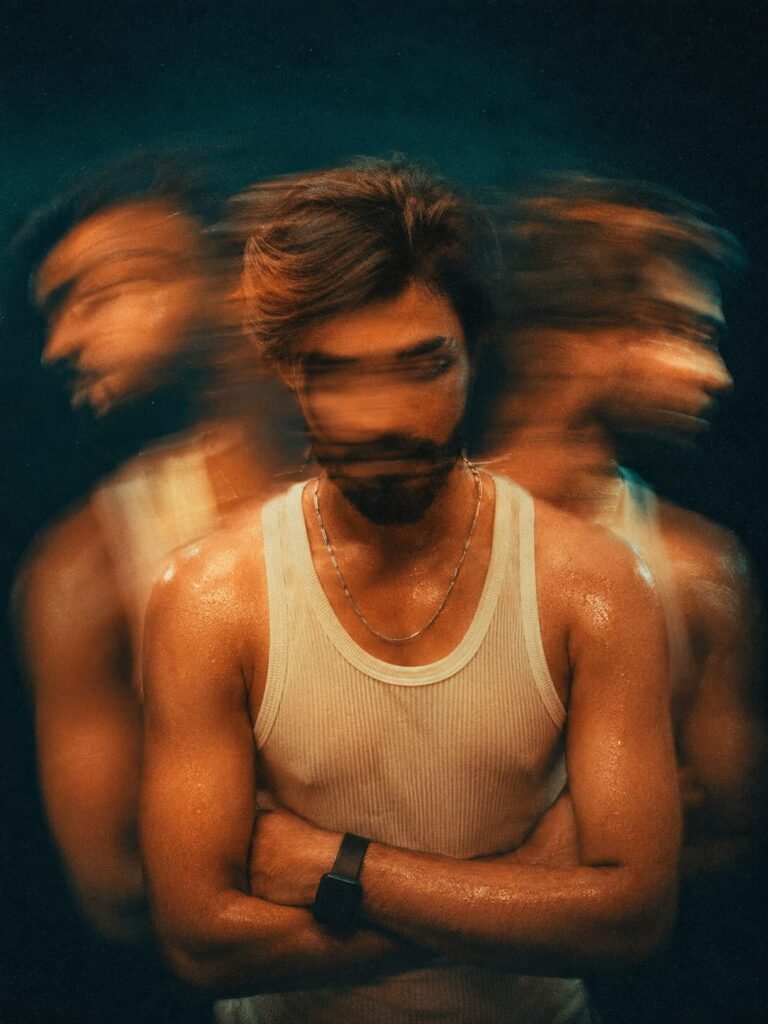
Cinematic analog film portrait, experimental multiple exposure art, 1990s lo-fi aesthetic. A person [subject: use my reference photo for face and body] standing in the center of the frame, arms tightly crossed over the chest, wearing a tight white ribbed cotton tank top and a thin silver chain necklace, skin glistening with sweat. The central subject's face is heavily obscured by intense horizontal motion blur, head tilted down and looking right, conveying deep anxiety and introspection. Flanking the central figure on the left and right are heavily motion-blurred, ghost-like multiple exposures of the exact same subject turning rapidly in different directions. Medium shot, slightly high camera angle, top-down overhead studio softbox lighting casting dramatic soft shadows. Intense orange and teal color grading, warm golden skin tones contrasting with a moody, dark cyan and teal studio background. Slow shutter speed effect, f/4 aperture, shot on CineStill 800T, incredibly heavy film grain , lifted milky blacks, faded vintage contrast, raw, messy, dizzying psychological atmosphere, masterpiece, ultra-detailed textures. make the aspect ratio 3:4. Don't change face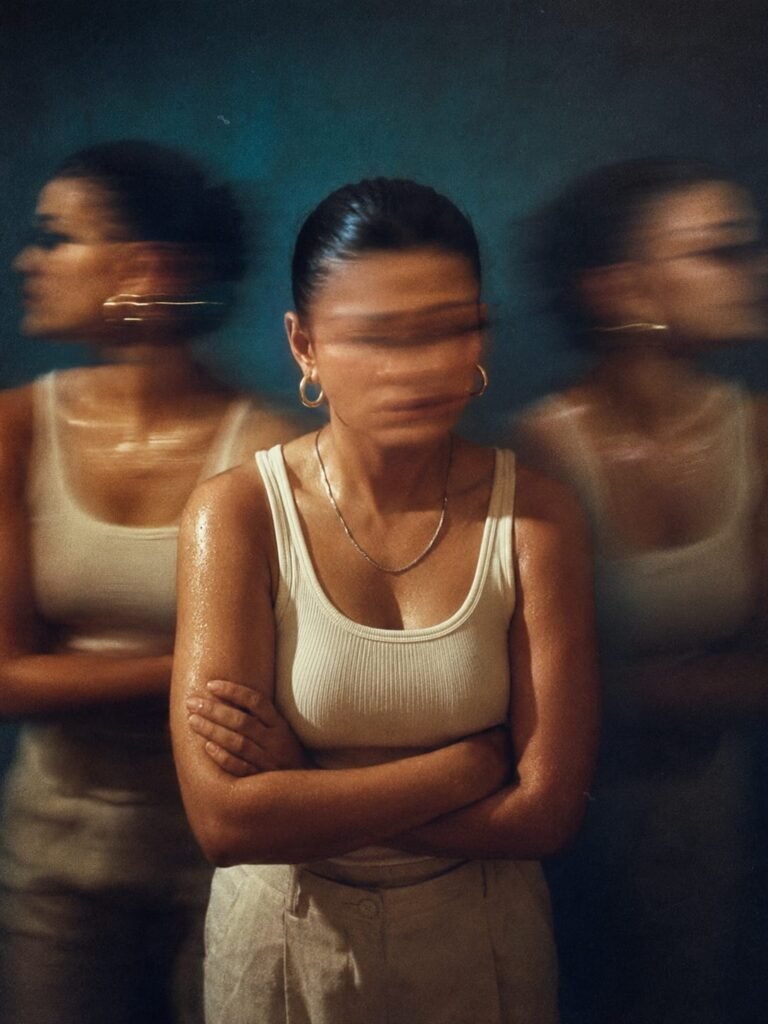
Cinematic analog film portrait, experimental multiple exposure art, 1990s lo-fi aesthetic. A person [subject: use my reference photo for face and body] standing in the center of the frame, arms tightly crossed over the chest, wearing a tight white ribbed cotton tank top and a thin silver chain necklace, skin glistening with sweat. The central subject's face is heavily obscured by intense horizontal motion blur, head tilted down and looking right, conveying deep anxiety and introspection. Flanking the central figure on the left and right are heavily motion-blurred, ghost-like multiple exposures of the exact same subject turning rapidly in different directions. Medium shot, slightly high camera angle, top-down overhead studio softbox lighting casting dramatic soft shadows. Intense orange and teal color grading, warm golden skin tones contrasting with a moody, dark cyan and teal studio background. Slow shutter speed effect, f/4 aperture, shot on CineStill 800T, incredibly heavy film grain , lifted milky blacks, faded vintage contrast, raw, messy, dizzying psychological atmosphere, masterpiece, ultra-detailed textures. make the aspect ratio 3:4. Don't change face
How To Use Motion Blur Portraits: Best AI Photo Editing Prompts
I have also explained how to use ChatGPT; just read the instructions carefully. To get started, go to the Play Store on your phone and download the ChatGPT app. Once downloaded, open the app and log in using your Gmail account. After logging in, copy the prompts you like from my website, techppindia.com. Then, tap the ‘+’ icon in ChatGPT to add your photo, paste the copied prompt, and submit it; your image will be ready in just a short while.
Conclusion :-
You will find all kinds of “Trending Viral” prompts on our website, Techppindia. We have provided step-by-step instructions; simply read the articles we have written, and you won’t face any issues. However, if you do encounter any problems, feel free to let us know in the comments, and we will provide full assistance. You are also welcome to ask any questions related to editing; we are here to help you completely.