
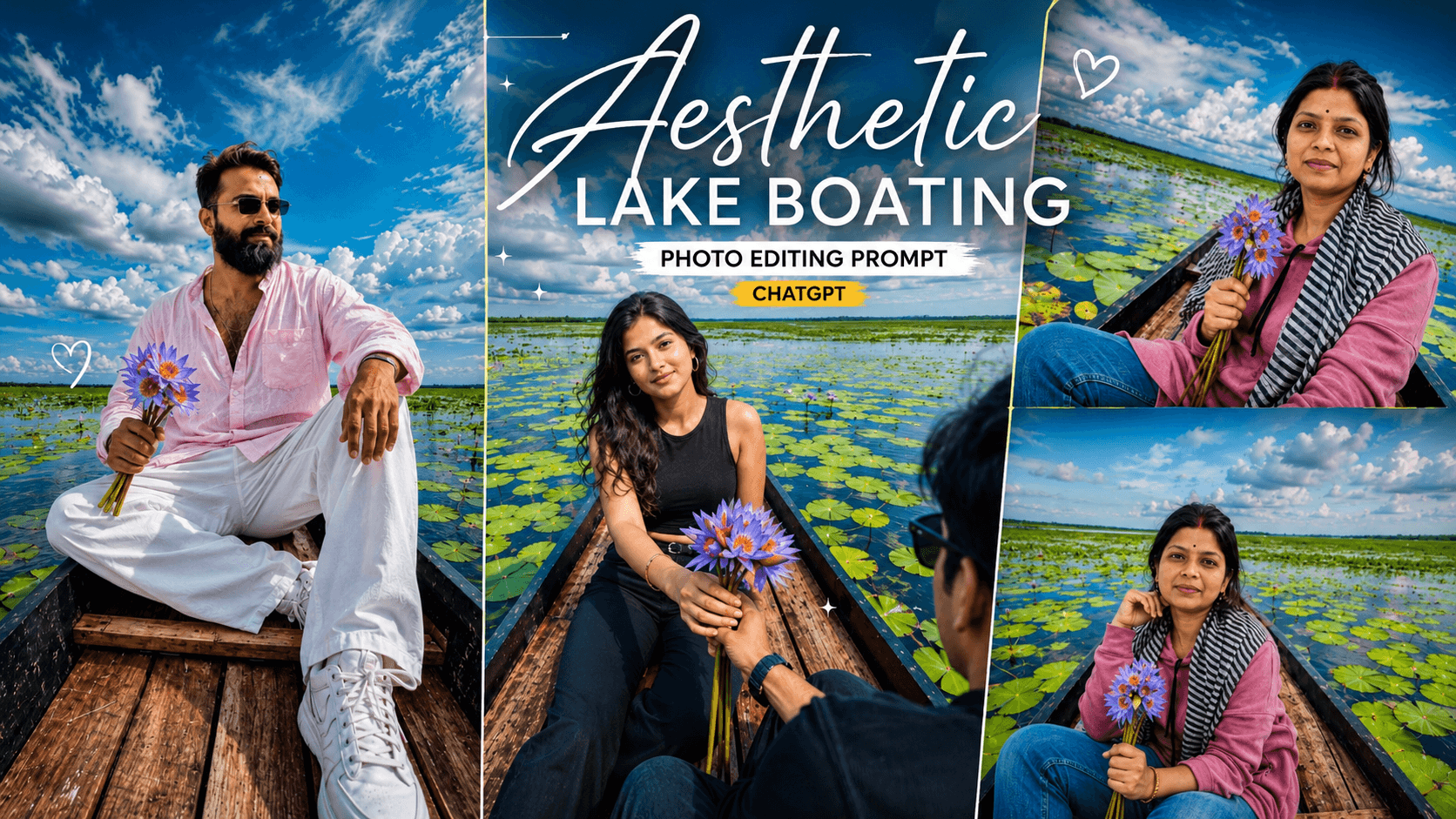
Aesthetic Lake Boating Photo Editing Prompt: In today’s article, I am going to teach you how to create a photo edit that looks incredibly realistic and natural. This style is currently trending heavily on social media platforms like Instagram and Facebook. While you will be creating this viral image using AI, the result will look so authentic that no one would guess it was AI-generated. With just a single click on your phone, you can create this “boat-themed” AI edit. To make it, you will need two images: your own photo and the background image provided here.
What do you need to create this?
You need a photo of yourself and the second image (the background) that we have provided. Simply combine your photo with the boat image and paste the AI prompt. In moments, your photo will be ready, looking absolutely stunning and unique.
- Your own photo
- The provided background image
- The AI prompt

About the Aesthetic Lake Boating Photo Editing Prompt
We provide both the background and the AI prompt; you simply need to combine them with your photo. Your image will be ready in just one click. The style features a boy and a girl sitting in a boat on the water—a look currently trending on Instagram. It appears so natural—as if shot with a real camera—that it is impossible to tell it was created by AI. Everyone is using AI to create photos these days; even content creators are gaining hundreds of thousands of followers by producing images and videos with AI assistance.
IMAGE DOWNLOAD
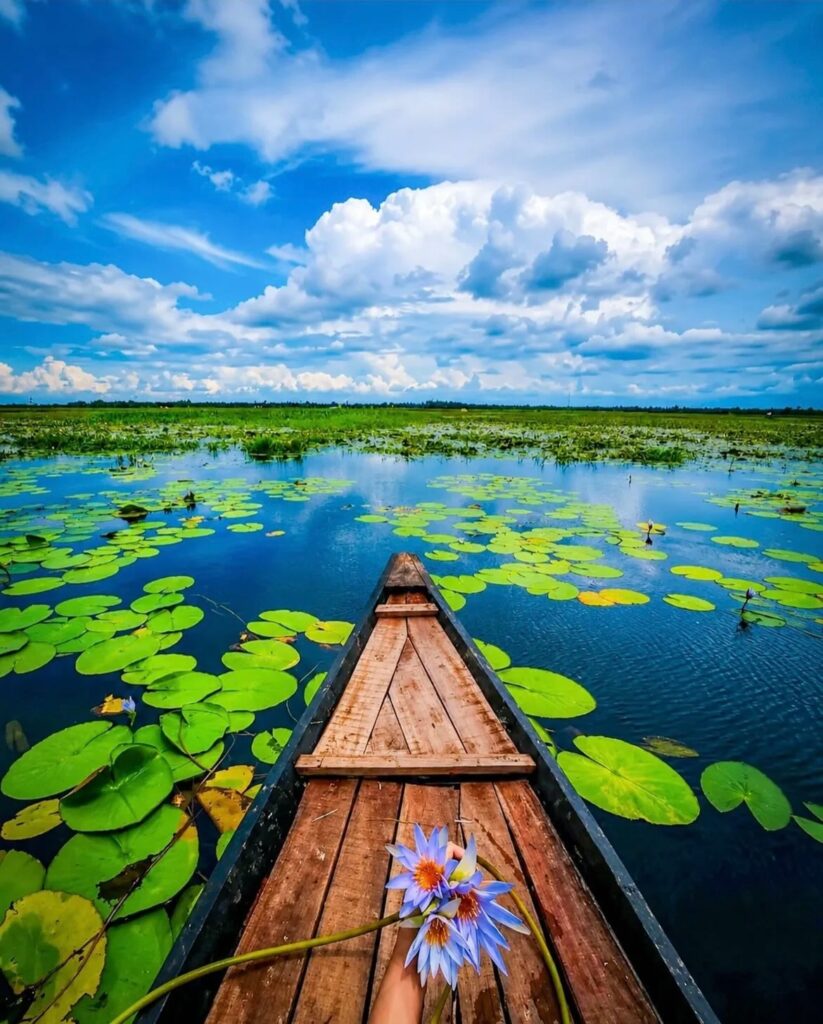
Aesthetic Lake Boating Photo Editing Prompt ChatGPT
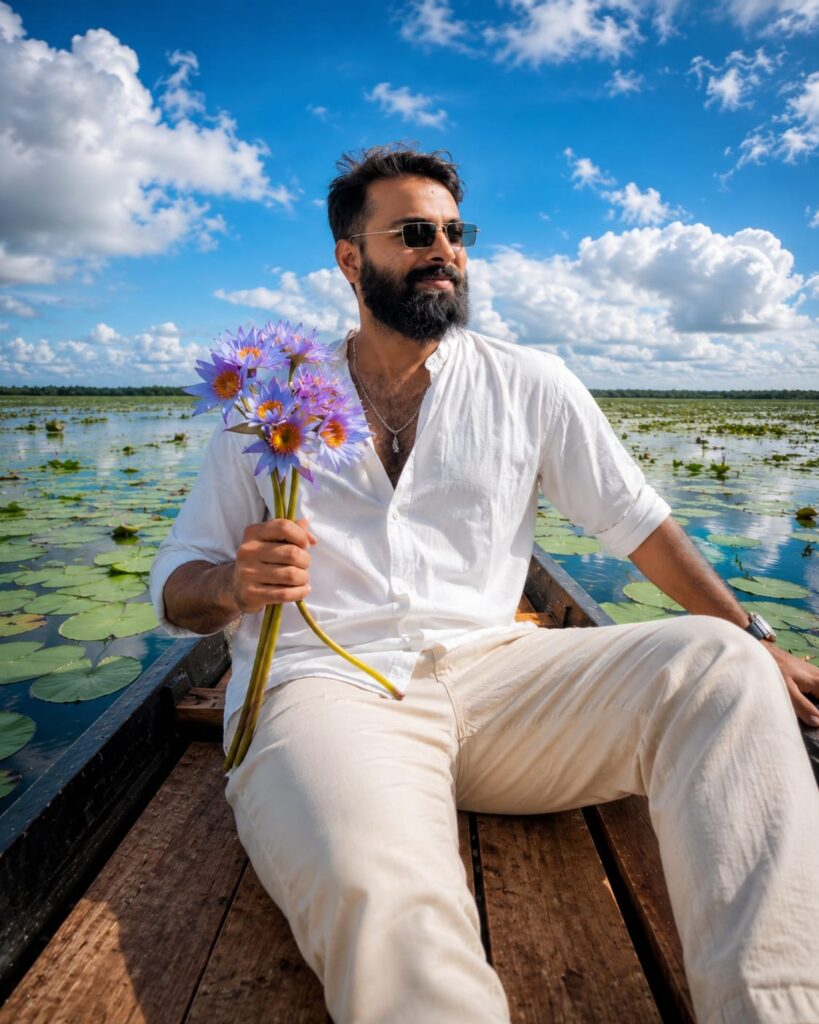
Same face Same outfit:

ultrawide. Upper-angle low-angle shot of a young man sitting in the same boat

This boy who is sitting in a boat should look photo realistic with two stylish looks.

Hand the boy flowers like the ones in the boat-hold them in one hand.

And Increase the quality.

Instagrammable 4:5 ratio Don't change face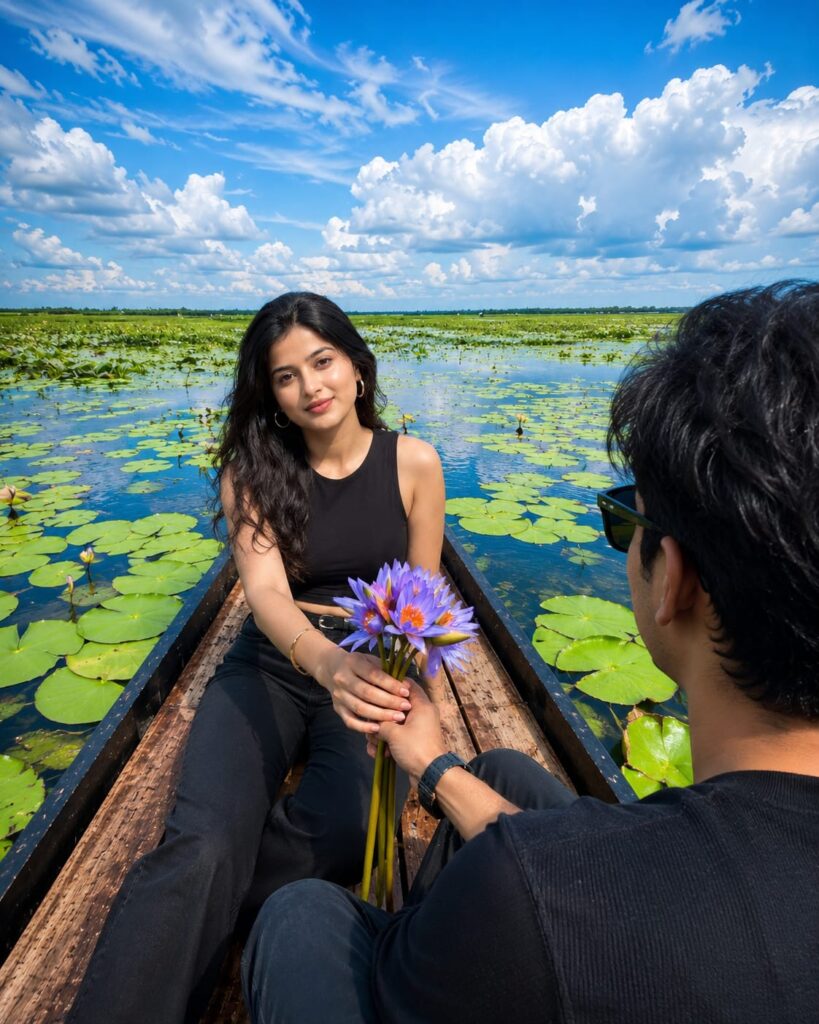
Same face Same outfit:

ultrawide. Upper-angle low-angle shot of a young man sitting in the same boat

This girl who is sitting in a boat should look photo realistic with two stylish looks.

Hand the boy flowers like the ones in the boat-hold them in one hand.

And Increase the quality.

Instagrammable 4:5 ratio Don't change face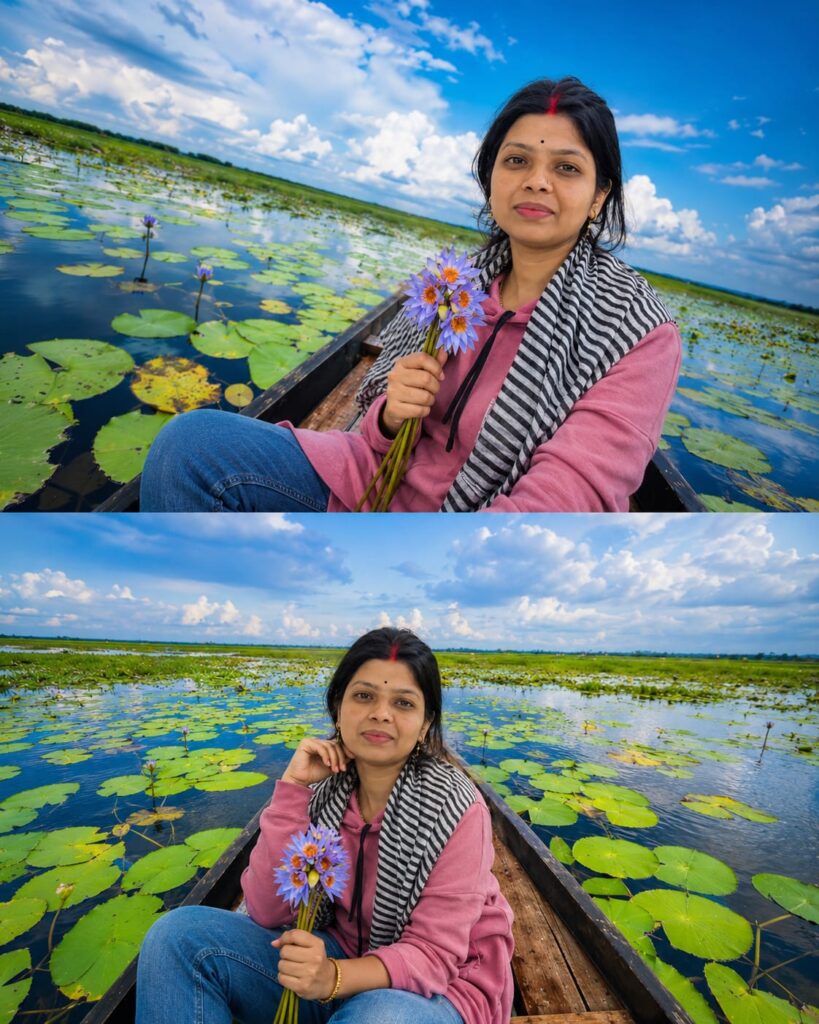
Same face Same outfit:

ultrawide. Upper-angle low-angle shot of a young girl sitting in the same boat

This girl who is sitting in a boat should look photo realistic with two stylish looks.

Hand the boy flowers like the ones in the boat-hold them in one hand.


And Increase the quality.

Instagrammable 4:5 ratio Don't change face
If you want to do some light retouching…
You can use two apps to enhance your photo to Ultra HD quality with just a single click—tools that I use personally:
- Photo Editor
- Remini
How to use the Aesthetic Lake Boating Photo Editing Prompt
To use this, you… Click the link below, log in with your Gmail account, and tap the ‘+’ icon to upload your photo. Then, select the image you like, copy the corresponding prompt provided below it, and apply it to your own photo featuring a face. Your image will be generated shortly; once it’s ready, simply download it. If you wish to enhance or retouch the image, you can use apps like PicsArt, Remini, or various others.
Conclusion: Aesthetic Lake Boating
As you know, the prompts I share are always unique and highly effective. This particular AI prompt for “Aesthetic Lake Boating” photo editing is fantastic. I have provided all the necessary details—you just need to follow the steps to create your image. If you encounter any issues during the process, please let me know in the comments. You can also comment if you need prompts for any other themes.