
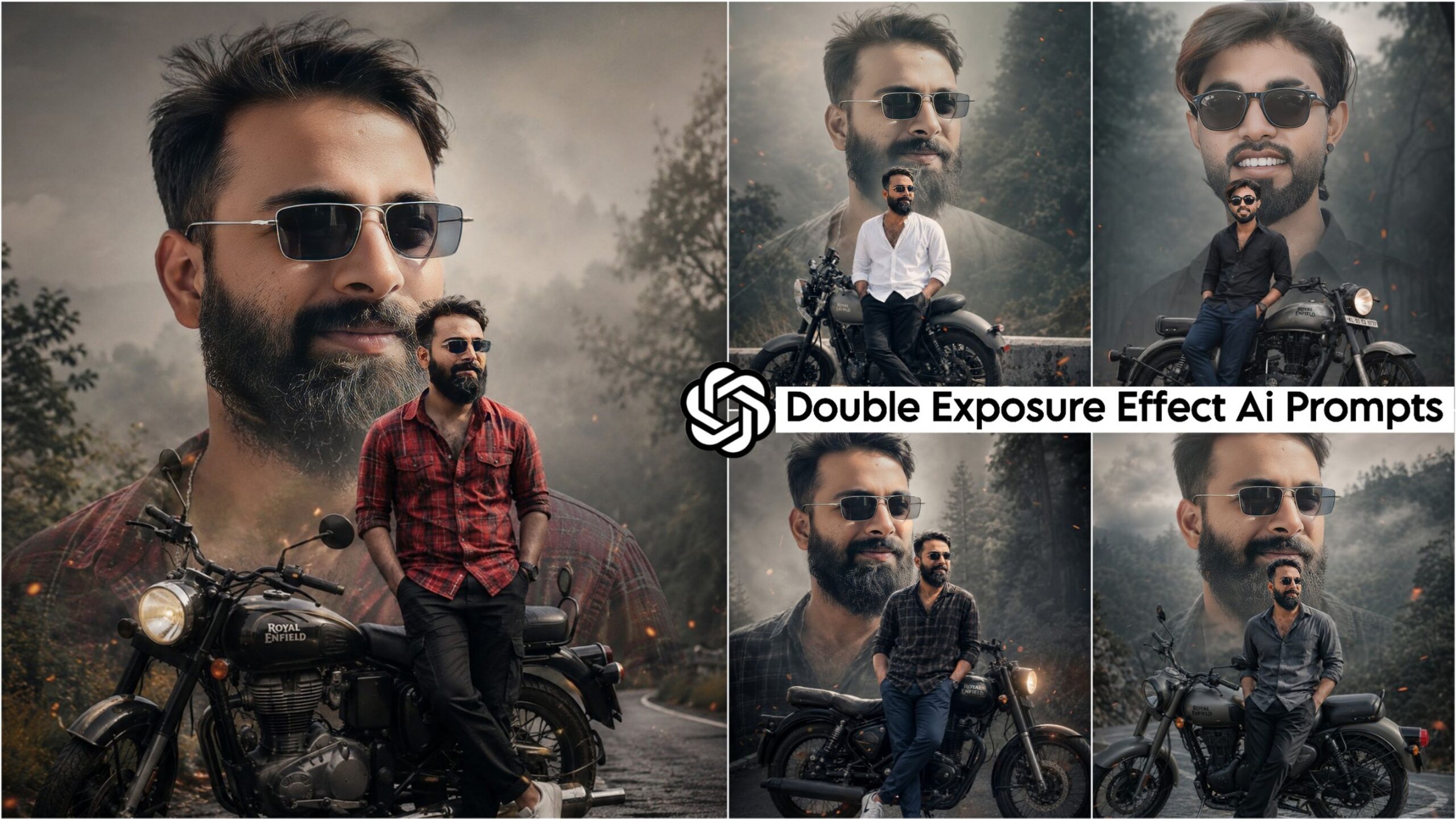
Double Exposure Effect Ai Photo Editing Prompts: If you want to wish someone a happy birthday in a stylish way, this photo editing style is perfect for you. You can create these images for anyone—whether it’s your friends, siblings, girlfriend, boyfriend, husband, or wife—and use them with ease. These AI prompts are truly spectacular and unique, and everyone is using them right now. So, by utilizing these AI prompts to create your own photos, you too can post them on Instagram and go viral! Simply copy the specific AI prompt that appeals to you, then open ChatGPT or Google Gemini on your phone and paste it there.
Your photo will be generated and ready in just under a minute. You can also customize the name within the prompt to suit your preferences; alternatively, if you prefer not to include a name, you can simply remove it and generate the image as a standalone photo.
TRENDING AI PHOTO EDITING PROMPTS
ChatGPT Prompts
Let me tell you a bit about these prompts: they were specifically crafted within ChatGPT and, consequently, will function exclusively within that platform. We developed these prompts ourselves, and they offer truly exceptional results for you. By generating images in ChatGPT, you ensure a 100% accurate face match—a feat that is not consistently achieved with just any set of prompts. Furthermore, any image you create in ChatGPT is automatically rendered in Ultra HD quality, regardless of whether you explicitly specify it in your prompt or not.
Double Exposure Effect AI Photo Editing Prompts
In this collection, we have provided you with a total of the top 5 AI prompts—more than enough to meet your needs. Simply copy the prompt you like best, paste it alongside your chosen photograph, and create your own stunning Birthday Double Exposure Effect image. All you require is a single photo clearly showing your face; we have already pre-configured all the other elements—including your facial features, hairstyle, cinematic lighting in Ultra HD quality, and the Double Exposure Effect itself. This effect will display two instances of your image: a full-body shot in the foreground and a close-up of just your face in the background, resulting in a finished product with a truly magnificent and unique aesthetic.
Double Exposure Effect Ai Photo Editing Prompts
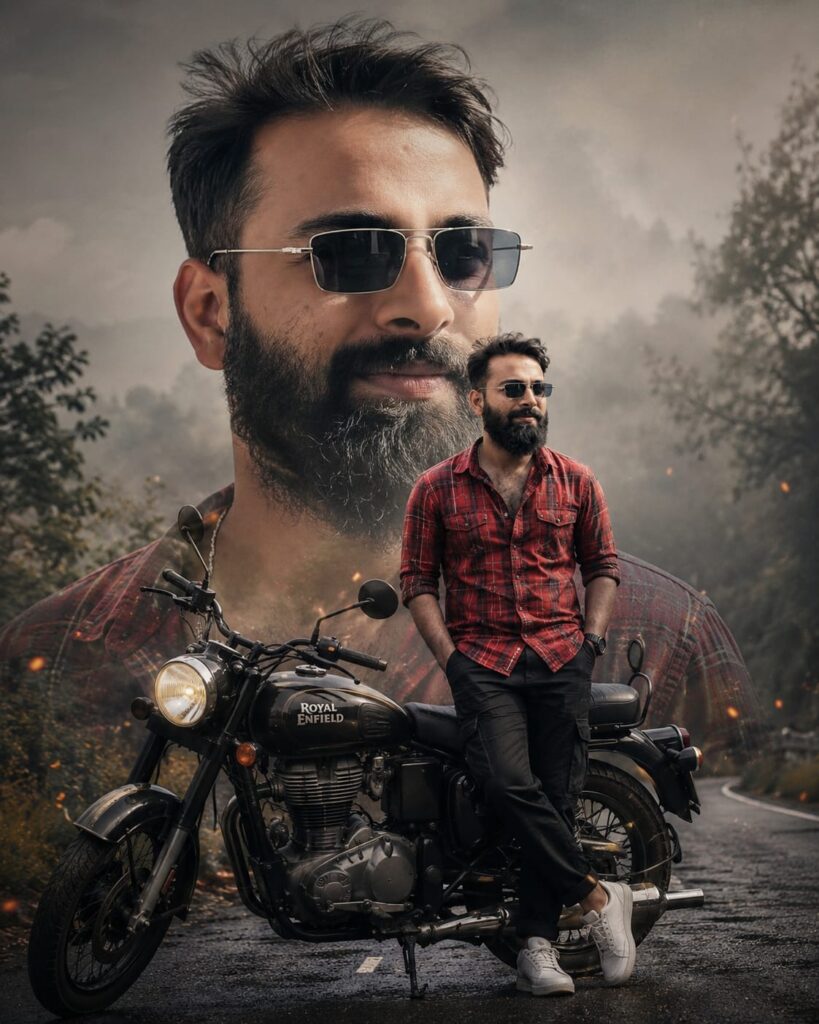
Give the exact face 8k ultra image. A cinematic, double-exposure style photo of a man with a beard and styled hair, leaning against a black mix Royal Enfield motorcycle on a misty road. He wears a check red button-up shirt, black trousers, and white sneakers, with hands in his pockets. In the background, a large, faded, desaturated close-up of his face blends seamlessly into a moody, forested backdrop with soft lighting and subtle orange embers floating in the air.wear sunglasses 4:5 aspect ratio. Don't change face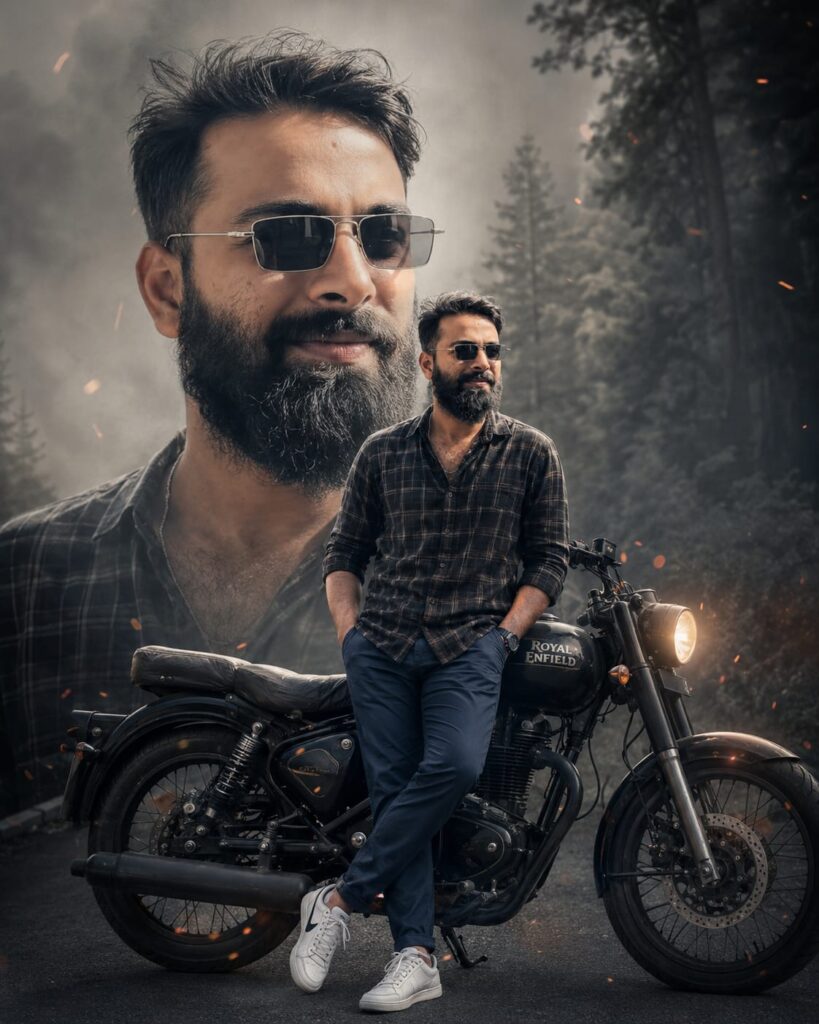
Give the exact face 8k ultra image. A cinematic, double-exposure style photo of a man with a beard and styled hair, leaning against a black Royal Enfield motorcycle on a misty road. He wears a check black button-up shirt, blue trousers, and white sneakers, with hands in his pockets. In the background, a large, faded, desaturated close-up of his face blends seamlessly into a moody, forested backdrop with soft lighting and subtle orange embers floating in the air.wear sunglasses 4:5 aspect ratio. Don't change face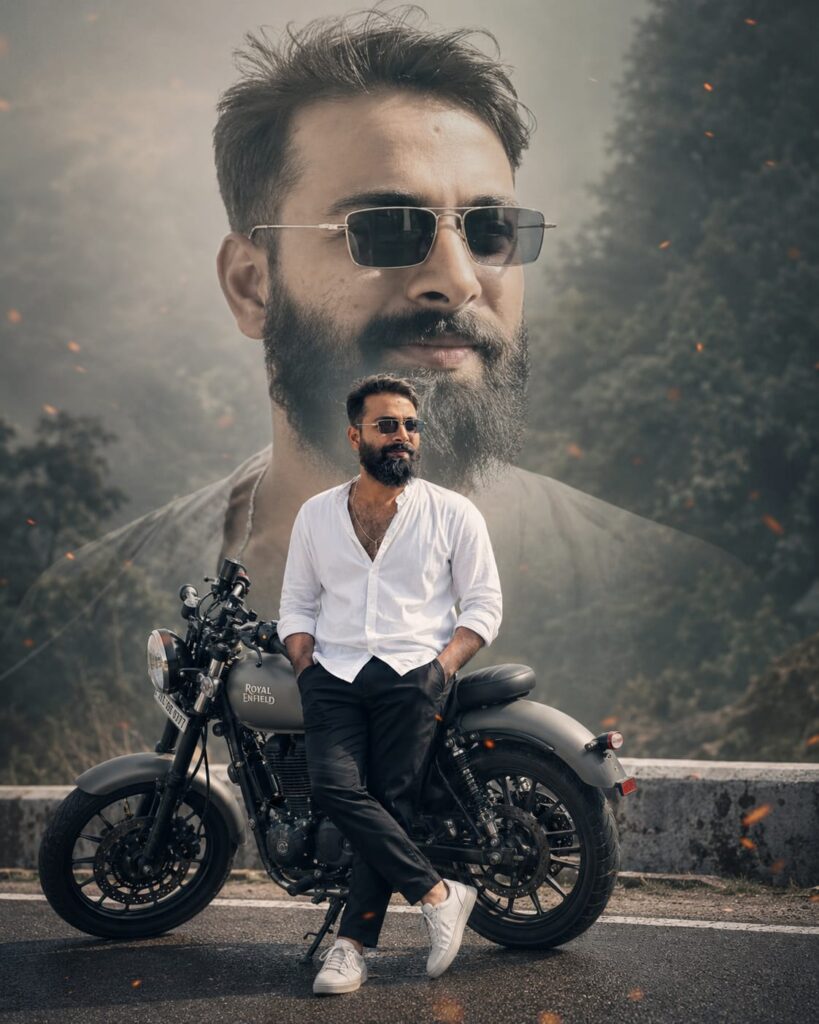
Give the exact face 8k ultra image. A cinematic, double-exposure style photo of a man with a beard and styled hair, leaning against a grey Royal Enfield motorcycle on a misty road. He wears a white button-up shirt, black trousers, and white sneakers, with hands in his pockets. In the background, a large, faded, desaturated close-up of his face blends seamlessly into a moody, forested backdrop with soft lighting and subtle orange embers floating in the air.wear sunglasses 4:5 aspect ratio. Don't change face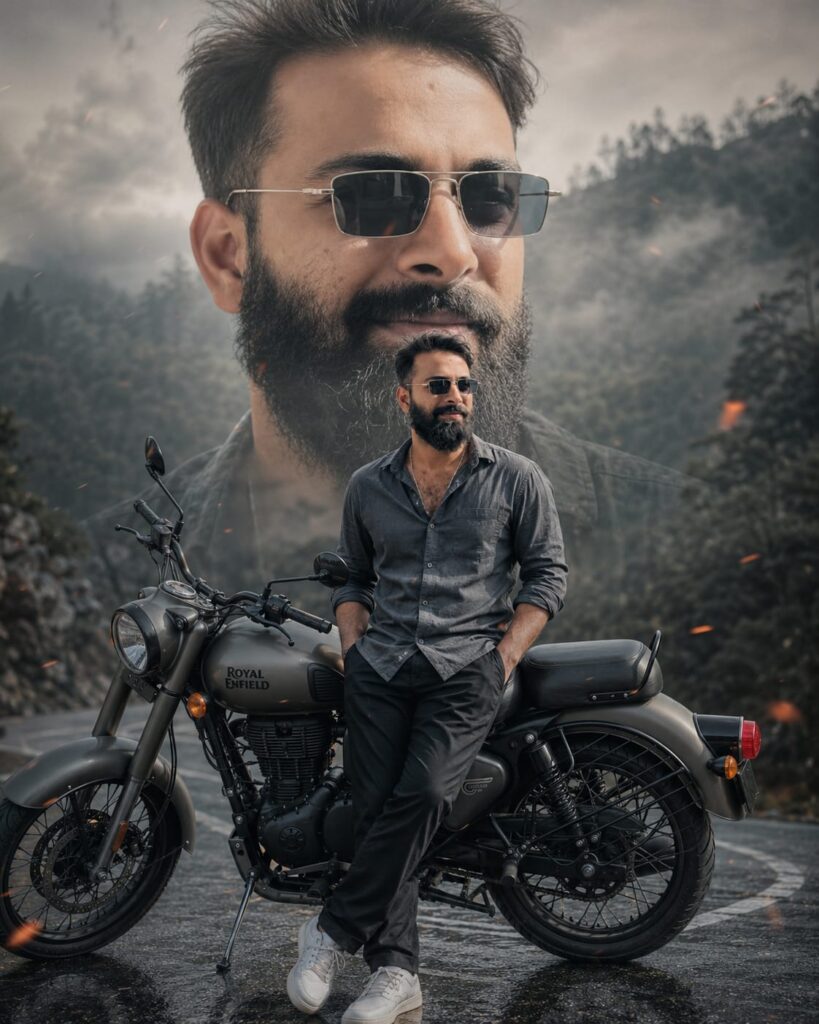
Give the exact face 8k ultra image. A cinematic, double-exposure style photo of a man with a beard and styled hair, leaning against a grey Royal Enfield motorcycle on a misty road. He wears a dark grey button-up shirt, black trousers, and white sneakers, with hands in his pockets. In the background, a large, faded, desaturated close-up of his face blends seamlessly into a moody, forested backdrop with soft lighting and subtle orange embers floating in the air.wear sunglasses 4:5 aspect ratio. Don't change face
How to Use AI Photo Editing Prompts for the Double Exposure Effect
To create photos using these AI photo editing prompts for the Double Exposure effect, you will need an application called ChatGPT. We have provided a download link below, which you can use to obtain the app. Once downloaded, you will need to log in using your Gmail account—any Gmail address will work. Next, locate the ‘+’ icon situated at the very bottom of the screen; click on it to add the specific photo you wish to edit. Then, simply copy the prompt corresponding to the style you like from this page, paste it alongside your selected photo, and hit send. After waiting just a few moments, your edited photo will be ready. You can then proceed as instructed below.
Conclusion: Double Exposure Effect
Friends, as you already know, the prompts I provide are always distinct and unique. This particular AI prompt—specifically designed for creating a “Birthday Double Exposure Effect” through AI photo editing—is truly fantastic. We have outlined all the necessary details for it; all you need to do is follow the instructions to create your own photo. If you encounter any issues while creating it, please feel free to let us know in the comments section. Additionally, if you are looking for any other types of prompts, you can simply leave a comment requesting them.