
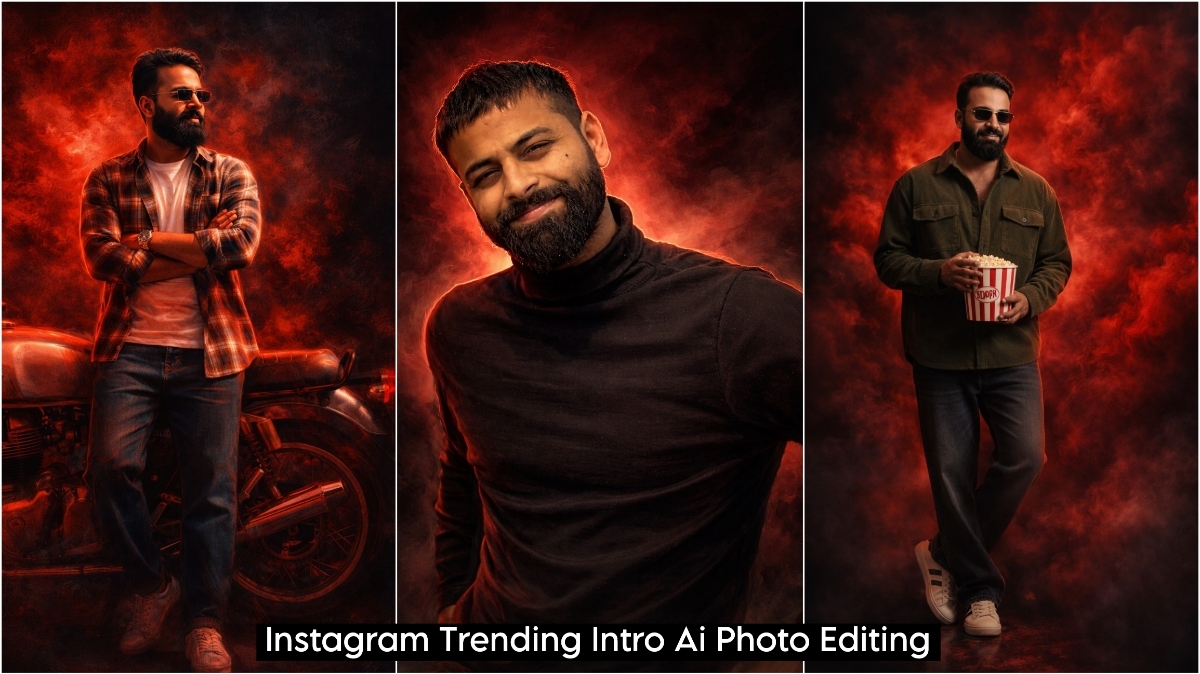
ChatGPT Intro AI Photo Editing Prompts are going viral on Instagram these days, and people are creating and sharing their photos and reels using them, gaining millions of views. Creating these videos is as easy as taking a regular photo. Simply copy the AI prompt you like from here, go to ChatGPT, and paste the prompt along with your photo. It will be ready in just a few moments. This effect includes red smoke, black shadows, and a completely changed background, which people are currently creating using apps like CapCut.
Let me tell you, you’ll need two apps to create this. One is CapCut, which you’ll use to create your video, and the other is ChatGPT, which you’ll use to create your intro image. For the intro video, you can film a short video clip on your phone, perhaps on your rooftop or somewhere outdoors. Then, go to CapCut and add that video. After that, cut the video according to your music. Then, create your intro image using ChatGPT and add it to the video. Your video will then be ready, and you can upload it to Instagram, Facebook, or anywhere else.
ChatGPT Intro AI Photo Editing Prompts
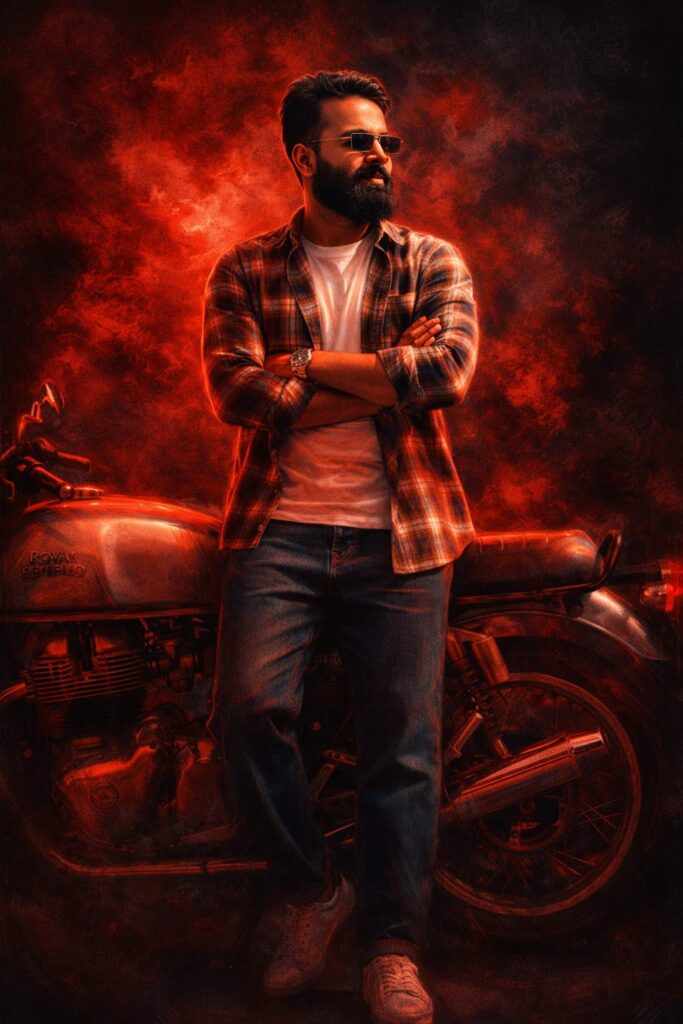
Transform the given photo into a highly realistic digital illustration poster with an oil painting and pencil sketch artistic blend. Change the background to intense deep red smoke combined with dark black shadows, creating a dramatic and cinematic atmosphere. Keep the subject ultra-realistic with a crystal-clear, sharp face, natural skin texture, and detailed expressions. Apply strong red cinematic lighting on the body with powerful highlights and soft shadows for depth. The artwork should feel like a premium movie poster with ultra-HD quality, realistic oil-paint texture, subtle pencil sketch strokes, shallow depth of field, high contrast color grading, and a dark, moody tone. Maintain the original image size and proportions. Don't change faces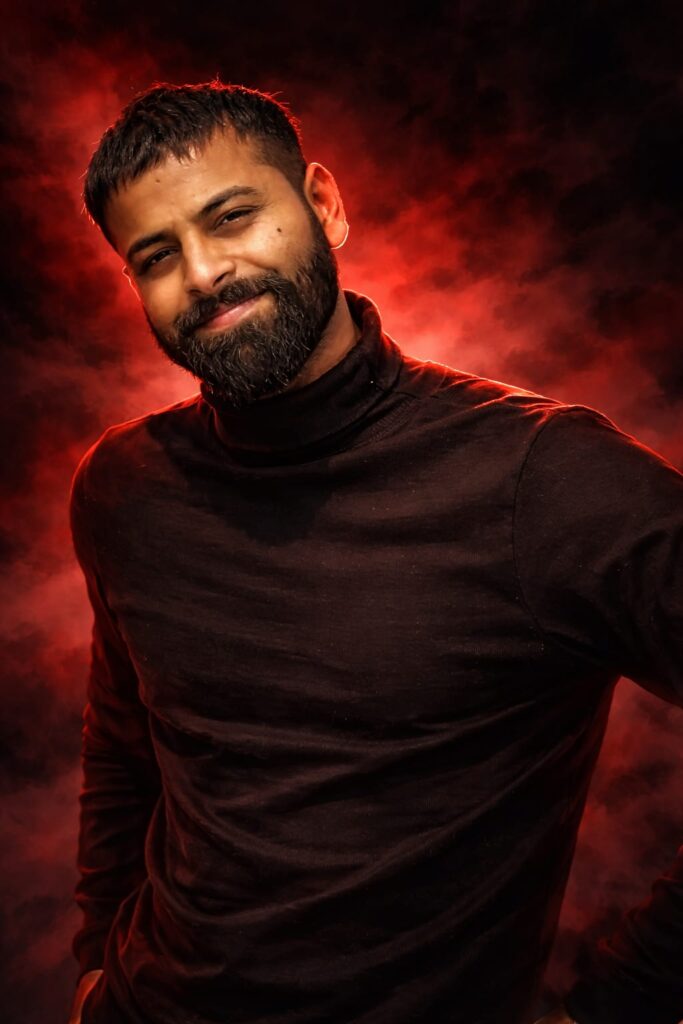
Transform the given photo into a highly realistic cinematic painting with a sketch-like artistic touch. Replace the background with intense deep red smoke combined with dark black shadows, creating a dramatic and mysterious atmosphere. Apply a strong red effect on the face while keeping it ultra-clear, sharp, and highly detailed with natural skin texture and realistic expressions. Add cinematic lighting on the body with strong highlights and soft shadows for depth. The image should have premium movie-style color grading, subtle contrast, shallow depth of field, and an ultra-HD, hyper-realistic finish. Don't change faces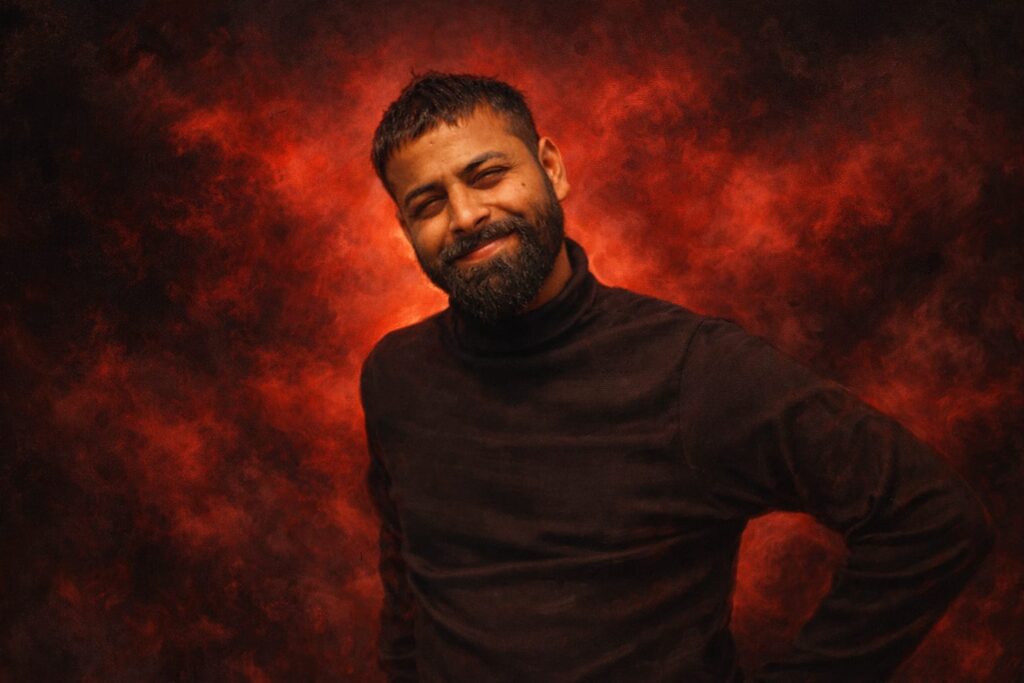
Transform the given photo into an ultra-realistic cinematic oil painting with a subtle pencil-sketch artistic touch. Replace the background with intense deep red smoke blended with dark black shadows, creating a dramatic, mysterious atmosphere. Apply strong cinematic lighting on the body with high contrast, glowing highlights, and soft shadows for depth. The face must remain ultra-clear, sharp, and highly detailed with natural skin texture and realistic expressions. Add premium movie-style color grading, shallow depth of field, and a powerful red tone effect without losing realism. The final image should look like a high-end cinematic portrait, ultra-HD quality, extremely realistic, painterly yet lifelike, maintaining the original photo size and proportions. Don't change faces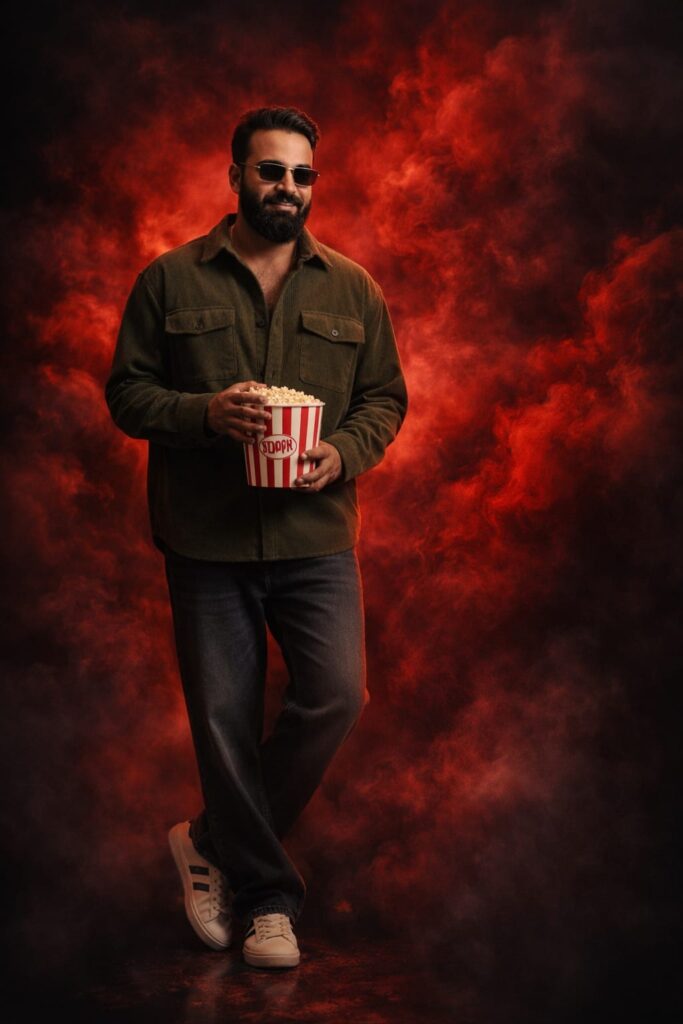
Transform the given photo into an ultra-realistic digital illustration poster. Completely replace the background with intense deep red smoke blended with dark black shadows, creating a dramatic and cinematic atmosphere. Keep the subject extremely realistic with a crystal-clear, sharp face, natural skin texture, and original facial features unchanged. Apply strong cinematic lighting on the body with powerful highlights and soft shadows for depth and realism. The image should look like a premium movie poster with ultra-HD quality, high contrast color grading, subtle depth of field, and a dark, moody tone. Maintain the original image size, proportions, and composition. Do not change the face. Don't change faces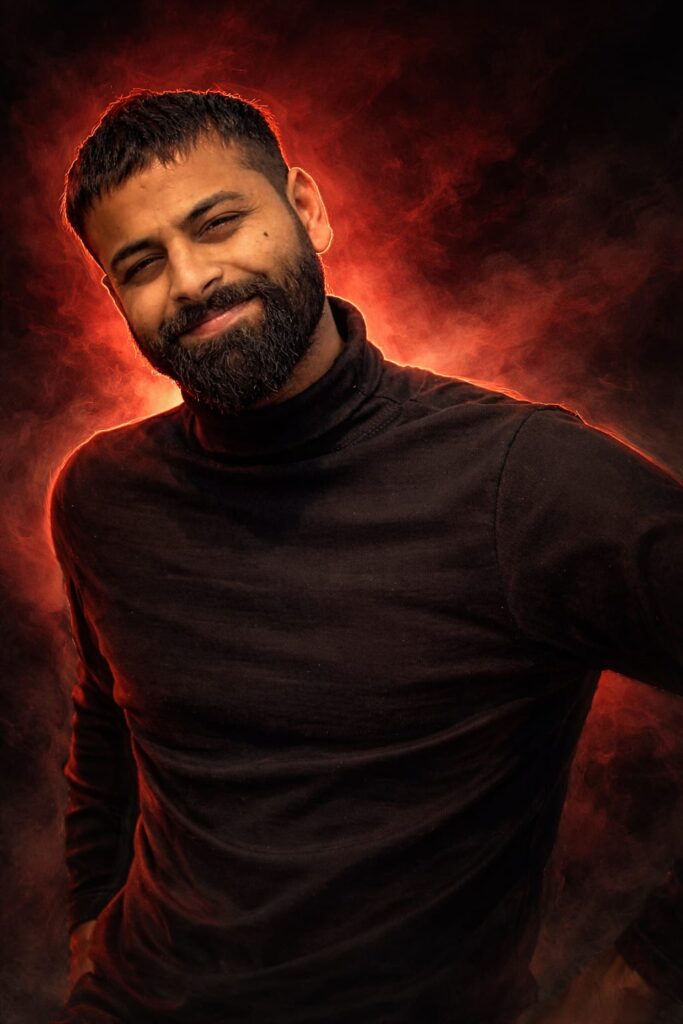
Transform the given photo into a highly realistic digital illustration poster with an oil painting and pencil sketch artistic blend. Change the background to intense deep red smoke combined with dark black shadows, creating a dramatic and cinematic atmosphere. Keep the subject ultra-realistic with a crystal-clear, sharp face, natural skin texture, and detailed expressions. Apply strong red cinematic lighting on the body with powerful highlights and soft shadows for depth. The artwork should feel like a premium movie poster with ultra-HD quality, realistic oil-paint texture, subtle pencil sketch strokes, shallow depth of field, high contrast color grading, and a dark, moody tone. Maintain the original image size and proportions. Don't change facesOverall
Friends, I have provided you with ChatGPT Intro AI Photo Editing Prompts here, and I have also explained how to use them. So please use them, and if you liked it, you can let me know by leaving a nice comment. I have explained every step to you, and if there is anything you don’t understand, please let me know, and I will explain it to you.
Google Gemini Link Click And Use
