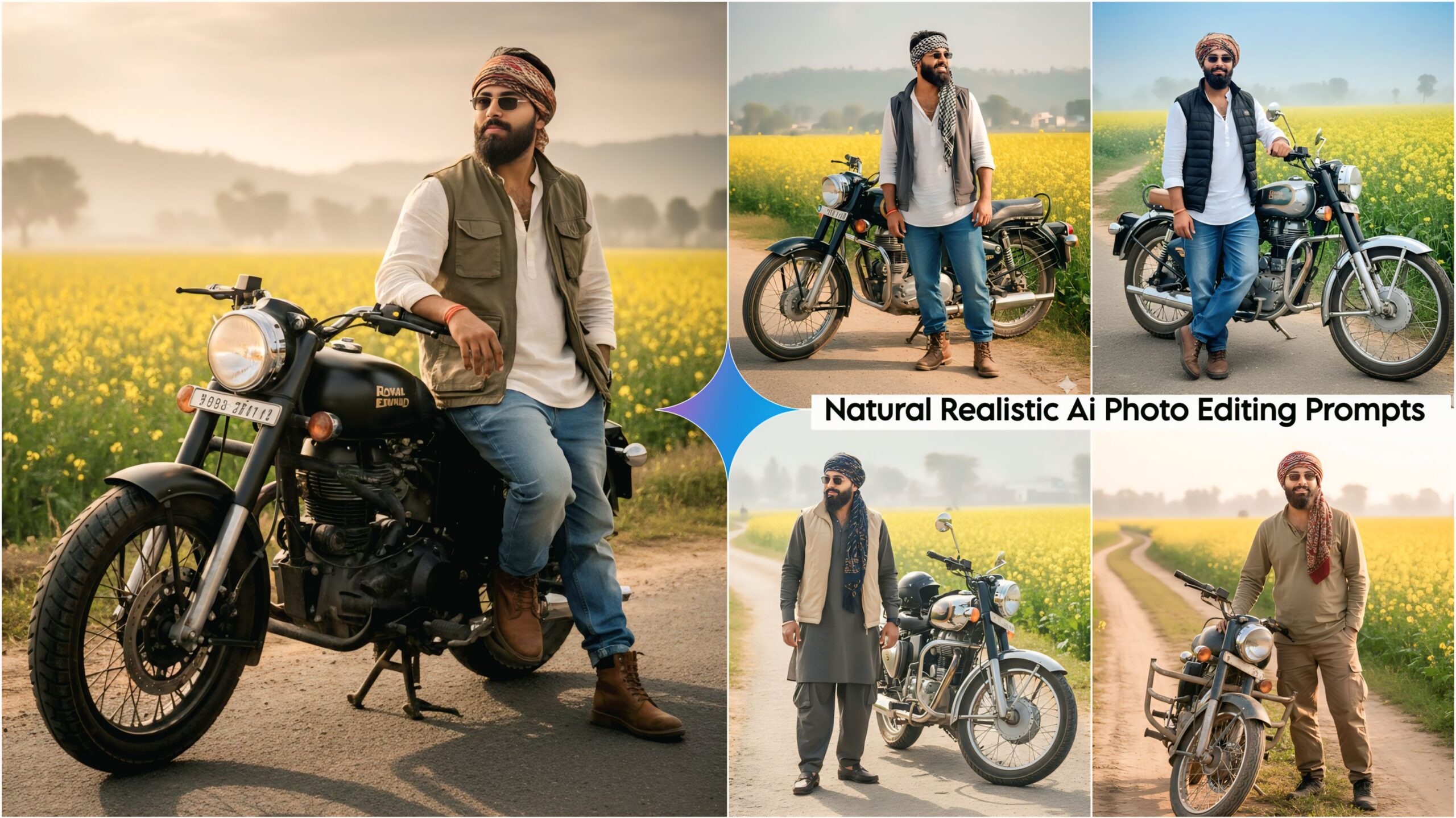
100% Natural Realistic AI Photo Editing Prompts: These days, people are creating amazing photos with just one click on their mobile phones. Seeing this, we’ve made it even easier for you to create the perfect photos you’ve always wanted. We’ve brought you some fantastic and unique prompts that people will love, especially since it’s the perfect season for them. In rural areas, people cultivate this crop for its mustard oil, and many travel long distances just to take pictures with it. But now, with the help of Google Gemini, you can create these stunning images with just one click on your mobile phone.
In this prompt, you see a young man standing with a bullet motorcycle. He’s wearing a nice casual outfit, along with glasses and a bandana wrapped around his forehead, which looks quite good. The scene is set on a dirt road in a village. This prompt will be quite popular, and you can find more unique prompts like this on our website, Techpp India.
About 100% Natural Realistic AI Photo Editing Prompts
These prompts are excellent, unique, and unlike any other. You can use them to create amazing images and post them on your Instagram and Facebook. Yes, you too can create such edits quickly! Bullet prompts are also included, which you can see in the examples. These prompts feature a mustard field in a traditional Indian style. The images showcase different poses and outfits, including jackets and shawls, which you can use. People really love this style, which is completely traditional Indian.
100% Natural Realistic Ai Photo Editing Prompts, Google Gemini Ai Prompts
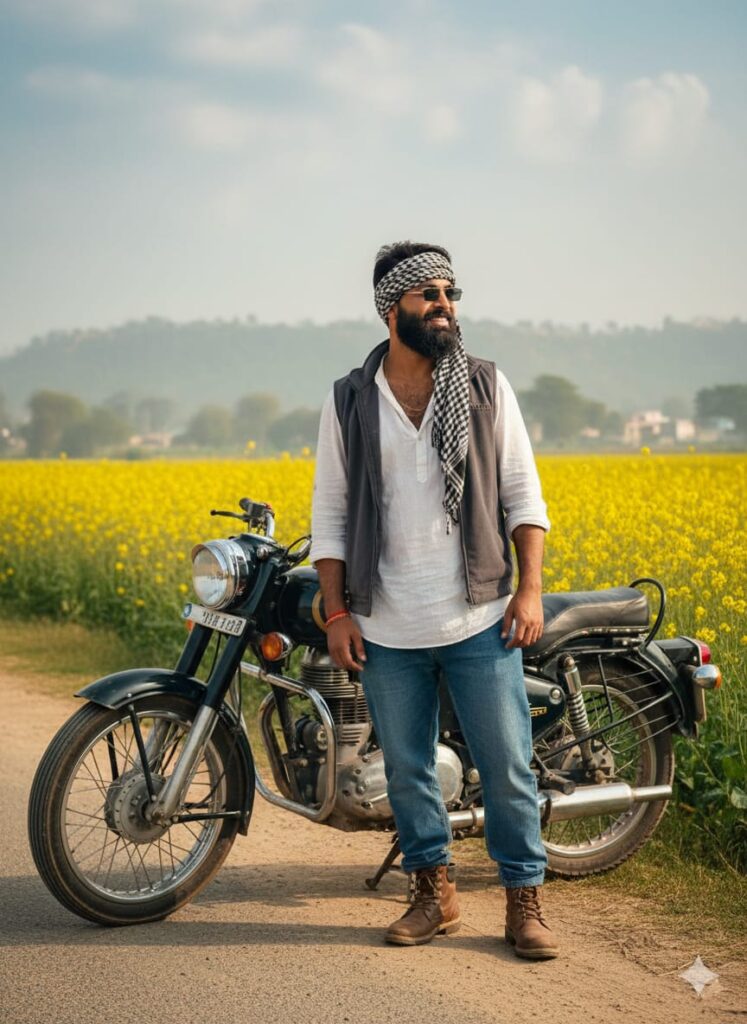
A realistic and detailed photograph of a young man with a transformed face (appearing like a completely different person, yet natural and real). He stands slightly smiling beside a Bullet Extended motorcycle on a village dirt road. He is dressed in baggy jeans, a free-size shirt, shoes, sunglasses, and a half-jacket, with a muffler tied around his head like a bandana. In the background, there is a field of mustard flowers (sarso ka phool) that looks natural and realistic. The scene features cinematic lighting, a natural real \text{HD} face, \text{HD} quality, and a slight fog effect. Don’t change faces
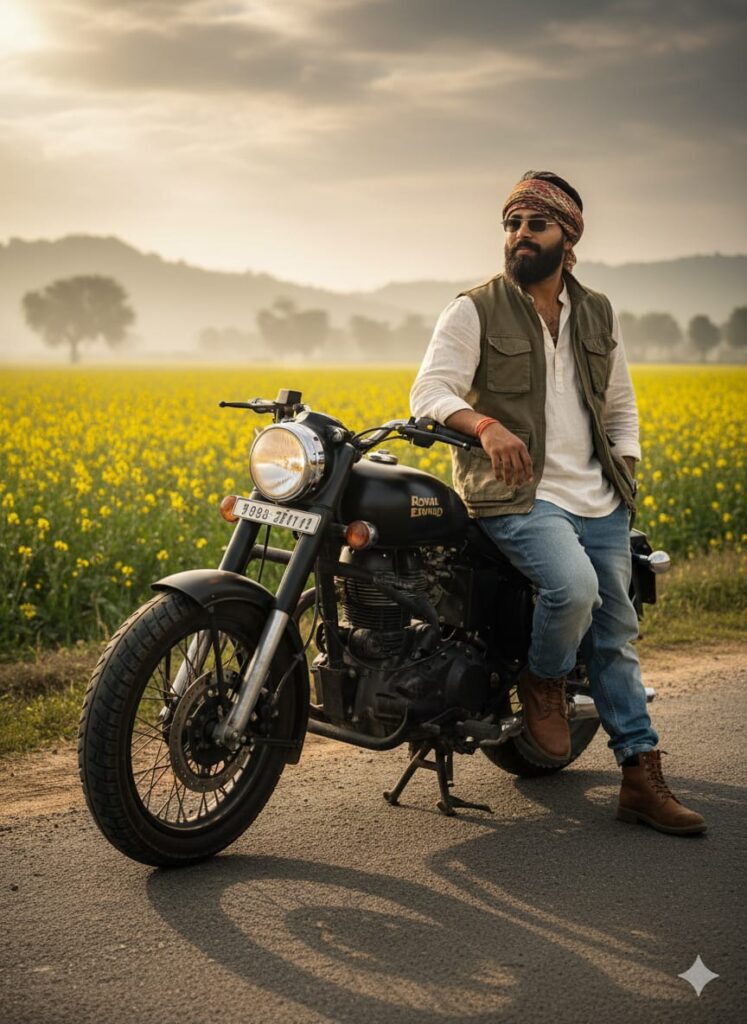
Hyper-realistic photograph of a young man with a strikingly altered face (new identity, yet highly believable), giving a faint smile. He is leaning on a customized Bullet motorcycle parked on a rough rural road. He wears casual dress, including a loose shirt, baggy denim, boots, a half-jacket, and sunglasses, with a head-wrapped muffler. The background is an \text{HD} quality natural mustard field under dramatic cinematic light, with a subtle foggy atmosphere. Don’t change faces
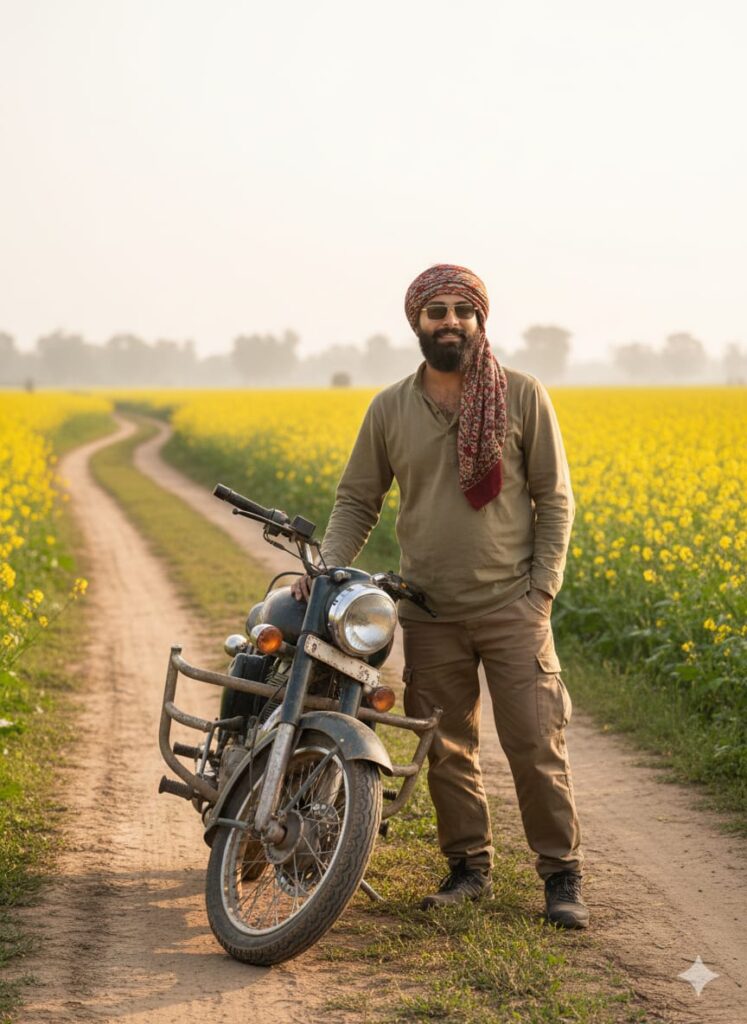
A young man with a realistically changed face is captured in a still-shot, giving a mild smile. He is standing with a pose near his Royal Enfield Bullet Extended on a muddy village track. He is styled in baggy casual wear, sunglasses, and a muffler tied as a headscarf. The atmosphere is set by a vibrant, natural mustard farm backdrop, illuminated by \text{HD} cinematic lighting, resulting in an ultra-realistic \text{HD} image with a haze of soft. Don’t change faces
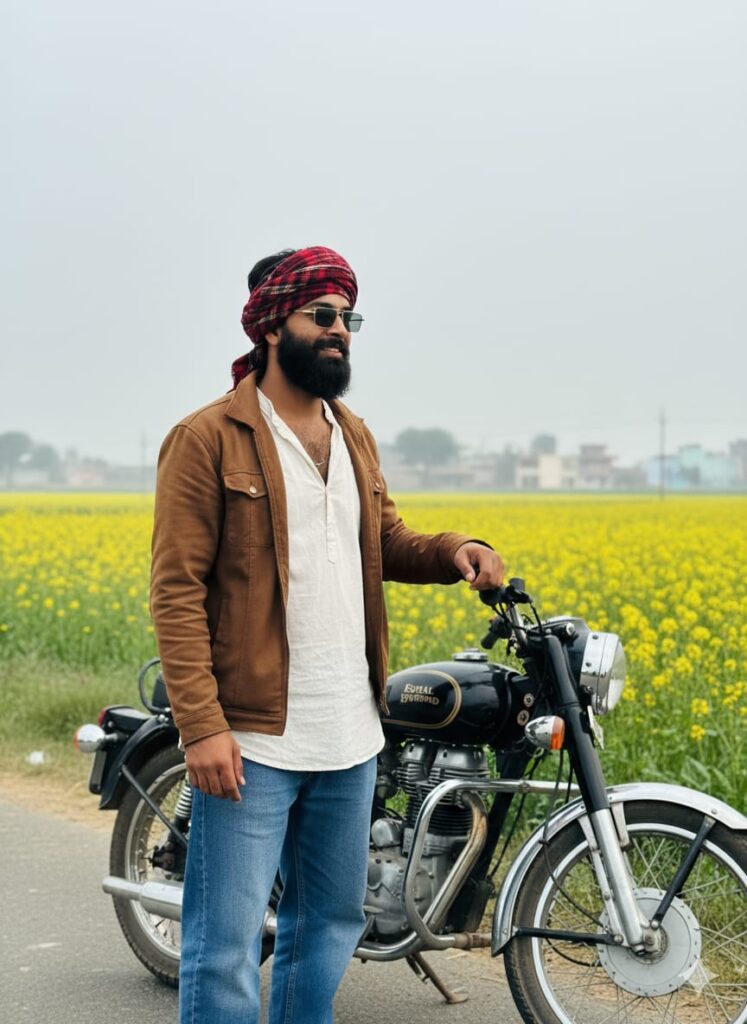
Realistic \text{HD} photo of a young man with a changed, real-looking face, gently smiling. He is standing by an Extended Bullet bike on a kachhi road (dirt road) in a village. He wears casual outfit (baggy jeans, loose shirt, half jacket), sunglasses, and a muffler tied on his head. Behind him is a natural and realistic field of mustard flowers. Use cinematic lighting and a light fog effect. Don’t change faces
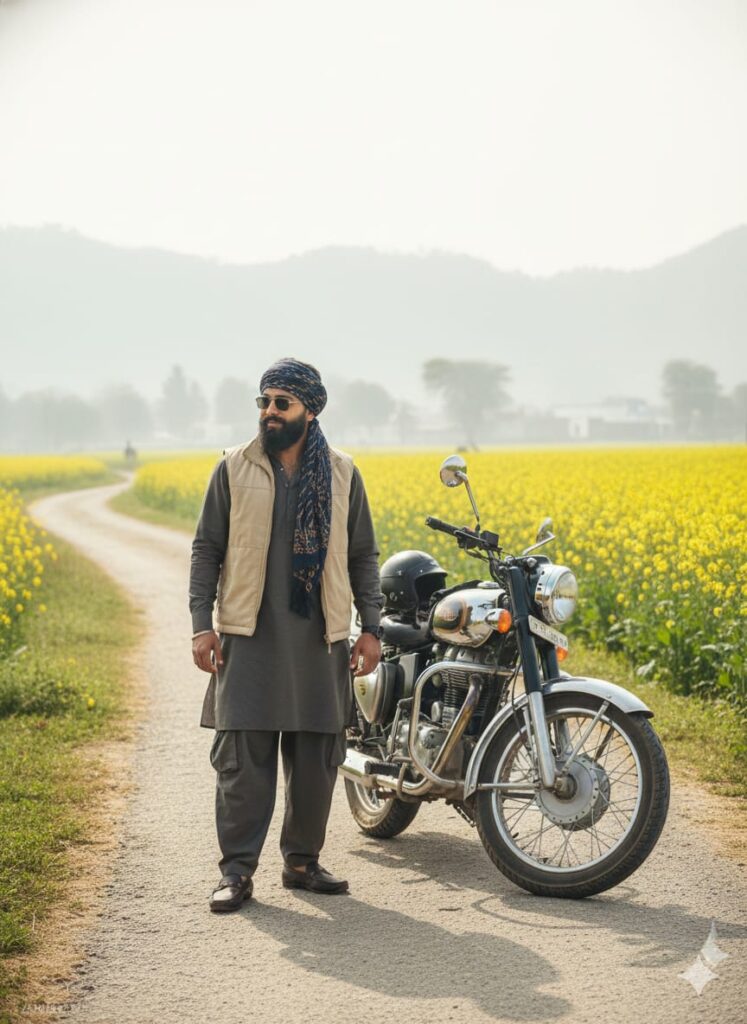
Stunning \text{HD} quality portrait of a young man whose face has been realistically modified to look like a new person, with a hint of a smile. He’s posing next to an Extended Bullet motorcycle on a village dirt pathway. Outfit: casual baggy clothing, half-jacket, sunglasses, and a muffler styled on his head. The background features a vibrant, natural mustard flower field, shot with cinematic, high-definition lighting and a soft, foggy filter. Don’t change faces
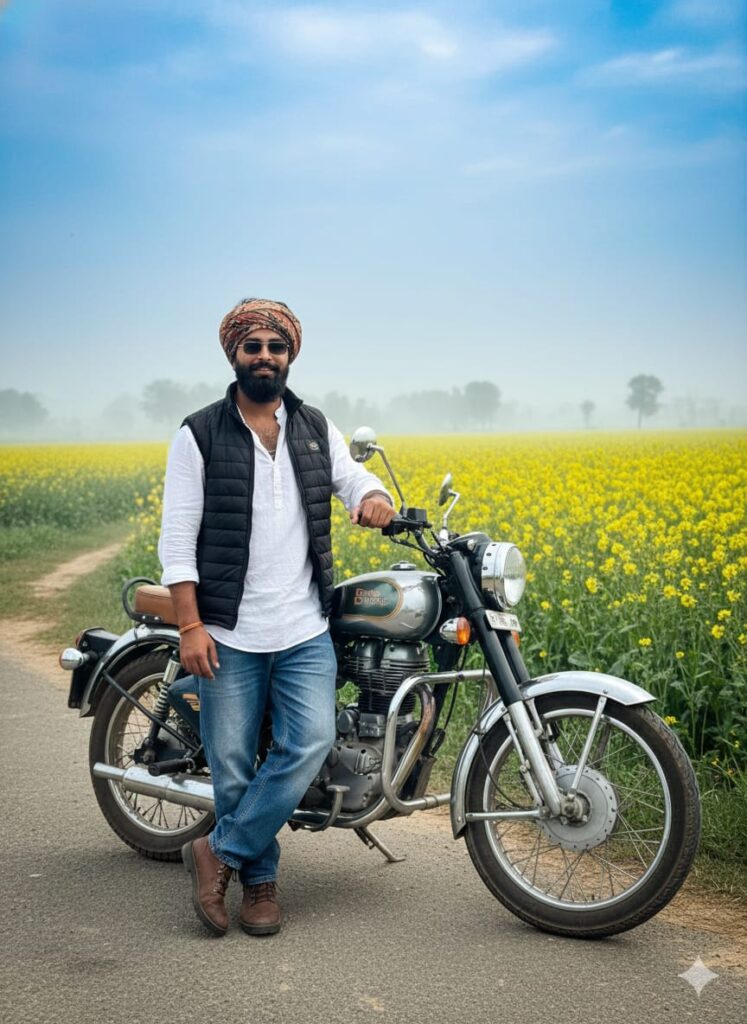
A young man with a realistic, slightly changed face, standing on a village's dirt (Kachhi) road next to an extended Bullet motorcycle, taking its support. He is casually dressed in baggy jeans, a free-size shirt, shoes, sunglasses, and a half-jacket. He has a muffler tied around his head (like a turban/head wrap). He has a slight smile. In the background, there is a mustard field (Sarso ka khet) with vibrant yellow flowers, appearing natural and hyper-realistic. The image should have cinematic lighting, a natural real HD quality face and overall HD quality, and a light, subtle fog. Don't change facesNote –
Please enter all your details here. Sometimes, the AI prompts don’t work, but you don’t need to worry. Just open a new page, go to Google Gemini, and upload your photo again. It will be created on the new page.
How to use 100% Natural Realistic AI Photo Editing Prompts
Let me explain how to use it so you don’t have any trouble. First, you need to download Google Gemini. Google Gemini is now available on almost everyone’s mobile phone. Just find any AI photo you like on my website, and below it, you’ll find the best 100% Natural Realistic AI Photo Editing Prompts. Copy it, then paste the copied AI Photo Editing Prompt into Google Gemini and post it. It’s very easy. Then you’ll have to wait 1 to 2 minutes. Your photo will be generated. If you want to make it even clearer, you can use Remini.
Conclusion
Friends, in this article, I have provided you with 100% natural and realistic AI photo editing prompts, and I have also explained how to use them. So please use them, and if you liked it, you can leave a nice comment. I have explained every step in detail, and if you didn’t understand anything, please let me know, and I will explain it to you.
Google Gemini Link Click And Use