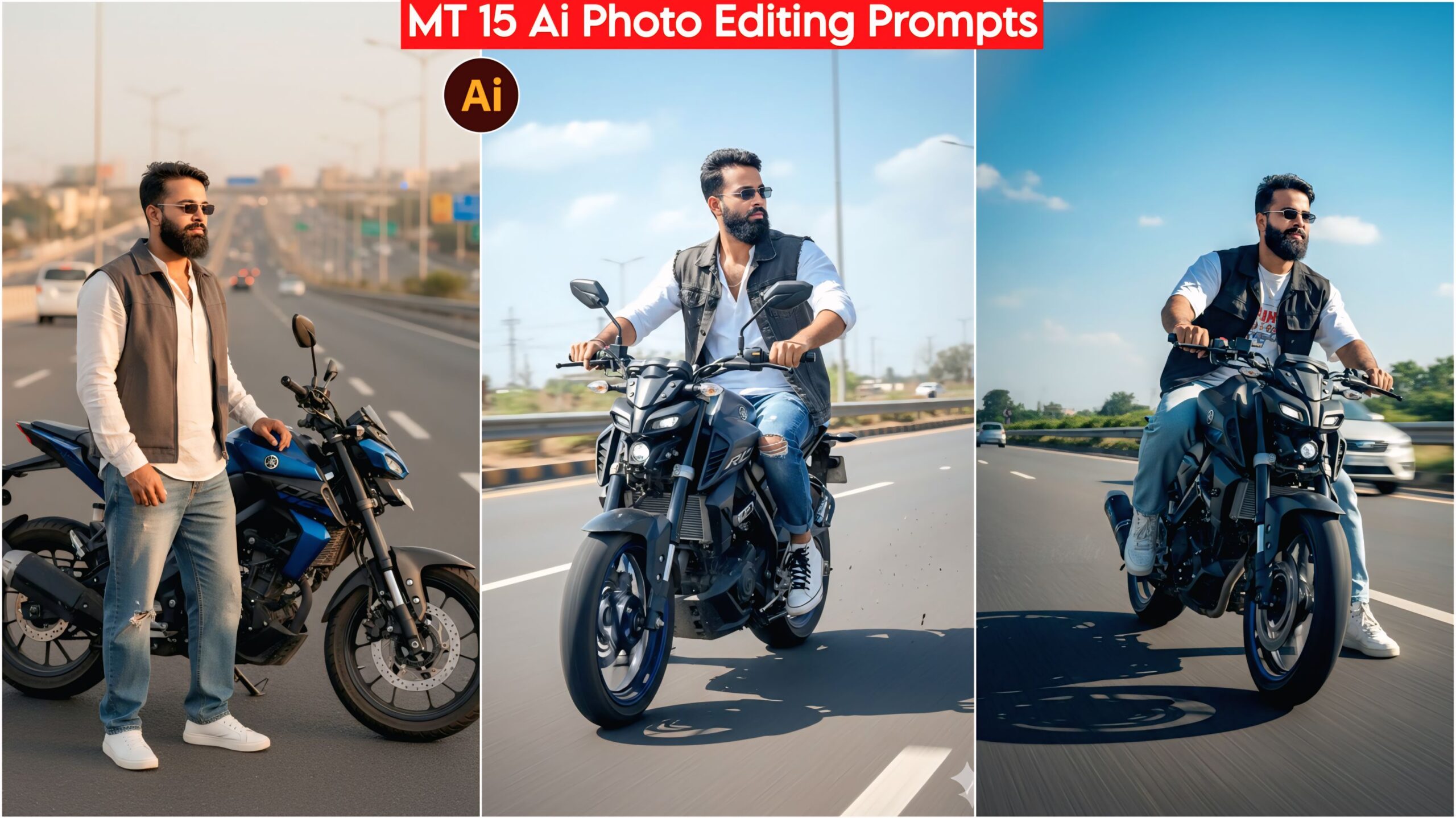
Viral Yamaha MT 15 Bike AI Photo Editing Prompts, In this article, I have provided you with some amazing and unique prompts. These prompts are based on a bike that is loved by everyone and is a dream for many boys – the Yamaha MT 15 sports bike. This bike is a favorite among many. You can easily use these prompts with just one click. These prompts will give you many different poses and unique looks, as you can see below. I have posted many such prompts on my website. You can search for the prompts you need and give your photos a great look.
On our website Techpp India, we know that everyone wants their photos to look great and stand out. Now you don’t have to worry anymore! You just need one app called Google Gemini. We’ve provided a direct link below; simply click on it to use the app. You can then edit your photos and share them on Instagram, Facebook, and even use them as your WhatsApp DP.
About Viral Bike Yamaha MT 15 Ai Photo Editing Prompts
Friends, we have provided the prompts below. You can see them and use the ones you like. Simply click on the prompt to copy it. Then, click on the Google Gemini link at the very bottom to create your image. You will find many prompts showing a man standing and riding the MT 15 bike in different poses and locations. Use these prompts to create your own photos.
Viral Bike Yamaha MT 15 Ai Photo Editing Prompts, 100% Real Face
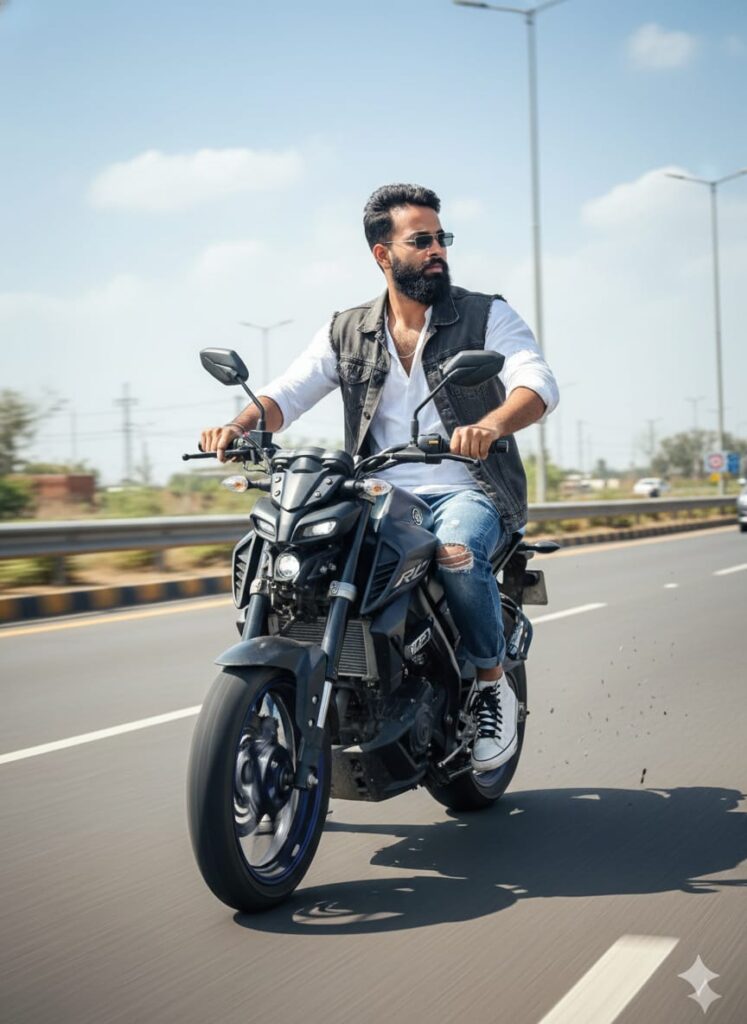
Realistic, HD-quality image of a young man with a clear, detailed face. He is wearing a casual, street-style outfit: a loose-fitting full shirt, baggy denim jeans, a vest/half-jacket, and sneakers. He has dark sunglasses on. He is positioned on a wide main highway, driving a Yamaha MT-15 motorcycle (made to appear slightly bigger). The man is twisting his body to look directly behind him while driving. Action shot, natural outdoor lighting, clear focus on the subject, photorealistic details. Don’t change faces
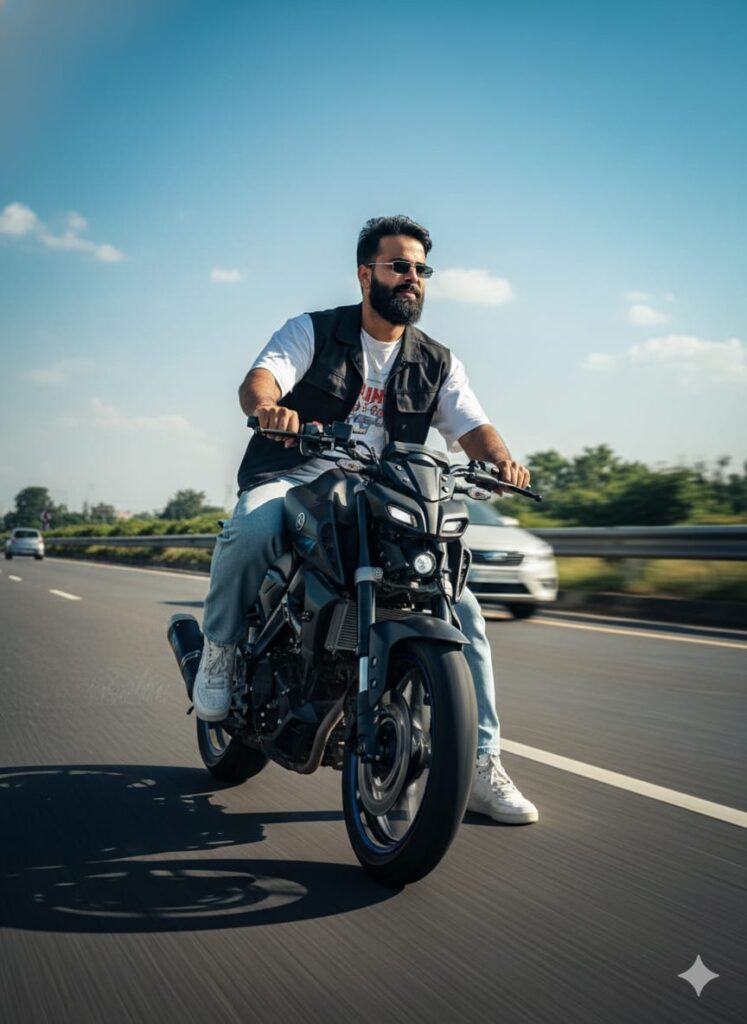
A striking, photorealistic HD image of a young man actively driving a slightly customized/modified Yamaha MT-15 bike on a main highway. His facial features appear to be in a state of realistic, subtle metamorphosis (face change). He is sporting a cool, casual look: baggy jeans, an oversized shirt, a half-jacket, and sneakers, complemented by stylish sunglasses. The composition features dramatic, cinematic lighting casting long shadows, a clear, natural highway background, and crystal-clear facial detail. High-definition, professional photography, action shot, detailed reflections, volumetric lighting. Don't change faces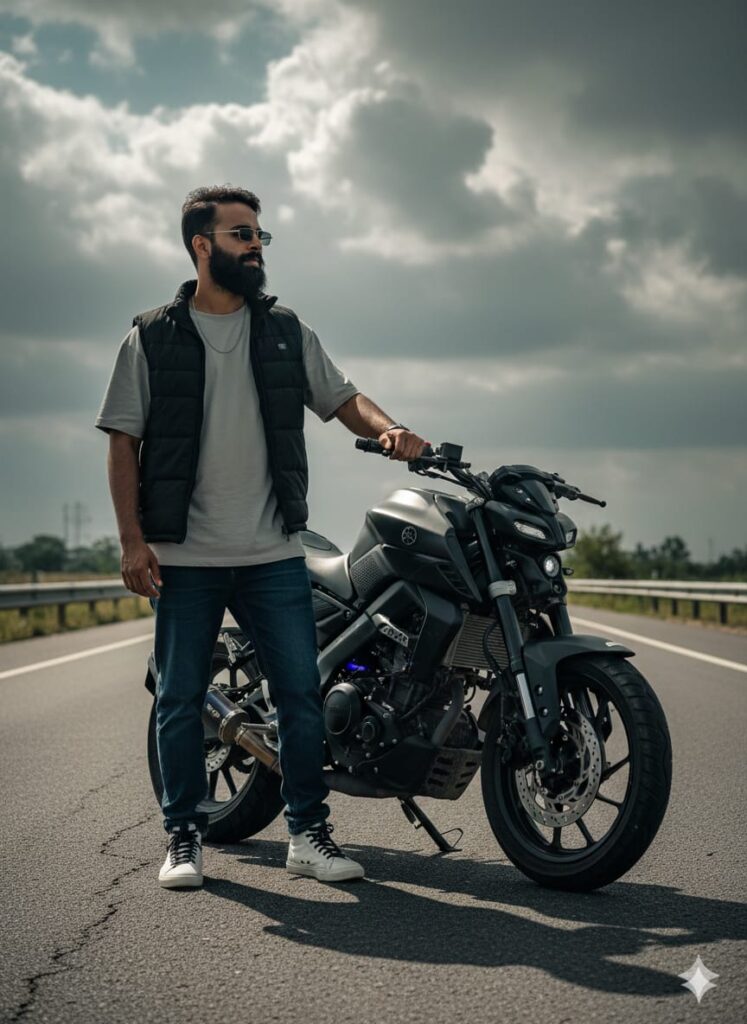
Photorealistic cinematic portrait of a young man, subtly transformed face, standing next to a customized Yamaha MT-15 on a desolate main highway. Dressed in streetwear: baggy denim, oversized shirt, half-jacket, and sneakers. Wearing sunglasses. Dramatic, low-angle lighting, 8K, high contrast, movie still quality. Don't change faces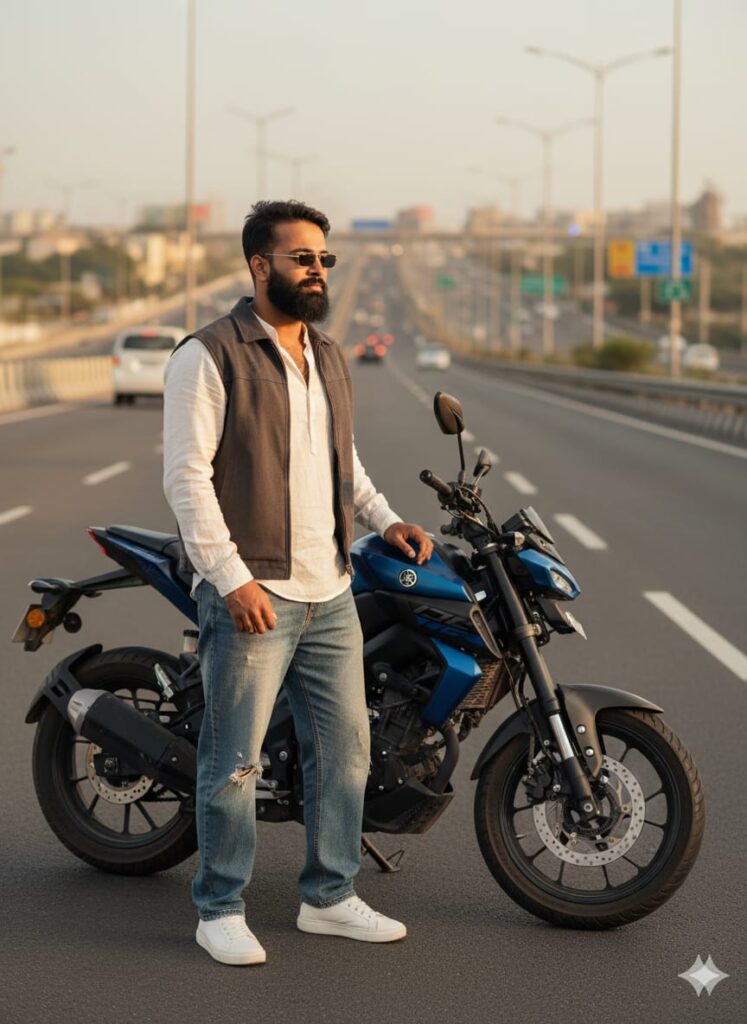
A hyper-realistic and detailed close-up shot of a young man whose face has undergone a realistic, subtle transformation/change. He is dressed in a casual, stylish urban outfit: a free-size shirt, baggy jeans, and a half-jacket. He is wearing sleek sunglasses and modern sneakers. He is positioned on a wide, main highway, having just dismounted from a slightly oversized Yamaha MT-15 motorcycle. The scene features cinematic golden hour lighting and a natural, real-world background blur (bokeh). Ultra-high definition (UHD) quality, crystal clear facial features, photorealistic rendering. Don't change faces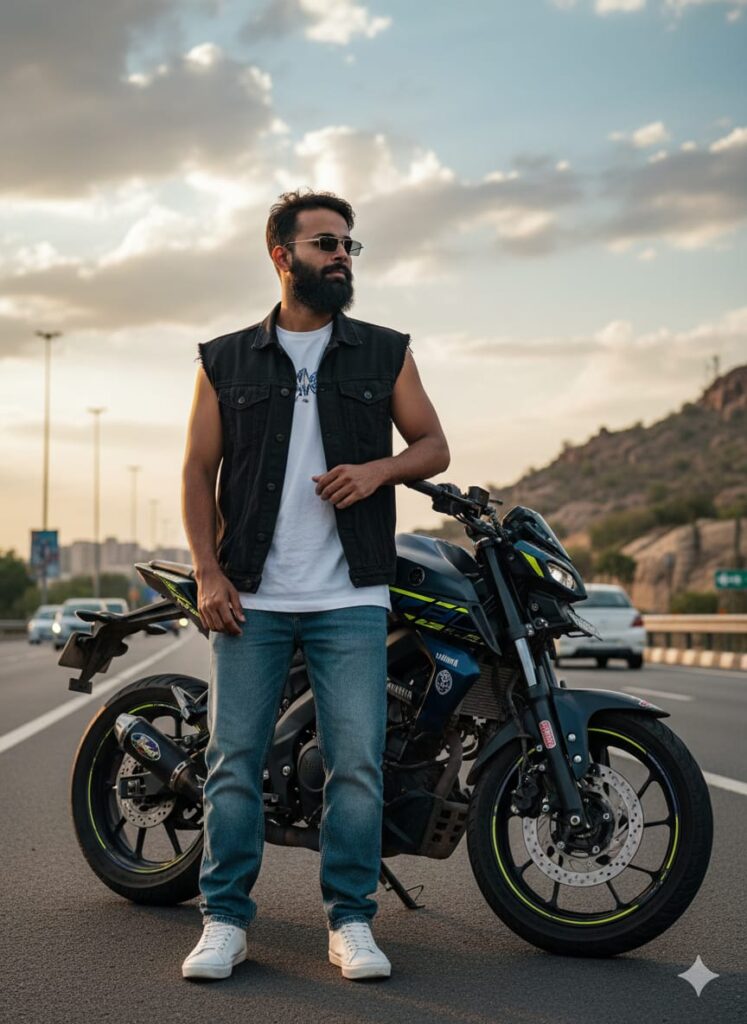
Realistic, cinematic HD photo of a young man with a noticeably altered or "changed" face, designed to look completely authentic and real. He is dressed in casual streetwear: baggy jeans, a free-size shirt, a half-jacket, and sneakers, with sunglasses covering his eyes. He is standing by a main highway, leaning on a customized, slightly oversized Yamaha MT-15 motorcycle. The background features dramatic cinematic lighting and natural, realistic elements. High detail, clear face (post-alteration), ultra-HD quality. Don't change facesNote –
Please enter all your details here. Sometimes, the MT 15 Bike prompts don’t work, but don’t worry. Just open a new page, use Google Gemini, and add your photo again. It will be created again on the new page.
How to use Viral Bike Yamaha MT 15 Ai Photo Editing Prompts
Let me explain how to use it so you don’t have to face any difficulties. First, you need to download Google Gemini. Since Google Gemini is now available on almost everyone’s mobile phone, you can simply find any AI photo you like on my website. Below that photo, you’ll find the best Viral Bike Yamaha MT 15 AI Photo Editing Prompts. Copy those prompts. Then, paste the copied Viral Bike Yamaha MT 15 AI Photo Editing Prompts into Google Gemini and post it. It’s very easy! You’ll then have to wait for 1 to 2 minutes. Your photo will be generated. If you want to make it even clearer, you can use Remini.
Details –
Friends, I have provided you with the Viral Bike Yamaha MT 15 AI Photo Editing Prompts here, and I have also explained how to use them. So please use them, and if you liked it, you can let me know by leaving a nice comment. Here you can find everything about mobile and automobile AI editing. I have explained every step, and if you don’t understand anything, please let me know, and I will explain it to you.
Google Gemini Link Click And Use