
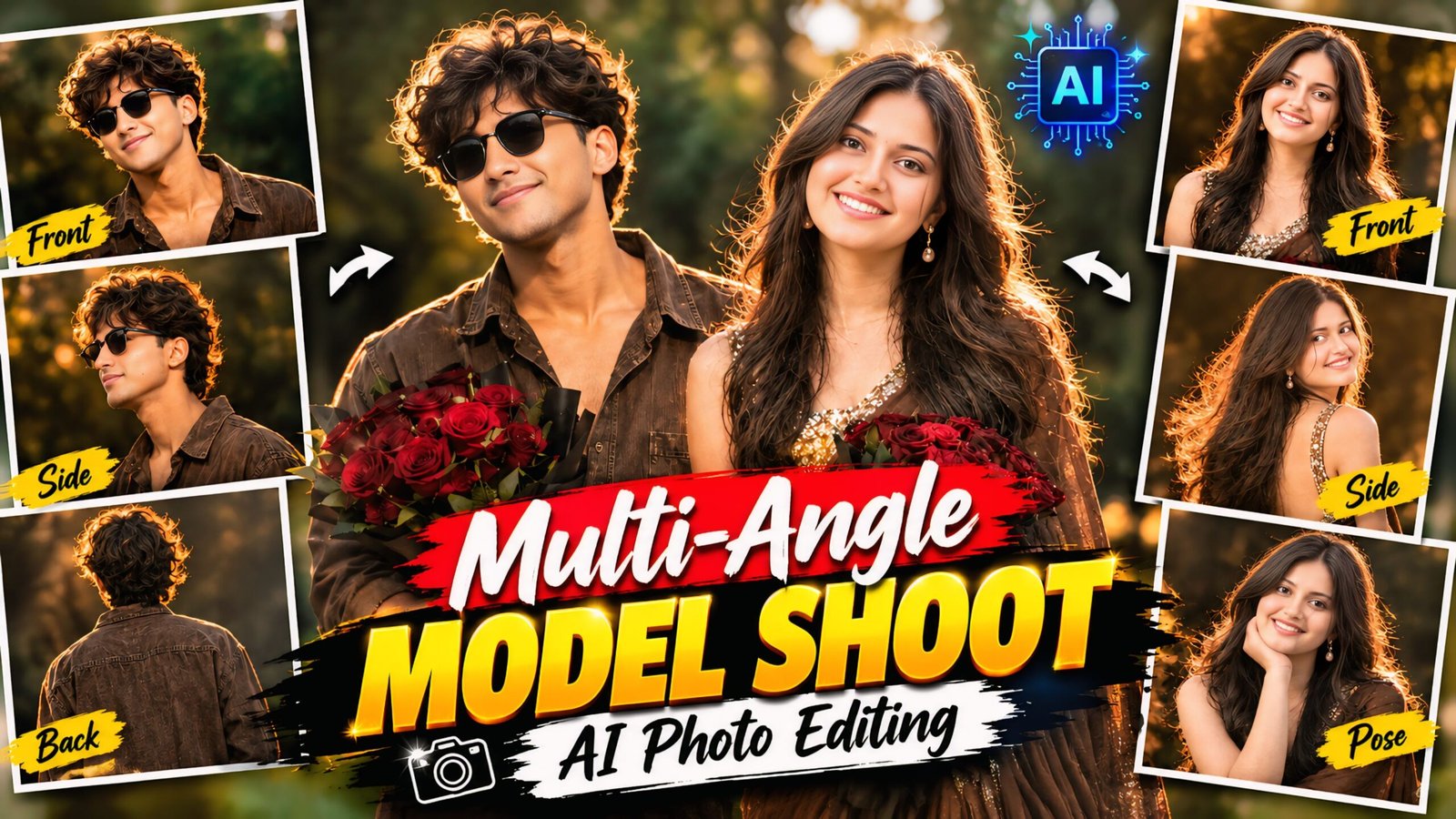
Multi-Angle Model Shoot AI Photo Editing Prompts: In today’s article, we are sharing some truly unique AI prompts that allow you to create identical photos right on your phone. These prompts enable you to generate a single image featuring four different poses and outfits within one frame, complete with cinematic backgrounds and golden effects—a style that looks incredibly unique and trendy. This look is currently going viral across Instagram and Facebook, and everyone loves creating these images. All you need to do is copy the prompts we’ve provided, use ChatGPT on your phone, and apply them to your own photos to create this effect.
As you know, the use of AI is growing day by day, with constant advancements and new updates being introduced. You can now download ChatGPT or Google Gemini on your phone and transform your photos just like we do. Creating such images has become incredibly easy; while people used to struggle with photo or video editing in the past, you can now achieve the same results with just a single click—saving both your time and money.
Information about Multi-Angle Model Shoot AI Photo Editing Prompts
This style features four different poses and a stylish look—all within a single frame—creating what can be described as a 4-layer or multi-angle photo. Anyone can create these—whether men, women, couples, or spouses. All you need to do is visit our website, copy the prompts, and apply them using any of your photos in ChatGPT; it is incredibly easy. Your photo will be ready in no time, perfectly matching the style.
Multi-Angle Model Shoot AI Photo Editing Prompts
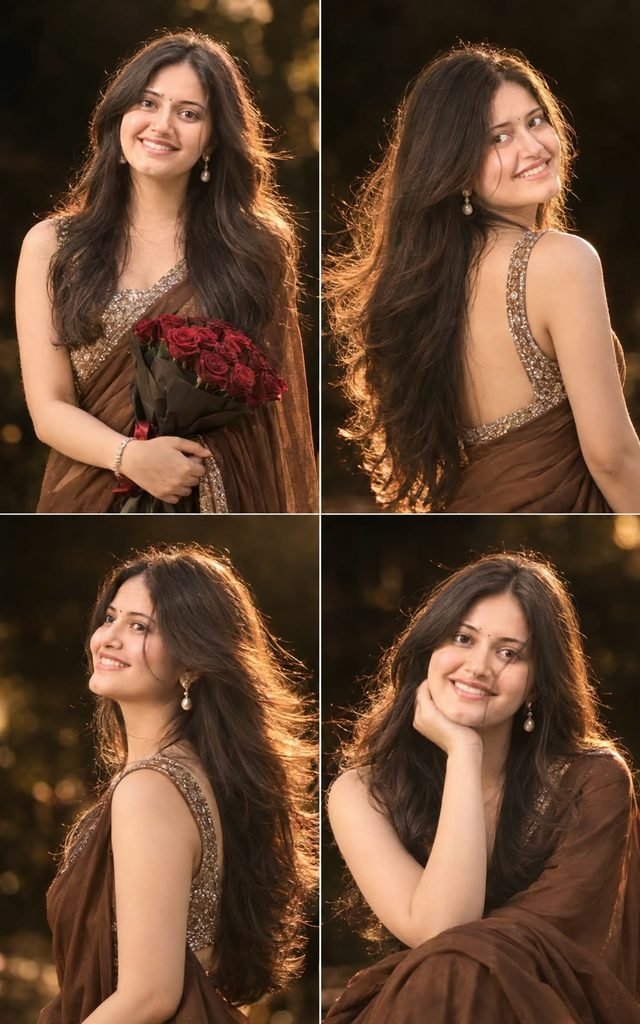
Convert the uploaded image into a portrait of a young beautiful woman with long, smooth brown hair, Some hair strands on her face. back hair is flowing out in the air. captured mid-turn as she looks back over her shoulder toward the camera.

She has a natural yet radiant makeup look with dewy skin, soft blush, glossy lips, and subtle eye makeup. She wears elegant pearl drop earrings and a simple, Brown Plain Saree With Bridal diamond Zari Work Sleeveless Blouse.

The lighting is warm and dreamy, with a strong golden backlight creating a glowing halo effect around her hair. The scene has a shallow depth of field with a soft bokeh background, almost completely dark, enhancing the subject's glow. Slight motion blur is visible in her hand, adding a sense of movement and candid elegance.
She is holding a Dark red roses Bookay in her Hand. Make it 4 different poses protrait (Front facing, back, Side, another aesthetic pose). Dont use bookay in every photo pose, only in one. The overall aesthetic is ethereal, Don't change face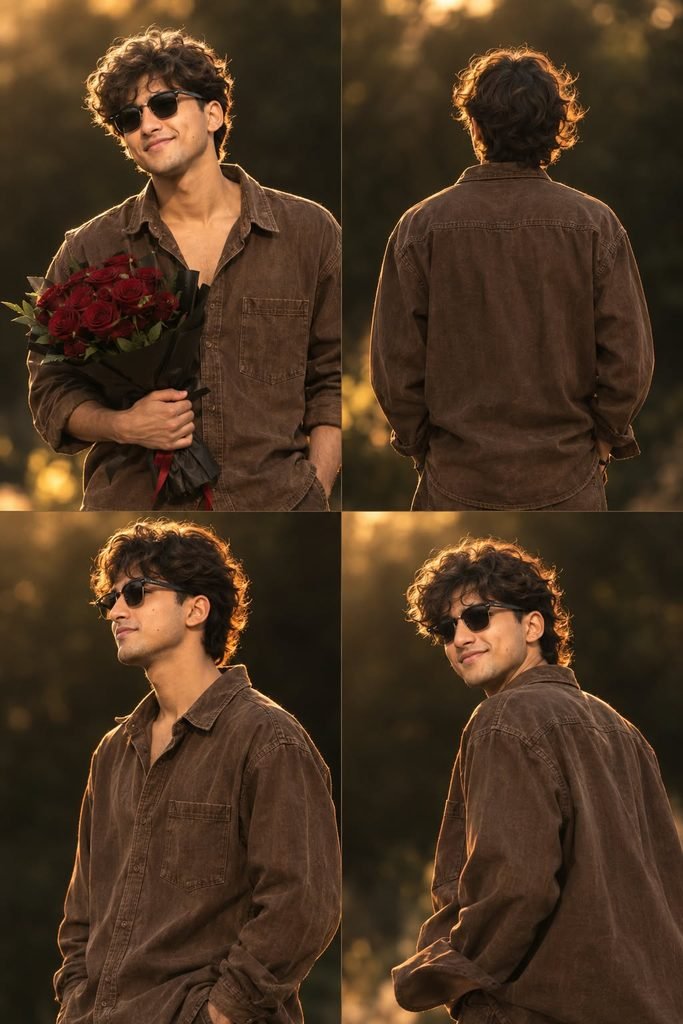
Convert the uploaded image into a portrait of a young beautiful man, smooth brown hair, Some hair strands on her face. back hair is flowing out. captured mid-turn as she looks back over her shoulder toward the camera.

She has a natural yet radiant makeup look with dewy skin, soft blush, glossy lips, and subtle eye makeup. She wears a simple, Brown Plain baggy jeans shirt.

The lighting is warm and dreamy, with a strong golden backlight creating a glowing halo effect around her hair. The scene has a shallow depth of field with a soft bokeh background, almost completely dark, enhancing the subject's glow. Slight motion blur is visible in her hand, adding a sense of movement and candid elegance.
She is holding a Dark red roses Bookay in her Hand. Make it 4 different poses protrait (Front facing, back, Side, another aesthetic pose). Dont use bookay in every photo pose, only in one. The overall aesthetic is ethereal, Don't change face
How to Use AI Photo Editing Prompts for Multi-Angle Model Shoots
To create a multi-angle model shoot photo, you will need the ChatGPT app; you can download it using the link provided below. After downloading, log in using any Gmail account. Next, locate the ‘+’ icon at the bottom of the screen, click on it, and upload the photo you wish to transform. Then, simply copy the prompt corresponding to the style you like, paste it alongside the photo, and send it. Wait a short while for the image to be generated, and then download it using the download option provided below.
Conclusion
As you know, the AI prompts I share are always unique and distinctive. This particular set of prompts for multi-angle model-style AI photo editing is truly fantastic. I have provided all the necessary details; all you need to do is follow the steps to create your photos. If you encounter any issues while creating them, please let me know in the comments. You can also comment if you are looking for any other types of AI prompts.