
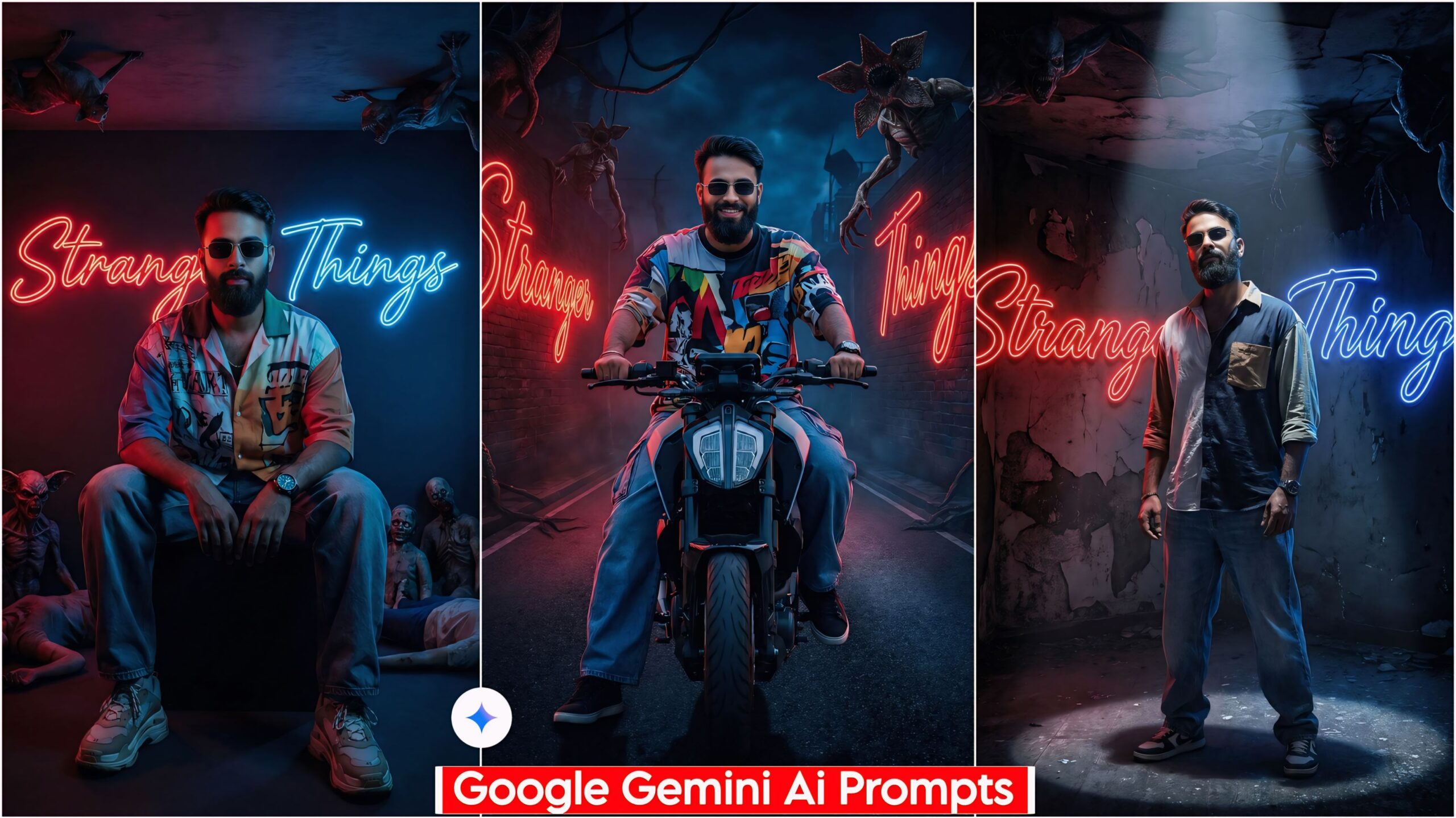
Google Gemini Create Stranger Things AI Photo Editing: In today’s article, I’ve created a fantastic prompt for you that’s currently going viral. Everyone is using it and posting the results on their social media. Some people are having trouble creating it, while others haven’t used good prompts, but the prompt I’ve provided will work 100%. It’s a Stranger Things AI prompt that everyone is using.
About Google Gemini Create Stranger Things AI Photo Editing
In this, we have provided a total of 5 prompts that are very impressive and unique. You can see them below and use them. You need to create these in Google Gemini; they will only work in Google Gemini. They are designed with dark colors and horror themes. The lighting is very realistic and unique, with a mix of red and green side lighting, and some elements have been changed. Look at them, copy the one you like, paste it into Google Gemini along with your photo, and send it.
Google Gemini Create Stranger Things Ai Photo Editing Prompts
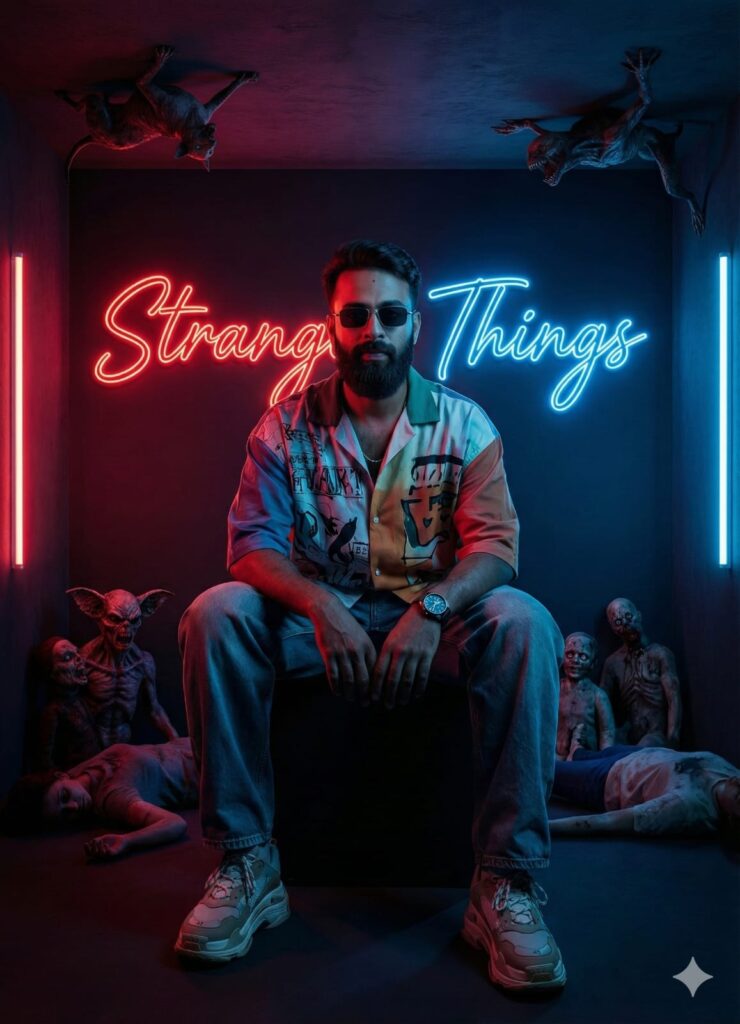
A hyper-realistic photo of a confident young man sitting in a dark room, facing the camera. He is wearing a trendy oversized mix-color shirt, baggy jeans, stylish shoes, a wrist watch, and sunglasses. The lighting is a cinematic mix of dark red and blue neon lights focusing sharply on his face. Behind him, large glowing cursive text explicitly reads "Stranger Things". The scene is horrific: scary horror figures and bodies are lying on the floor, and creepy monster-like animals are crawling on the ceiling/top. 8k resolution, highly detailed, photorealistic skin texture, dramatic atmosphere, Stranger Things poster style, volumetric lighting. Don't change faces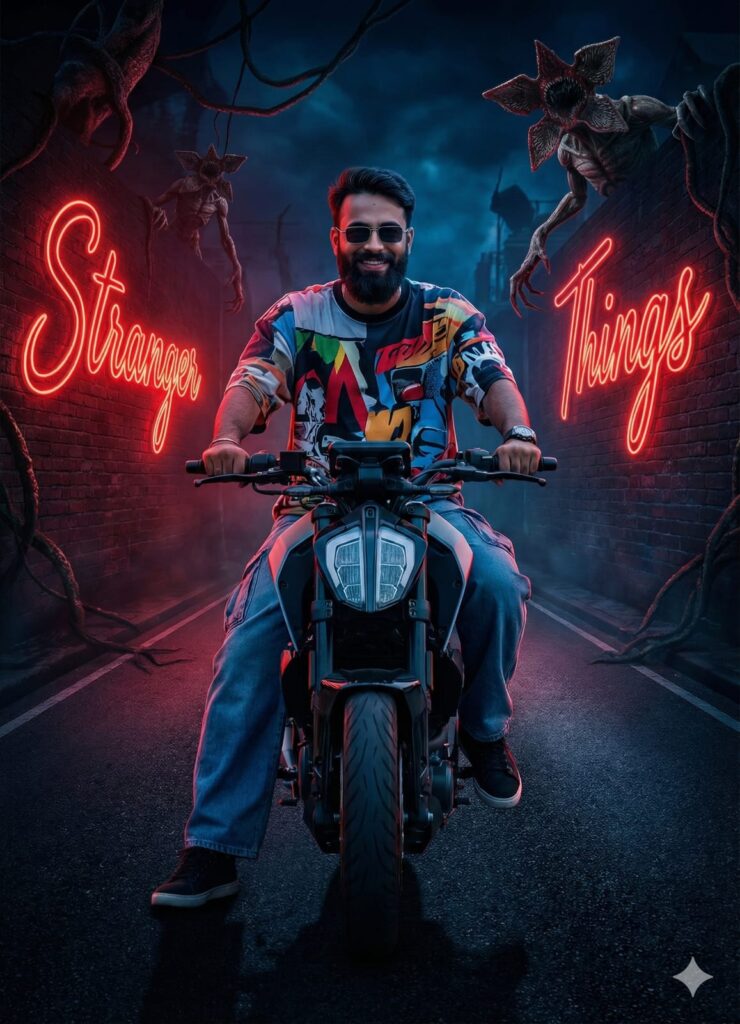
A hyper-realistic, front-facing view of a young man riding a sports bike on a dark main road with a confident expression. He is wearing casual baggy jeans, an oversized multi-colored shirt, sneakers, a wristwatch, and sunglasses. The background is a dark, cinematic horror scene inspired by ‘Stranger Things.’ The text “Stranger Things” is written in large cursive neon-style letters on the surrounding walls. Terrifying horror creatures and monsters are lurking above in the shadows. The scene is illuminated by a dramatic mix of red and blue volumetric lighting. High definition, sharp focus on the face, 8k resolution, photorealistic. Don’t change faces
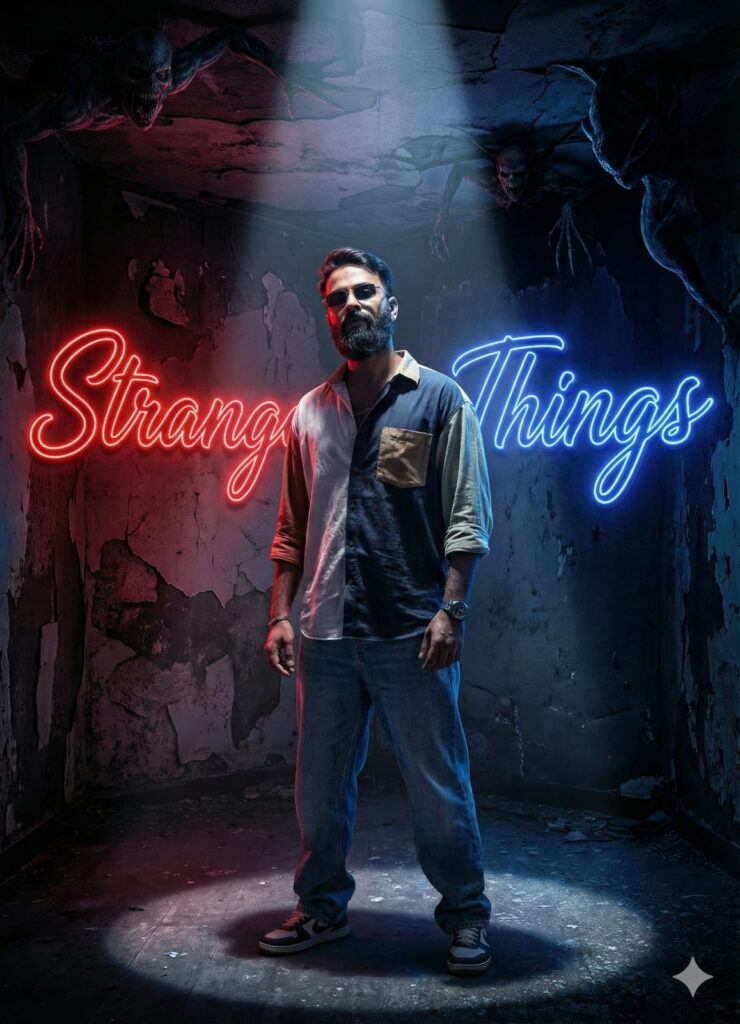
A hyper-realistic, front-facing view of a young man standing in a dark, abandoned horror room. He has a confident but intense expression, looking directly at the camera. He is wearing casual baggy jeans, an oversized mix-colored shirt, sneakers, a wristwatch, and stylish sunglasses. On the walls surrounding him, the text “Stranger Things” is written in large, glowing cursive neon letters. Terrifying horror creatures and monsters are crawling on the ceiling and shadows above. The scene is illuminated by dramatic red and blue dual-tone lighting, with a sharp spotlight focusing on his face. 8k resolution, cinematic, photorealistic. Don’t change faces
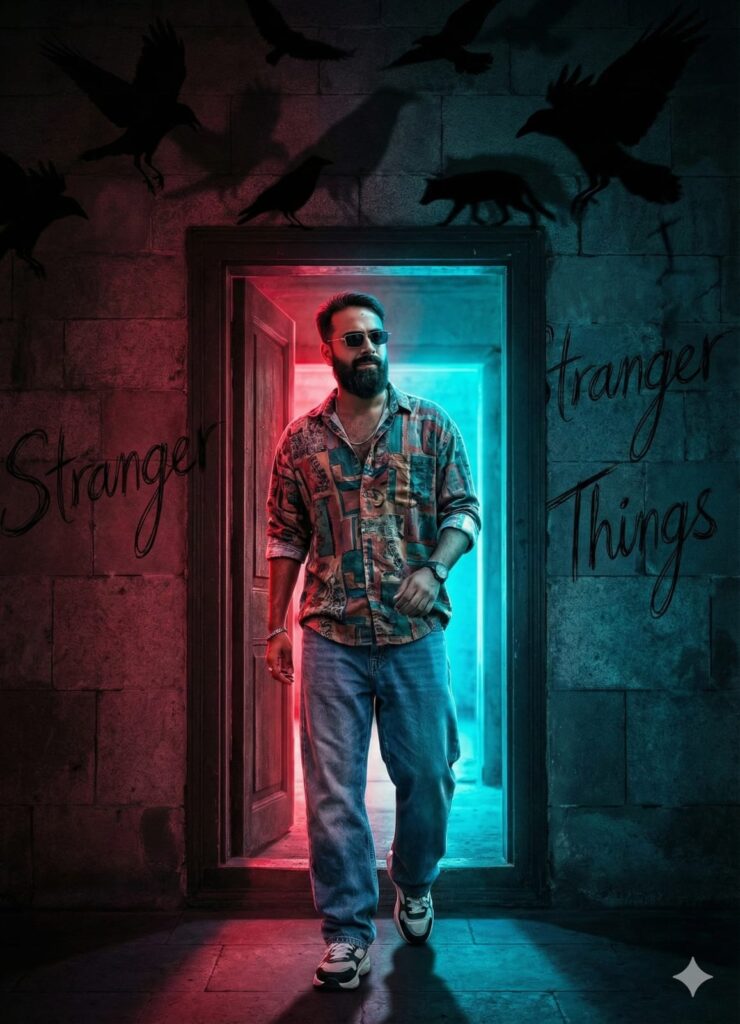
"A hyper-realistic photo of a confident young man stepping out of a dark room doorway, looking directly ahead with swagger. He is wearing stylish casual streetwear: baggy free-size jeans, an oversized multi-colored shirt, sneakers, a wristwatch, and sunglasses. The lighting is a dramatic dual-tone mix of red and neon blue, creating a horror atmosphere. The phrase 'Stranger Things' is written in large, scribbled cursive text all over the surrounding walls. Ominous horror birds and shadowy animals are perched near the ceiling. Sharp focus on the man's face, high-definition 8k quality, cinematic composition." Don't change faces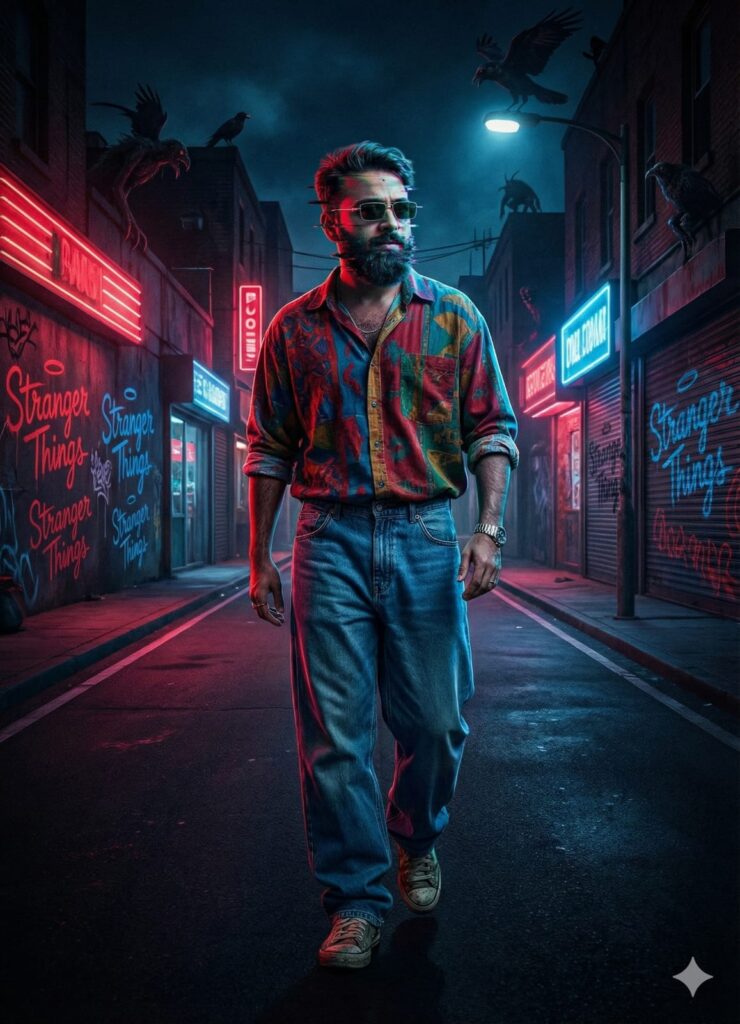
A hyper-realistic, cinematic photograph of a confident young man walking stridently down the center of a dark, deserted main road at night. He is wearing retro sunglasses, oversized baggy jeans, a loose mix-color patterned shirt, a wrist watch, and sneakers. The scene is intensely lit by a dramatic clash of red and blue neon lights, sharply focusing on his face. His face is captured in an unsettling, realistic mid-transformation morph or digital glitch effect, features shifting sharply while looking forward. The surrounding walls of buildings and roadside structures on all sides are completely covered in massive, glowing cursive graffiti reading "Stranger Things" repeatedly. Above him, perched on rooftops, streetlights, and power lines, are shadowy horror bi…Important:
Sometimes the prompts don’t work, but you don’t need to worry. Just open a new page, go to Google Gemini, and upload your photo again. It will create the image on the new page. If you have any other problems or questions, you can leave a comment.
How to Use Google Gemini Create Stranger Things Ai Photo Editing
I’ll explain how to use it so you don’t have any trouble. First, you need to download Google Gemini. Google Gemini is now available on almost everyone’s mobile phone. Then, just browse through the photos on my website and choose one you like. Below that photo, you’ll find the best Google Gemini Create Stranger Things AI Photo Editing tool.
You need to copy it, then paste what you copied into your Google Gemini AI prompts and post it. It’s very easy. Then you’ll have to wait 1 to 2 minutes. Your photo will be generated. If you want to make it even clearer, you can use Remini.
Conclusion
Friends, in this video, I’ve shown you how to use Google Gemini to create Stranger Things AI photo edits. I’ve explained how to use it, so please give it a try. If you liked it, please leave a nice comment. I’ve explained every step, and if you have any questions or don’t understand anything, please let me know.