
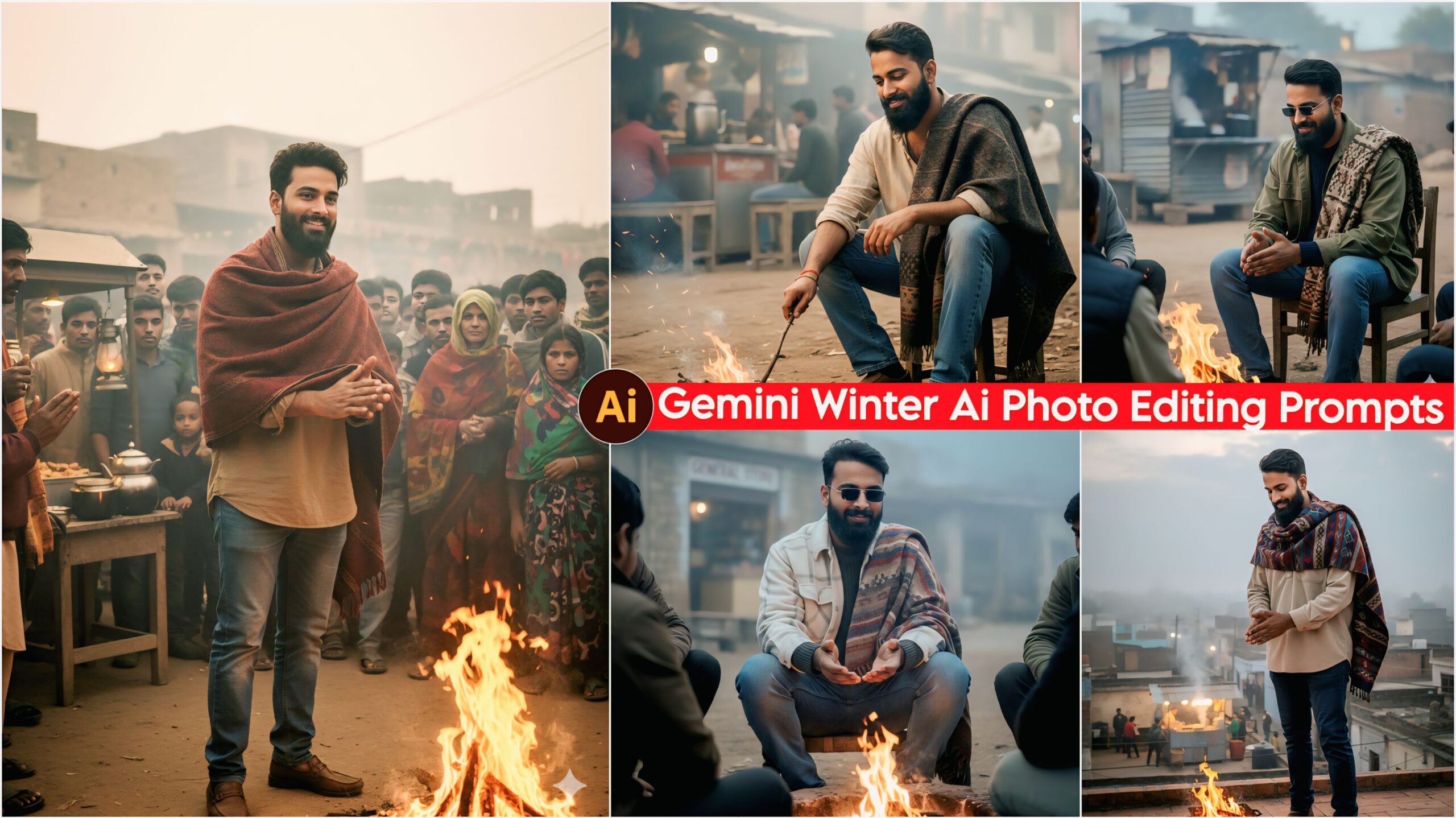
Google Gemini Winter AI Photo Editing Prompts: Friends, today I’ve brought you some winter prompts. Since the cold weather has arrived and people are often bothered by the cold, we’ve created a prompt that’s quite good and unique. Using Google Gemini, we’ve developed this prompt, and you can use it too. Everyone wants their photos to look good, unique, and stand out from others. Many people struggle to create such photos, but now you can do it with just one click.
You can create these prompts on your phone using an app called Google Gemini. You simply use these prompts within the Google Gemini app itself, and you can create them with just one click. This is currently trending a lot, and people are creating them on their mobile phones and posting them on Instagram and Facebook. So now you can do it too!
Let’s talk about Google Gemini Winter AI Photo Editing Prompts.
In this, I have given you the top and most unique winter prompts that you will surely like. Nowadays, everyone is creating their photos with the help of winter AI prompts. It features casual clothes like loose-fitting jeans and shirts, a jacket wrapped around the shoulders, and let’s talk about the lighting…
Google Gemini Winter Ai Photo Editing Prompt – 100% Face Matching
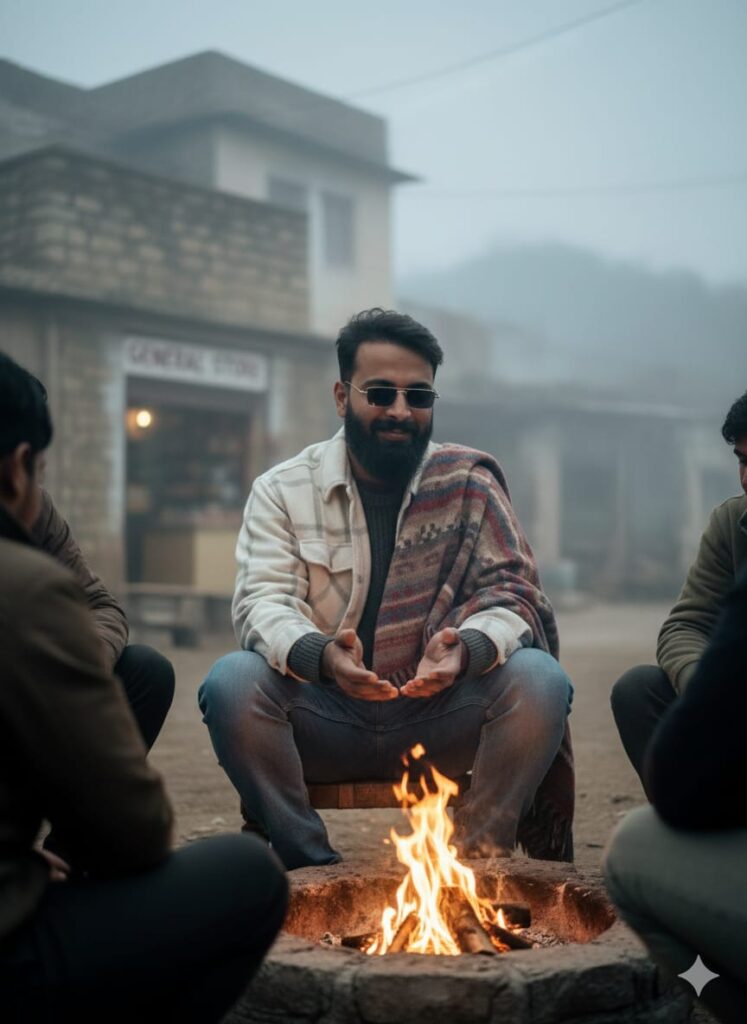
"A highly realistic and natural cinematic portrait of a young man, 20s, sitting amongst people, warming his hands by an open fire. He has a subtle, gentle smile and a clear face. He is wearing casual attire: jeans, an oversized shirt, a sweater, and a shawl draped over his shoulders. In the background, there is a village setting with a small shop, partially obscured by a light, atmospheric mist/fog. Cinematic lighting, sharp focus, hyperdetailed, 8K, photograph, ultra-realistic, real photo." Don't change faces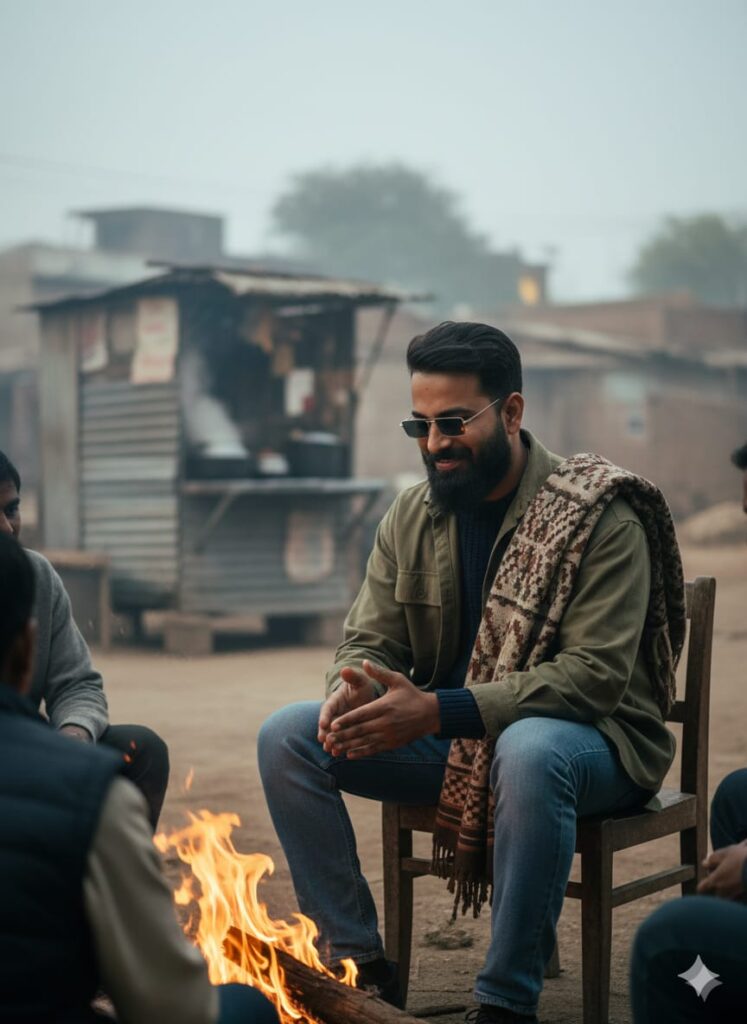
"A highly realistic and natural cinematic portrait of a young man, 20s, sitting on a chair amongst people, warming his hands by an open fire. He has a subtle, gentle smile and a clear, detailed face. He is wearing casual attire: jeans, an oversized shirt, a sweater, and a shawl draped over his shoulders. In the background, there is a prominent roadside tea stall (Chai ki Tapri) and a village setting, partially obscured by a light, atmospheric mist/fog. Cinematic lighting, sharp focus, hyperdetailed, 8K, professional photograph, ultra-realistic, real photo." Don't change faces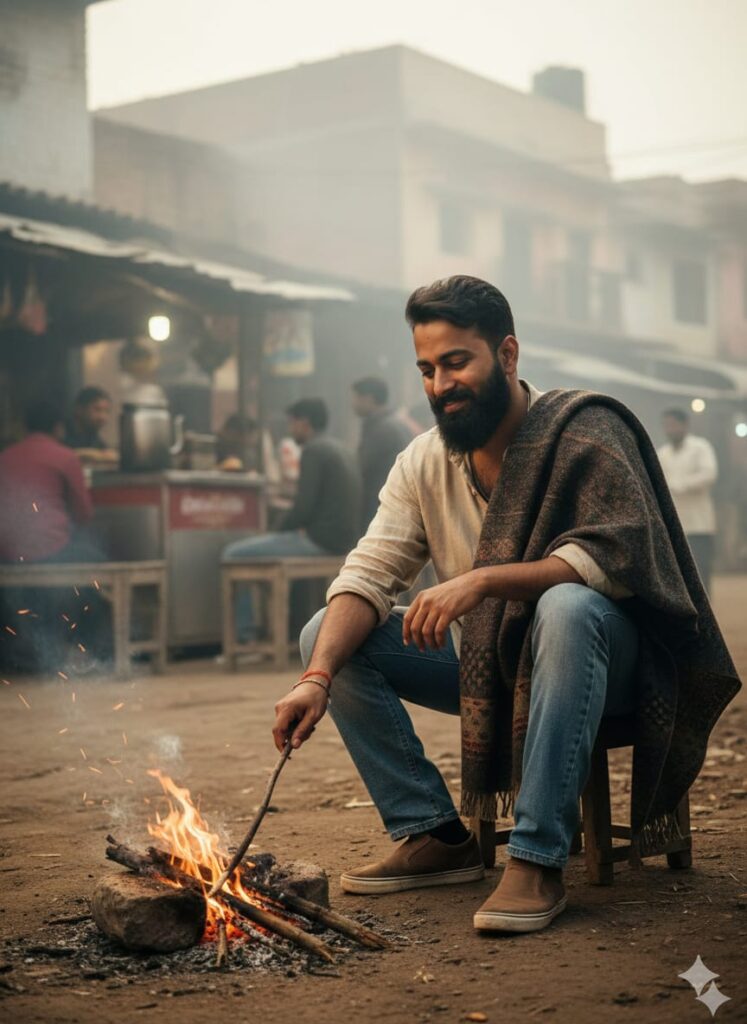
"A hyper-realistic and natural cinematic portrait of a young man, 20s, sitting on the ground or a small stool amongst people. He is engaged in adjusting or stoking the open fire. He has a subtle, gentle smile and a clear, detailed face. He is wearing casual attire: jeans, an oversized shirt, shoes, and a shawl draped over his shoulders. In the background, there is a prominent roadside tea stall (Chai ki Tapri) and a village setting, partially obscured by a light, atmospheric mist/fog. Dramatic cinematic lighting focused on the face, sharp focus, hyperdetailed, 8K, professional photograph, ultra-realistic, real photo." Don't change faces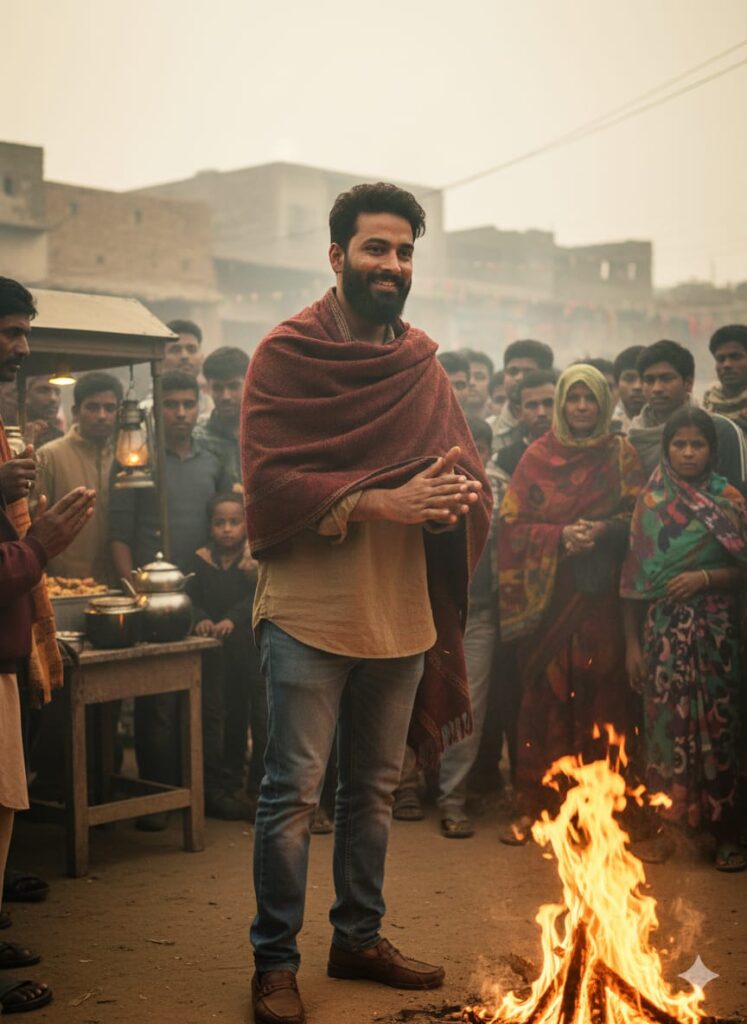
A young man with a highly realistic, slightly altered/transformed face, standing amongst a crowd. He is smiling slightly while rubbing his hands together in front of a burning fire. He is dressed in casual attire: jeans, a loose-fitting shirt, and shoes, with a shawl draped over him. In the background, there is a hot tea stall and a village, partially obscured by a light fog. Cinematic lighting, clear facial features, HD quality. Hyper-realistic, natural, and authentic. Don't change faces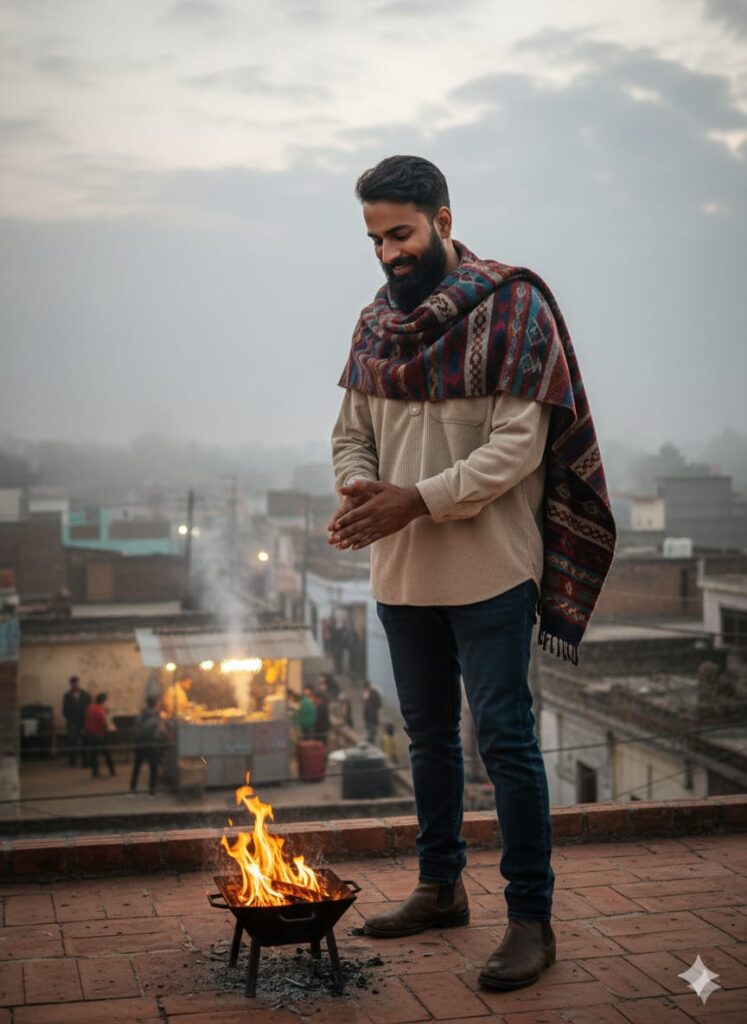
A realistic, cinematic, high-definition (HD) photograph of a young man with a slightly modified face (to appear realistic and natural). He is standing on the rooftop of his house, lightly smiling, and is warming himself by a small fire (aag tap rha ho). He is dressed casually in jeans, an oversized free-size shirt, and shoes, and has a shawl draped over his shoulders.
In the background, there is a small, busy tea stall (chay ki tapti dukan) and a village (gaon). The scene is set during a time with a light fog, and the cinematic lighting clearly illuminates his face. The overall quality should be extremely realistic, natural, and true-to-life. Don’t change faces
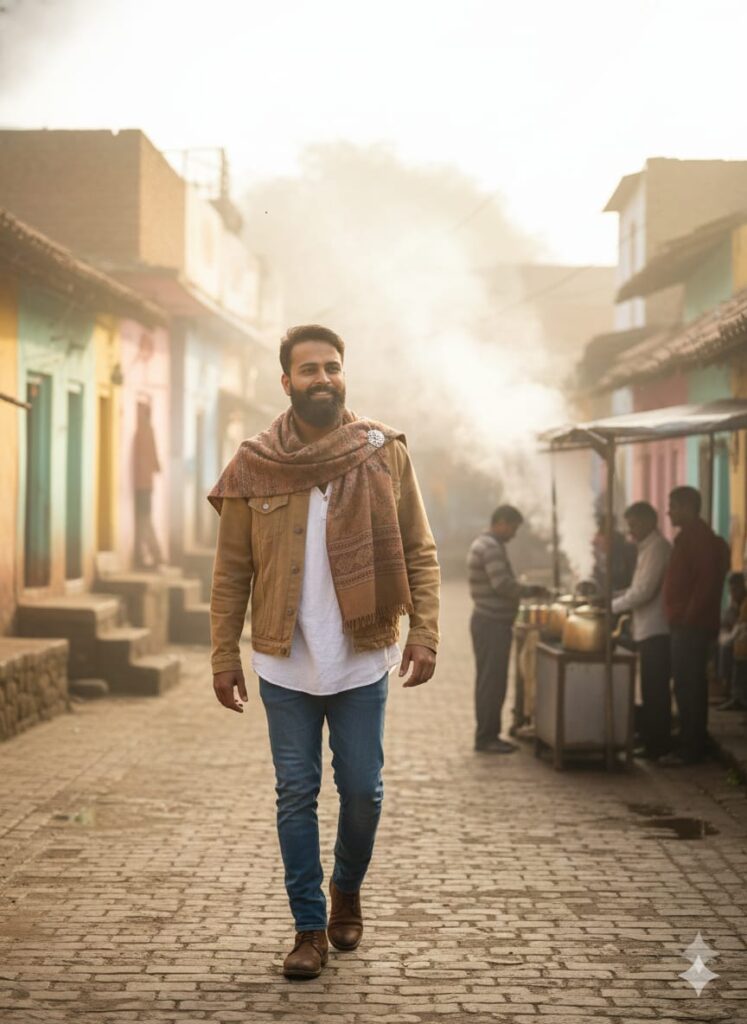
Ultra-realistic cinematic photograph: A young man with a subtly changed, natural-looking face and a gentle smile is walking through an Indian village. He is wearing casual attire (jeans, oversized shirt, jacket, shoes) with a shawl draped over his shoulders. In the background, a steaming tea stall and light fog are visible. Cinematic lighting, HD quality, natural look. Don't change facesNote –
Please enter all your details here. Sometimes the prompts don’t work, but don’t worry. Just open a new page, go to Google Gemini, and upload your photo again. It will be created on the new page.
How to Google Gemini Winter Ai Photo Editing Prompts
Let me explain how to use it so you don’t have any trouble. First, you need to download Google Gemini. Since Google Gemini is now available on almost everyone’s mobile phone, you can simply browse through the photos on my website and choose one you like. Below that photo, you’ll find the best Google Gemini Winter AI Photo Editing Prompts.
You need to copy it, then paste the Google Gemini Winter AI Photo Editing Prompts you copied earlier, and then post it. It’s very easy. Then you’ll have to wait for 1 to 2 minutes. Your photo will be generated. If you want to make it even clearer, you can use Remini.
Conclusion
Friends, in this post, I have given you Google Gemini Winter AI Photo Editing Prompts and explained how to use them. So please use them, and if you liked it, you can let me know by leaving a nice comment. I have explained every step, and if you didn’t understand anything, please let me know, and I will explain it to you.
Google Gemini Link Click And Use
UNLIMITD AI PROMPTS